

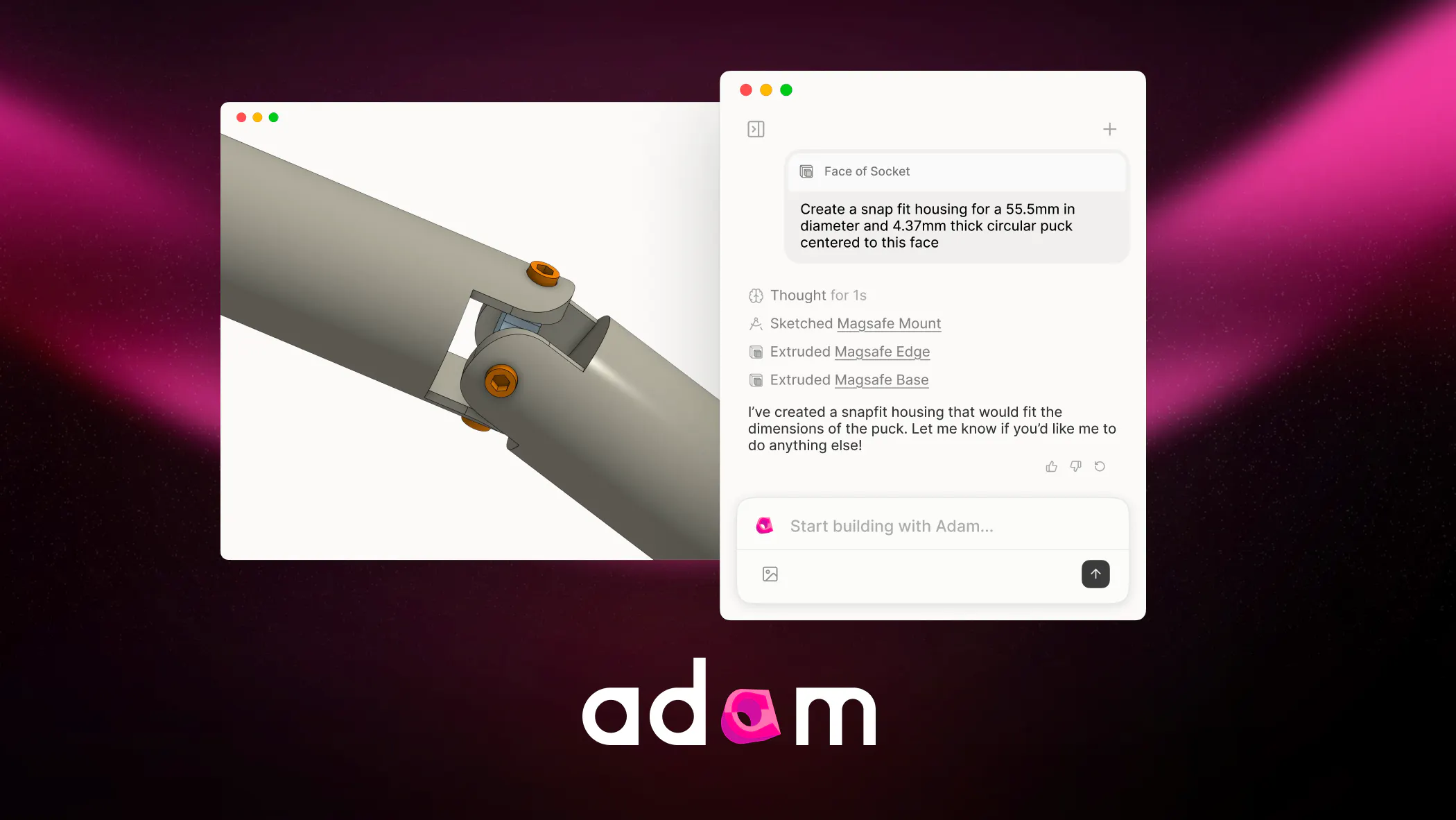
About Adam CAD Copilot
Reviews 15
-
Jackson Fisher 1 week ago
Keeping the feature tree editable is the part I'd care about most. We work on photo-to-print for figures and gifts, and we always tell people that precise mechanical parts belong in CAD. Does Adam handle tolerances for fit, like press-fit holes or clearances between printed parts?
-
Wiley Lubowitz 4 months ago
I've been using Adam to create a 3D cylindrical marker holder, and the experience has been impressive. The way it understands the existing CAD model and quickly generates precise changes is a huge productivity boost. What would normally take me a couple of days of modeling, refining, and editing was completed in about 10 minutes with a well-crafted prompt. The generated feature tree remained clean and editable, making it easy to continue iterating on the design. Really enjoyed using this product it's fast, accurate, and feels like a genuine CAD copilot rather than just another text-to-CAD tool. Great work on the launch!
-
Scotty Feest 4 months ago
ai inside onshape + fusion is exactly the right wedge 👏 keeping the feature tree editable is the hard part, nice work
-
Rahul Goyette 4 months ago
Onshape and Fusion both have such fiddly feature trees, so putting the AI right inside them instead of yet another standalone tool feels like the smart call. That's the part most people would probably skip.
-
Dorcas Parker 4 months ago
finally an ai that actually works inside my fusion workflow instead of dumping a screenshot back at me, the clean up feature tree trick saved me on a bracket design yesterday
-
Conner Jacobs 4 months ago
Keeping everything editable is such a thoughtful choice for engineers who hate black-box tools, nice work building it natively into Fusion and Onshape rather than bolting on another tab.
-
Joany Hansen 4 months ago
Really love that the edits stay fully editable in the feature tree instead of getting flattened into dumb geometry. The decision to integrate natively inside Fusion and Onshape instead of pushing yet another window is exactly what mechanical engineers actually need.
-
Mckenzie Mosciski 4 months ago
Does Adam run fully inside Fusion and Onshape without needing a separate window, or do I have to bounce back and forth to a web app?
-
Trenton Spencer 4 months ago
been waiting for something like this inside Fusion, the prompt-based part editing feels surprisingly natural and the feature tree stays editable which is a big deal
-
Jaiden Runolfsson 4 months ago
Really nice touch keeping everything editable and tied to the actual feature tree instead of just spitting out a static STL, that's the part most AI CAD tools get wrong and it shows the team actually understands how engineers work in Fusion and Onshape.
-
Trenton Spencer 4 months ago
Finally a CAD copilot that lives inside Fusion and keeps the feature tree editable, not some black box export. Cleaning up a messy tree with a single prompt felt almost too easy.
-
Carter Volkman 4 months ago
How does it handle complex assemblies where multiple parts interact, or is it mainly aimed at single-part edits right now?
-
Rylan Cremin 4 months ago
How does Adam handle complex assemblies with lots of constraints, and does it keep parametric history intact when it edits features?
-
Marcelo Prohaska 4 months ago
the Fable 5 as state of the art for agentic CAD claim caught my eye. when I point it at selected geometry and ask for an edit, does it reason through the feature tree so the history stays clean, or just bolt on stuff that breaks the second I tweak an upstream parameter?
-
Halle Wilkinson 4 months ago
Really like how you kept the feature tree fully editable instead of turning Adam into a black box. That choice alone shows the team actually gets how mechanical engineers think and work.