

About Adject for Chrome
Reviews 4
-
Korey Hammes 9 months ago
Hey PH, I’m Gadir. I work closely with e-commerce teams using Adject. What we hear most often is: “It’s not the big features that slow us down, it’s the tiny steps repeated all day.” This extension removes one of those steps. It’s especially useful when collecting references, competitor visuals, or inspiration during research. If you’re building or marketing physical products, I’d love to know how you currently collect and manage visual assets.
-
Odell Bode 9 months ago
Hey PH, I’m Cenker, co-founder of Adject. We started Adject after watching e-commerce teams struggle with the same thing over and over: great products, but painfully slow and expensive visual production. Photoshoots, mockups, freelancers, endless revisions. The Chrome extension is a small but important step in our direction, removing friction wherever it exists. If inspiration is already on the web, you shouldn’t have to download files just to start creating. Curious to hear where your creative workflows feel slow or annoying, we’re very focused on fixing those small but high-impact problems.
-
Korey Hammes 9 months ago
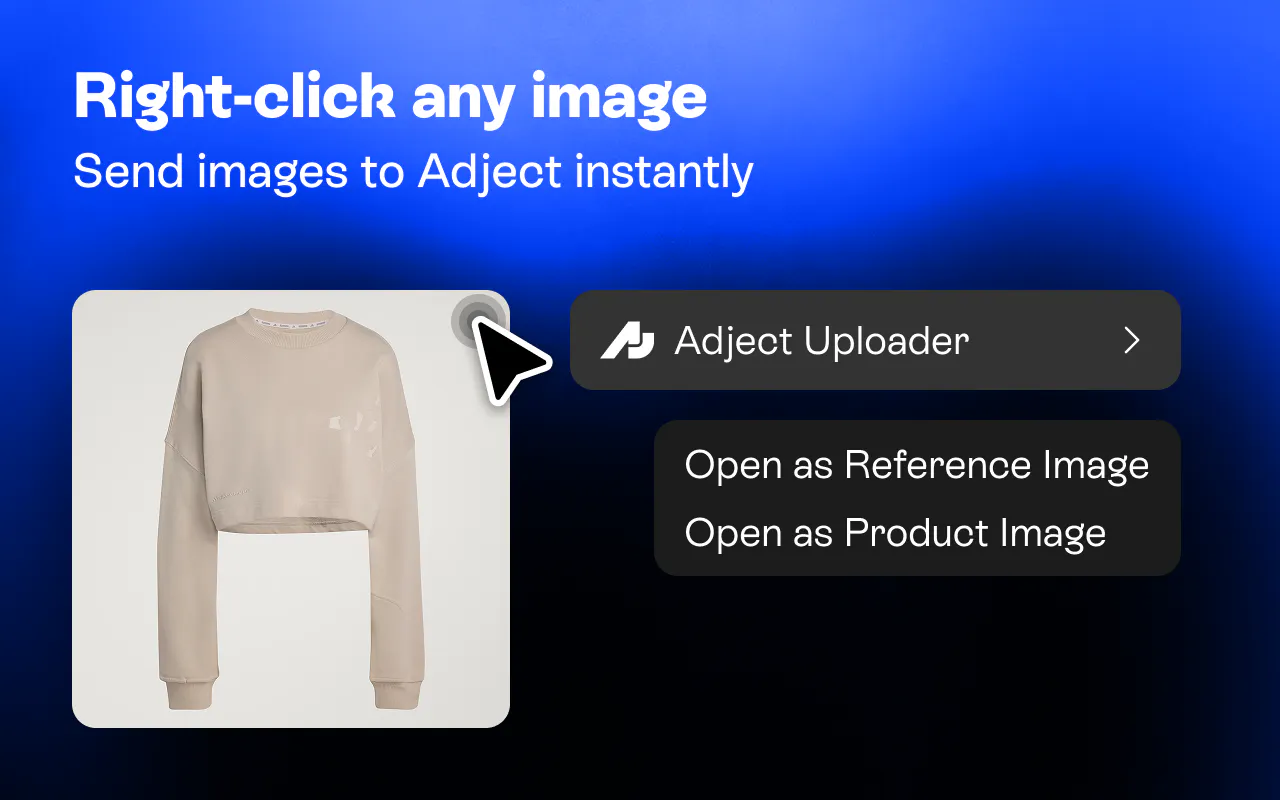
Hey everyone, I’m Berke, working on the development side at Adject. One thing we care a lot about is making tools feel invisible. The best workflows are the ones you barely notice. The Chrome extension does almost nothing, and that’s intentional. It only acts when you right-click an image and send it to Adject. No tracking, no background activity, no clever hacks. If you’re curious about how we think about lightweight integrations or clean extension design, happy to chat.
-
Santa Cassin 9 months ago
Hi PH! I’m Saljug, co-founder at Adject. A big challenge in creative tools is context switching, jumping between tabs, folders, downloads, and uploads. It breaks flow. The extension is about protecting that flow. You see an image you like, you right-click, and it’s already where you need it to be, inside your project. I’d love to hear how others think about reducing friction in creative tools, especially for visual work.