

About Bunzee 3.0
Reviews 8
-
Garland Grady 3 months ago
Hey team, congrats on launch! The concept of giving AI real context rather than just letting it guess tokens is brilliant. Combining competitor analysis, design systems, and MCP piping into one clear workflow makes so much sense. Excited to see where Bunzee goes from here!
-
Derick Koelpin 3 months ago
Congrats on Launch! Validating before building is the advice everyone gives and almost nobody follows, mostly because it's tedious. Making that part fast is a good problem to go after. Good luck today.
-
Michel Heathcote 3 months ago
@jhj_ji Hey! Great Product i must say. Now i have one question - can we give our design.md file in some way and then the screens generated would they be according to that ?
-
Esteban Kilback 3 months ago
Congrats 👏 . When it generates screens or wireframes, can I actually edit them, for example move things, restructure, fix the spacing myself or am I re-prompting until it lands somewhere close enough to live with?
-
Carter Volkman 3 months ago
@shyunbill Congrats on the launch! My question is where Bunzee actually sits relative to Lovable or Bolt. The MCP mention makes me think you're upstream of them rather than competing, but the page reads like it could go either way.
-
Burley Collins 3 months ago
Congrats on the launch! The idea of giving AI coding tools structured context before they start building really makes sense. Curious how well the design intent carries through once it reaches Codex or Claude Code. Great work on 3.0!
-
Sedrick Hirthe 3 months ago
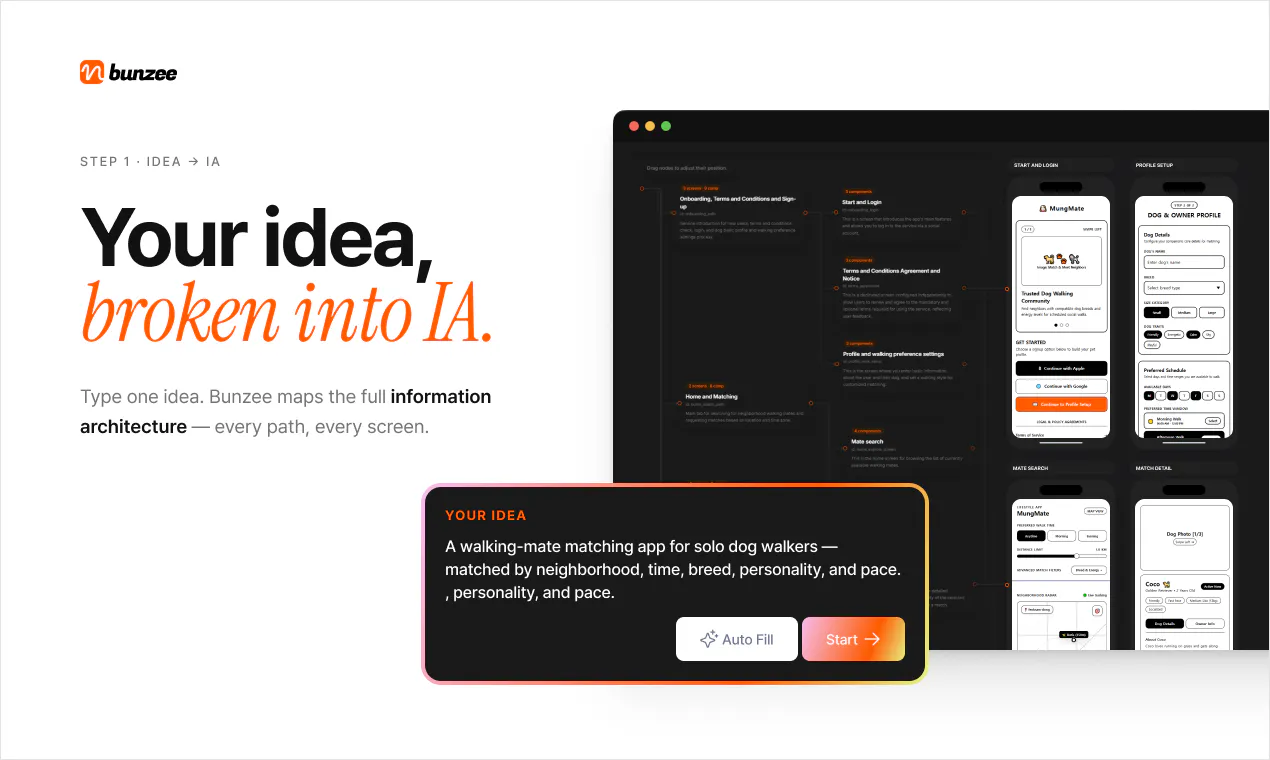
Hey PH. I'm the planner on the team. This is our third launch here. 3.0 is built around that gap. Everyone hands their idea to an AI now, but an AI with no context builds something adjacent to what you asked for. What we spent this cycle on was the context itself — making it come from real market data instead of a prompt. What's in it: • Idea validation against real competitors and the complaints people already leave in that category • PRD and IA where every screen has a reason to exist • Wireframes → design, shaped from 250+ real global app styles • Figma export with layers intact, so you can fix things by hand instead of re-prompting • MCP handoff straight into Cursor or Claude Code Free to try. Run one idea through it and tell me where it breaks — the step that felt useless, or the one you'd skip entirely. That's the feedback I actually need. Have a great day!
-
Blaze Koepp 3 months ago
Hey PH. I'm the designer on the team. Shyun covered how we got to 3.0, so I'll talk about the part I worked on. Ten years of UI/UX before this, and the mistake I made most often was always the same one. I opened Figma first. Beautiful screens, shipped, nobody needed them. Prompt-to-UI tools didn't fix that for me. They just made it faster to build the wrong thing. So the screens in 3.0 don't start from my taste. They start from what the analysis found, the complaints people already leave about products in that category. And you pick a direction from 250+ real global app styles instead of taking whatever the model felt like generating. The feature I use the most myself is Figma export. Bunzee generates the wireframes, but I'm a designer. I want to fix them myself. Asking an AI to nudge one box, waiting, burning tokens, then asking again is slower than just doing it. So the wireframes export into Figma with the layers intact. I edit what I want to edit by hand, and only go back to Bunzee for the parts that actually need regenerating. That turned out to be the fastest way to work, at least for me. What I'd love to hear from other designers: Is that how you'd want to work with a tool like this, or would you rather stay in one place and never open Figma at all? And when you get an AI-generated screen, does it feel like something you'd edit, or something you'd throw out and redraw from scratch? I genuinely can't tell from inside the team, so I'll be here all day.