

About Cai
Reviews 9
-
Adam West 6 months ago
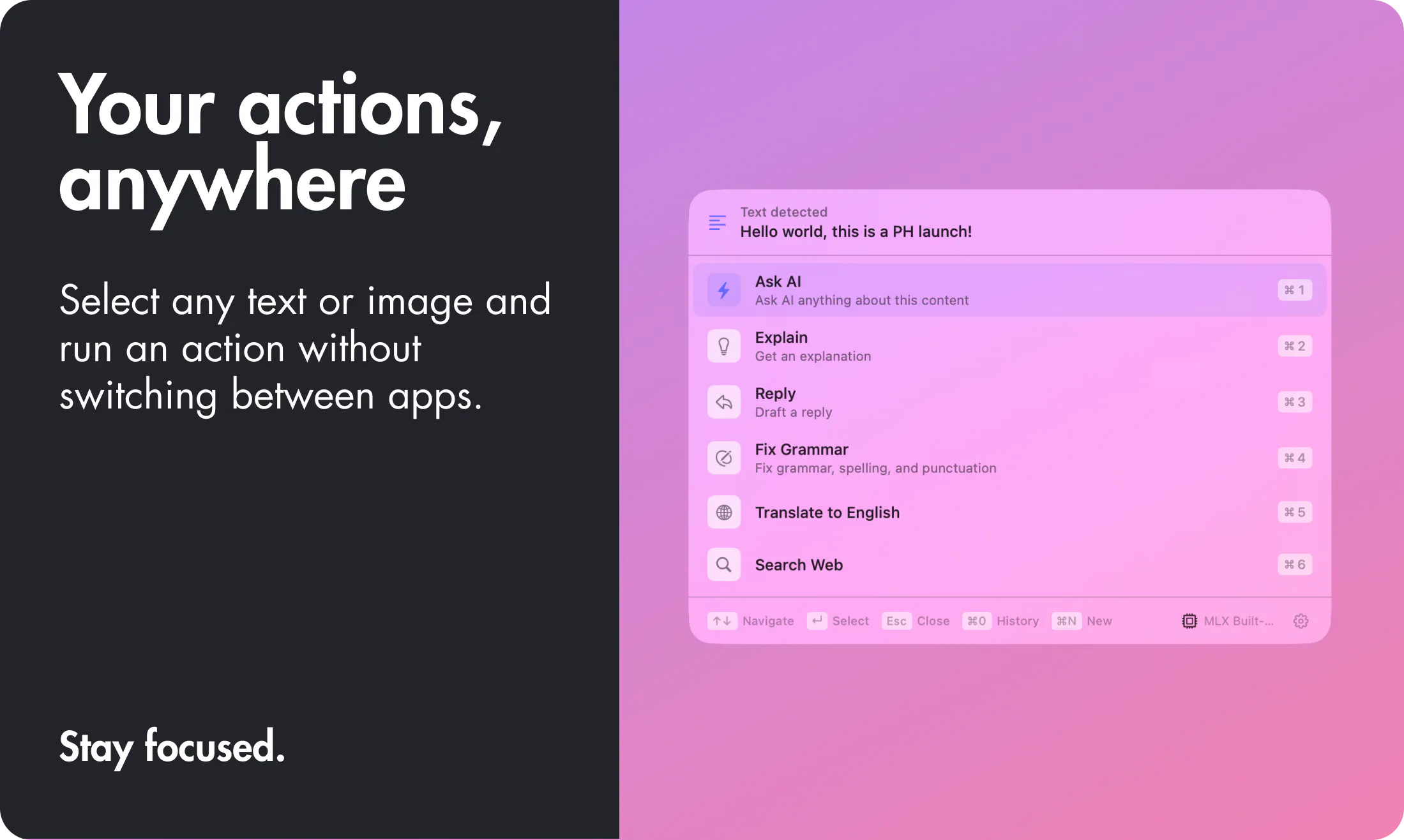
Just started reviewing the tool. I am a keyboard type of user. Perhaps a silly comment. Once you press ⌥C I understand that the shortcut ⌘1 , ⌘2 is common in other apps. Have you considered using ⌥1 ⌥2 ....
-
Godfrey Donnelly 7 months ago
⌥C as the trigger right next to ⌘C is a subtle muscle-memory hack — Raycast chose ⌘Space for a reason but this lands differently. Local-first + MIT-licensed + zero telemetry is the trifecta most "AI assistant" apps silently violate. Curious how Cai handles shared workflows when users want to sync custom actions across their Macs without signing in.
-
Hugh Borer 7 months ago
⌥C as the trigger is the kind of choice that either becomes muscle memory in a day or never gets used. "Local" is the part that's going to drive most of the adoption here — Raycast has the shortcut space but the cloud dependency. Curious what the model footprint looks like at rest.
-
Jake Blanda 7 months ago
Big up!
-
Malachi Armstrong 7 months ago
Good luck with today's launch! :)
-
Jaiden Runolfsson 7 months ago
Good luck Asis.
-
Adam Zemlak 7 months ago
Wow this is really really cool - is this open source - this is what software should be minimal and simple and does what it has to do.
-
Odell Bode 7 months ago
This looks sharp. What do you think will surprise people most once they actually use it?
-
Reilly Thiel 7 months ago
@soyasis Congratulations. And happy product launch.