

About Chronicle 2.0
Reviews 15
-
Roy Kris 7 months ago
"No AI slop" is a bold promise and from what I see, it holds. How does it handle brand consistency across a long deck does it carry fonts and colors automatically?
-
Rocio Cormier 8 months ago
"AI presentations without the AI slop" — this tagline alone tells you something important about where we are. The first wave of AI tools was about generation. The second wave is about taste. What Chronicle is actually doing isn't just making slides faster. It's solving a coordination problem between thinking and communicating. Most people don't struggle to create presentations. They struggle to make their thinking visible without losing its clarity in the translation. The real competition for presentation tools isn't other AI tools. It's the blank page and the cognitive friction between knowing something and being able to show it. The tools that win this category won't be the ones that generate the most. They'll be the ones that lose the least in translation.
-
Quincy Medhurst 8 months ago
The name says everything. Ai slop in decks is so real. Does it actually fix the formatting or hide it better?
-
Felipe Sanford 8 months ago
"Without the AI slop" is doing a lot of honest work in that tagline. Most AI tools make more noise, not more signal. The courage to call that out — and then actually build against it — is rare. Presentations are ultimately acts of communication. They're someone trying to get another person to feel something, believe something, move. Curious how you're thinking about the gap between a beautiful slide and a message that actually lands.
-
Zachariah Hudson 8 months ago
How do you show the service the corporate style? Can you provide a link to the official website and it will copy it from there?
-
Tyrique Lind 8 months ago
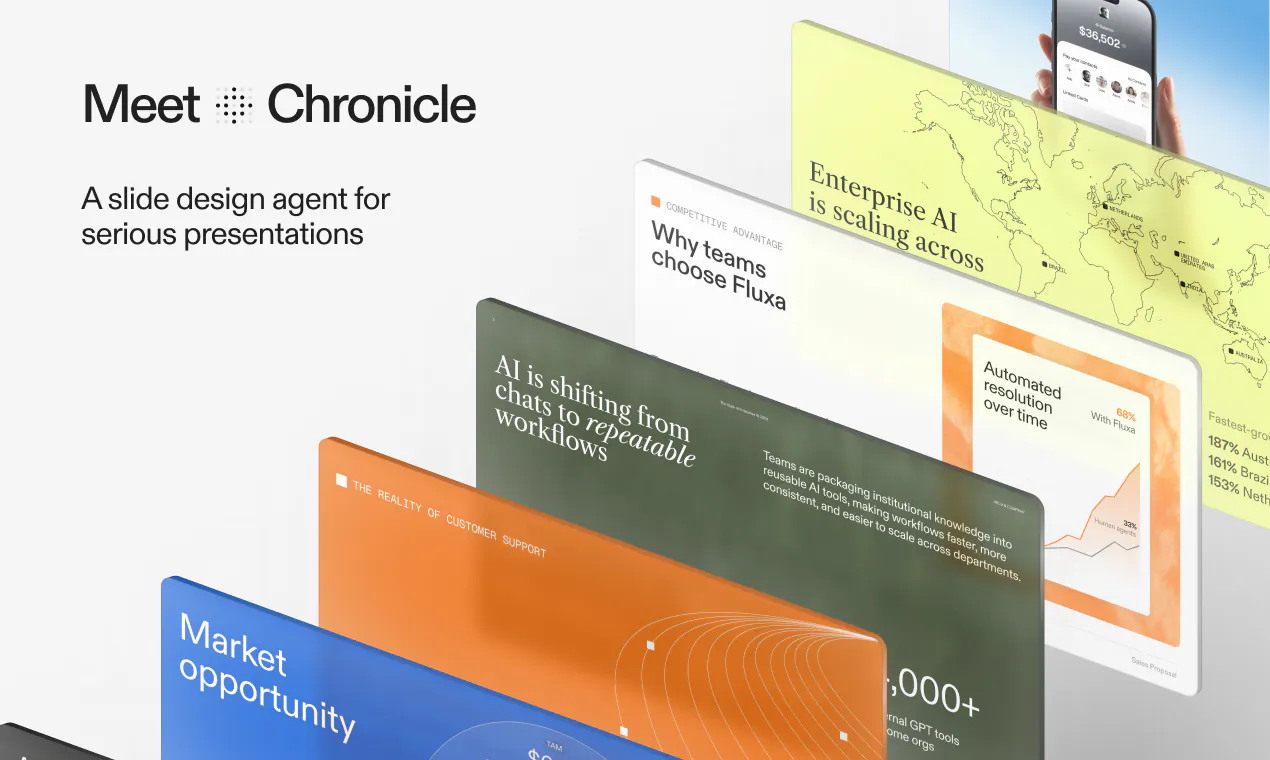
Designer here, I jumped on Chronicle early because the starting templates were leagues ahead of anything else in this space. Real typography choices, balanced layouts, consistent spacing. You could tell the team has actual design backgrounds (the DNA shows). What's exciting about Chronicle 2 is Muse. Having a conversational AI agent that can iterate on specific slides without blowing up the whole deck is exactly how I want to work as a designer in refinement stages. LOVE how the freeform canvas still gives me full control when I need to fine-tune spacing or hierarchy, which matters when you're presenting to clients, comes in clutch! This isn't just another AI slide generator. It's the first one I'd actually use for work I put my name on. Congrats to the team on the launch!
-
Karley Frami 8 months ago
I went through a few of these presentation apps - after leaving Keynote behind almost 4 years ago. Gamma and Pitch felt easier for the way I think/work. Then I stumbled across Chronicle at a webinar and haven't looked back since. The only thing I get frustrated by is that you can't go back to a previous version - if you by mistake delete or move anything - command Z doesn't always bring it back. But my fave feature is having Claude with as a slide builder companion. An intelligent deck maker that always delivers effortlessly designed presentations - something I think most designers would appreciate.
-
Burley Collins 8 months ago
Looks great! I was able to make our brand deck really easily. The interface worked well, it was easy to understand and it got me working quickly and seamlessly. The package came out very clean, I just wish that I could export it so that i could modify it in Figma. But this is great for people that dont have Figma and want to edit directly in the app. Will be using it in the future!
-
Kay Balistreri 8 months ago
Love how the charts look! With all other tools I've tried before, I've need to compromise one of design or data visualization for the other. The charts here look sexy af. It's amazing how much time is freed up when you don't have to start from scratch. And honestly, I don't see this as a tool to just craft a final deliverable - it's also augmented the ideation / reiteration process. Great job folks and looking forward to having my mind blown again!
-
Conner Gislason 8 months ago
The "without the AI slop" tagline is so good lol. That's literally the biggest complaint I hear from everyone trying AI presentation tools. Everything ends up looking the same generic corporate template. Curious how much control you get over the output. Can you lock certain slides from being changed and just let AI handle the rest?
-
Carter Volkman 8 months ago
Congrats on the launch!
-
Gaylord Buckridge 8 months ago
Always been a nerd for slides and I’ve been using Chronicle enough now for this to become my go-to-tool! @tejgw and team, keep killing it!
-
Garnet Stokes 8 months ago
So cool! Will use it for my deck
-
Mortimer Powlowski 8 months ago
Wow this is so exciting. Looking forward for the launch.
-
Ayden Miller 8 months ago
Congratulations on the launch! I have been using Chronicle for few weeks and love the range of beautiful decks and the use of AI.