

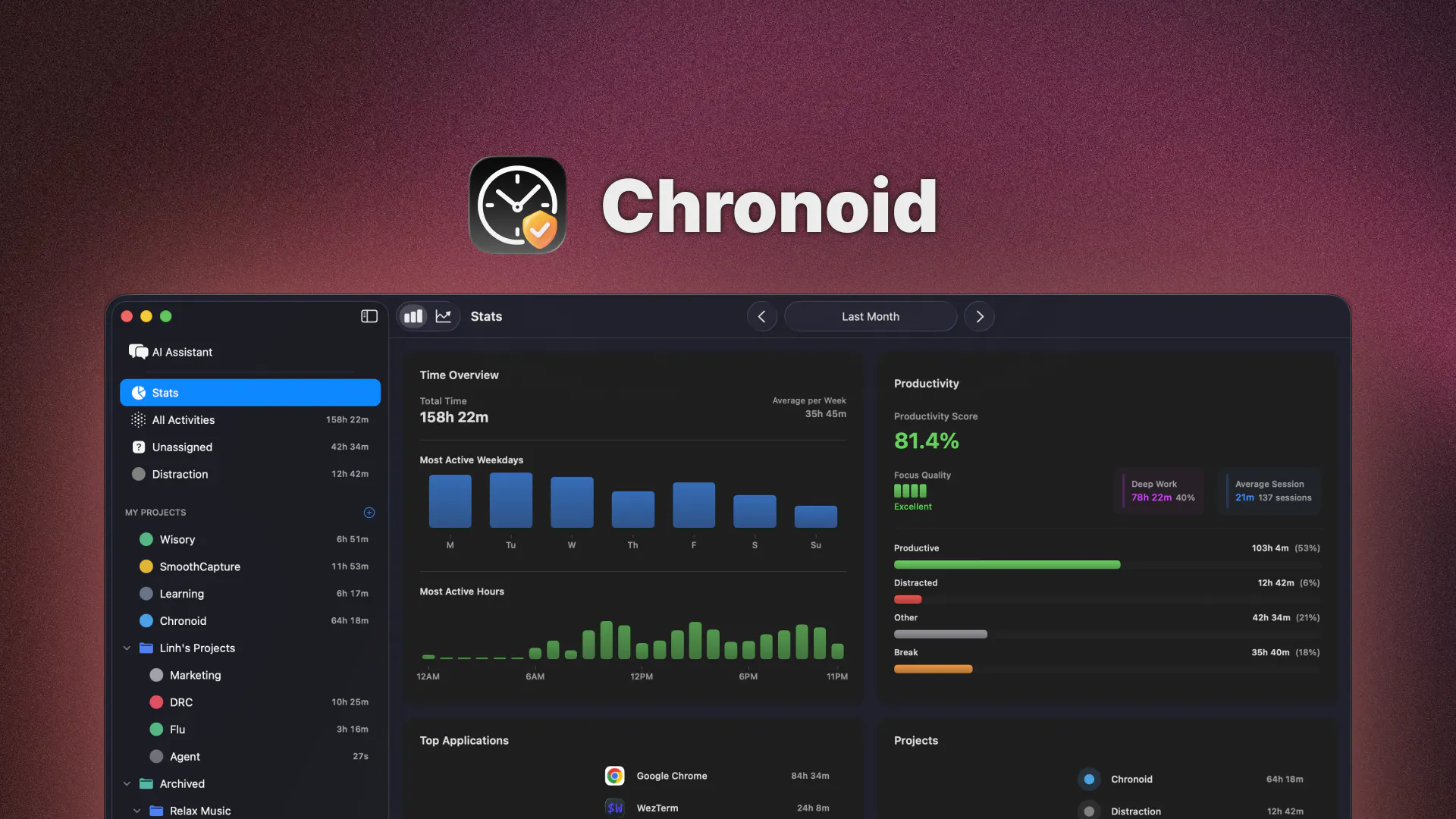
About Chronoid
Reviews 11
-
Paul Kshlerin 9 months ago
Okay this app is something else! Apps like these are so rare! No subscription just one time purchase? That is very noble and appreciated. Then i found out its made by a single developer which honestly is amazing. The design is just great! Ive been looking for a time tracking app that actually tracks time in your browser as people are usually working in browser yet the developers of other apps tend to forget that. However this one tracks browsers aswell! Finally! And the automatic rules that you can set up are honestly such a great feature. This app checks everything I need: Great design, not too complicated, great functionality (rules, local LLM and more), STABLE! Tracks everything you want and ignore everything you set to ignore. I was tracking my billable hours by going into the browser history but not anymore. Finally a solution for me that looks great. Thank you @vunguyentuan for the great work and the great design. I hope this gets more traction.
-
Burley Collins 11 months ago
Disclaimer: I received a free license—lucky me. Chronoid tracks every app and activity in great detail, and the UI is genuinely beautiful. One suggestion: please add an “Approve all Categories” button for AI suggestions above a 90–99% confidence threshold. The AI proposes many categories, and a bulk-approve would save time for high‑confidence predictions. Thanks for your hard work!
-
Hazel Altenwerth 11 months ago
I've used tracking apps before, and most are overpriced and not particularly smart. This is both detailed, easy to use and very smart in the way it tracks time across apps. I also love the support for all types of AI models (local and cloud). Also the frequency of updates - you are a madman @vunguyentuan
-
Burley Collins 11 months ago
Been using Chronoid for a few months now and it's been fantastic! Vu is really responsive to feedback and clearly has a vision for his project but is also not scared of making changes based on community feedback. This is a refreshing experience compared to most software development at the moment. Now is a great time to buy and support Vu and help create one of the best time tracking applications out there!
-
Ulises Ankunding 11 months ago
Fantastic product, been using it a few weeks now after manually trying to time track being a failure in my calendar. Thanks again Vu!
-
Jake Blanda 11 months ago
I’ve been using the app for two days now and got hooked right away. It’s so well executed and really helps me see where my time goes across different projects. The developer is also very responsive to user feedback. Congratulations on the release! 🥳
-
Franz Bauch 11 months ago
I've been using Chronoid basically since day one. Maybe I am even one of the very first adopters... :) The app is brilliant. Only few apps can track the time automatically. I mean - fully automatically. Most of them claim they can do it but you end up with an app where you have to input most of the things manually. Chronoid track really everything - every file opened, every website visited, all automatic. Setting up rules is easy - you just Option-drag the file onto the project and that's it. The next time you open it it will be assigned automatically. You can customize the app to your liking with project colours, rules, web blockers... As a graphic designer working on many different projects each month, I need to know exactly how much time I spent on each of these project. Without having to track everything manually. Thanks to Chronoid I can focus on my work. But the best part is the developer - Mr. Vu is open to all the suggestions and recommendations since the very beginning. I asked for example for the global keyboard shortcuts and like a week later there were all there. Project and subprojects customization - three days later it's there. This is something you hardly see these days. Did I mention that there is no subscription? Well, there really isn't. Which is also rare nowadays. And the app is very fairly priced, by the way. Thank you very much Mr. Vu for your brilliant work! David
-
Curt Nienow 11 months ago
@vunguyentuan Privacy-first time tracking with Pomodoro built in! ⏱️ How does the AI categorize different types of work automatically?
-
Hugh Borer 11 months ago
been using chronoid for a bit and it kinda fixed a problem i’d just accepted as permanent: i finally know where my day actually went without babysitting a timer or filling out some boring spreadsheet at night. i just do my work, then crack it open and go “oh, that’s why today felt chaotic.” it’s weirdly satisfying.
-
Jaylon Deckow 11 months ago
Just joined product hunt solely to comment on this. I purchased Chronoid about a week ago now. It is an astonishingly good product. Easy to use. Stable. There when you want to see it working, happily disappearing into the background when you don't. Connecting it with an AI to help it provide context to what i was doing was a breeze. Then this morning i got an email saying that coding started in April this year and was coded by just one developer. What the sh$&(!?!?!?!? I thought this app was made by a software development company with teams of developers and marketing people and admin staff and all that. That's the quality of the product. This developer will go far. Chronoid is an amazing product, I'm excited to see what is next.
-
Sedrick Hirthe 11 months ago
Disclaimer: I received the app for free Chronoid is one of those apps that will subtly change how you work. Similar to a calorie tracker, you will make small changes just because it is recorded. Seeing how much time I waste was a wake up call. The ability to add custom Projects and assign apps (even specific web pages based on filters) to them makes it easy to see a high level view of what you’re working on without having to manually assign your time. Give this app a test run, you’ll be surprised where your time goes!