

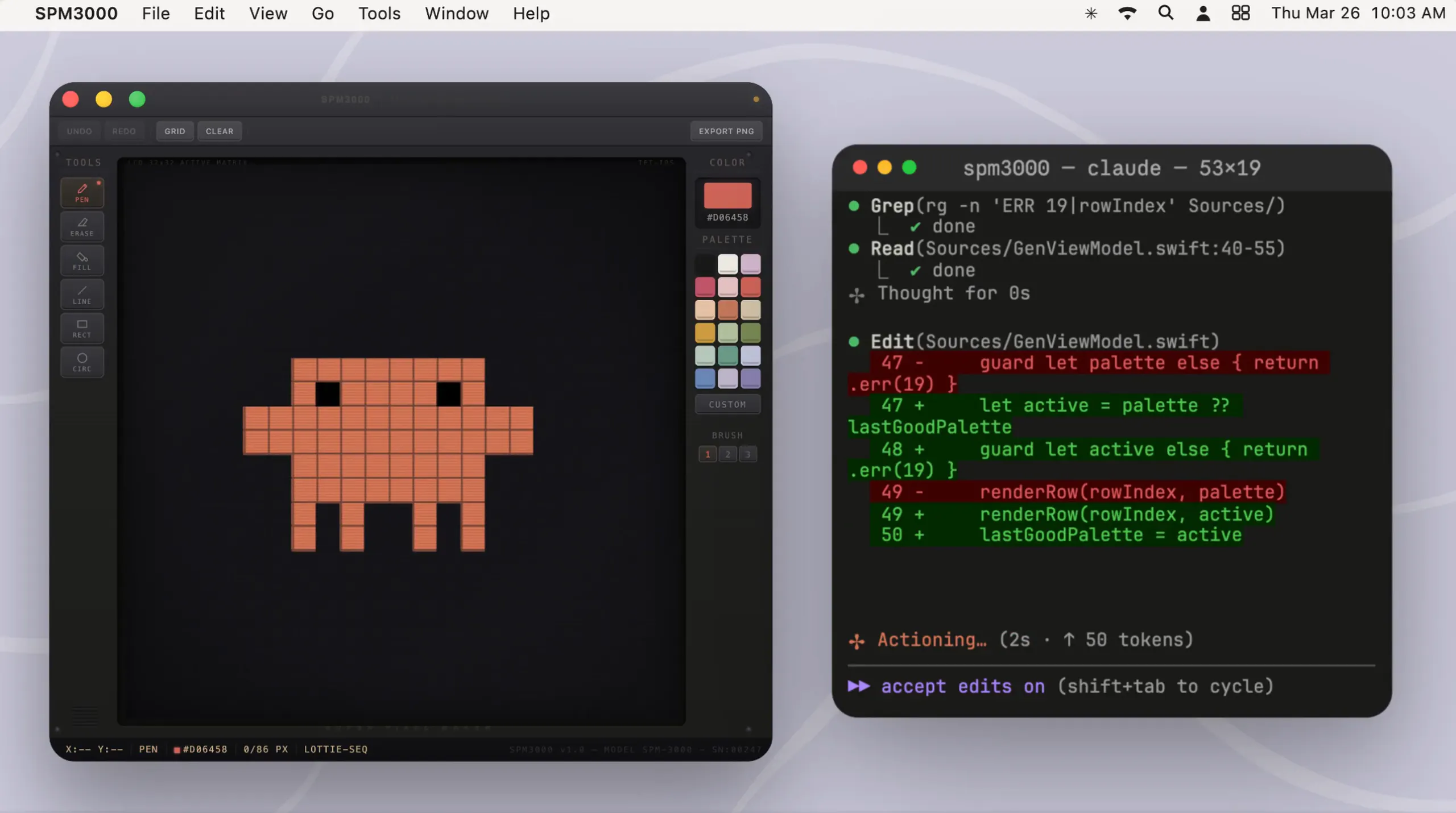
About Computer Use in Claude Code
Reviews 5
-
Derick Koelpin 7 months ago
Any chance this is coming for Windows?
-
Mike VonRueden 7 months ago
I am a little bit scared of this. Have you checked potential attack vectors? I am not a cyber security expert, but someone injecting a takeover prompt and then moving easily around in my compter and browser, seems terrifying. I am building native app and I would benefit hugely from automated testing though.
-
Quincy Medhurst 7 months ago
screenshot based automation is gonna be the new selenium - looks impressive in demos, becomes a maintenance nightmare in prod. for anything you do more than once just write a proper integration. computer use should be the last resort not the first thing you reach for
-
Randi Prohaska 7 months ago
This is a game-changer for developer workflows. We use Claude Code heavily for building our PropTech platform and the biggest friction has always been switching between the CLI and GUI tools for testing. Being able to have Claude debug visual issues and automate GUI-only tools directly from the terminal is going to save so much context-switching time. Question — does the screen observation work well with map-heavy interfaces? A lot of our work involves geospatial UIs (Mapbox, zoning overlays) and I'm curious how well it handles those kinds of visually complex layouts.
-
Jackson Fisher 7 months ago
The GUI-only tools use case is what gets me. So much internal tooling in companies never gets API access - it lives in dashboards, legacy web apps, Figma. This bridges that last mile without needing to build integrations first. Curious how it handles multi-step flows where intermediate state matters - like filling a form where field 2 options depend on field 1.