

Context Sync
Persistent AI memory across Claude Desktop & Cursor IDE
About Context Sync
Reviews 2
-
Nils Auer 1 year ago
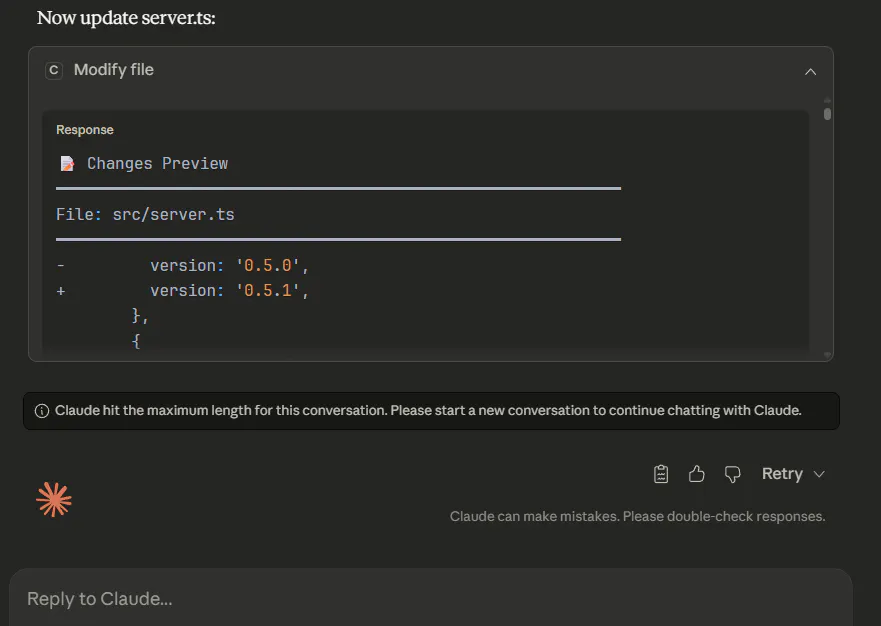
Great question from Reddit that I thought the PH community would find useful: Q: "If you end up at a 200K token context window with Claude, how does Context Sync share context without saturating the new context window?" A: This is the key difference from just copy-pasting context! Context Sync doesn't dump your entire 200K conversation into the new chat. Instead, it stores structured context: - Project metadata - Name, tech stack, architecture (< 500 tokens) - Key decisions - "We chose PostgreSQL because..." (~100 tokens each) - Active TODOs - Current tasks with priorities (~50 tokens each) - File structure - What exists in your project (~200 tokens) When you open a new chat, Claude gets a summary prompt (usually 1-3K tokens): [ACTIVE PROJECT: TaskFlow]Architecture: Next.js 14 + SupabaseRecent decisions:- Using Server Actions for mutations- Implementing optimistic UI updatesHigh priority TODOs:- Refactor auth system (due Friday) The best part is: Claude can query MORE details via MCP tools if needed: - "What decisions did we make about auth?" → pulls specific context - You're not front-loading everything, just what's relevant Think of it like a database vs loading everything into RAM. Claude queries what it needs, when it needs it. Anyone else have questions about how this works under the hood? 🚀
-
Former member 1 year ago
How did you succeed in publishing? Why can't I succeed?