

DevAlly MCP
Accessibility compliance within your AI workflow
About DevAlly MCP
Reviews 9
-
Mortimer Powlowski 4 months ago
What happens when the assistant is wrong? Is there a path back to the source in the DevAlly UI to verify?
-
Odell Bode 4 months ago
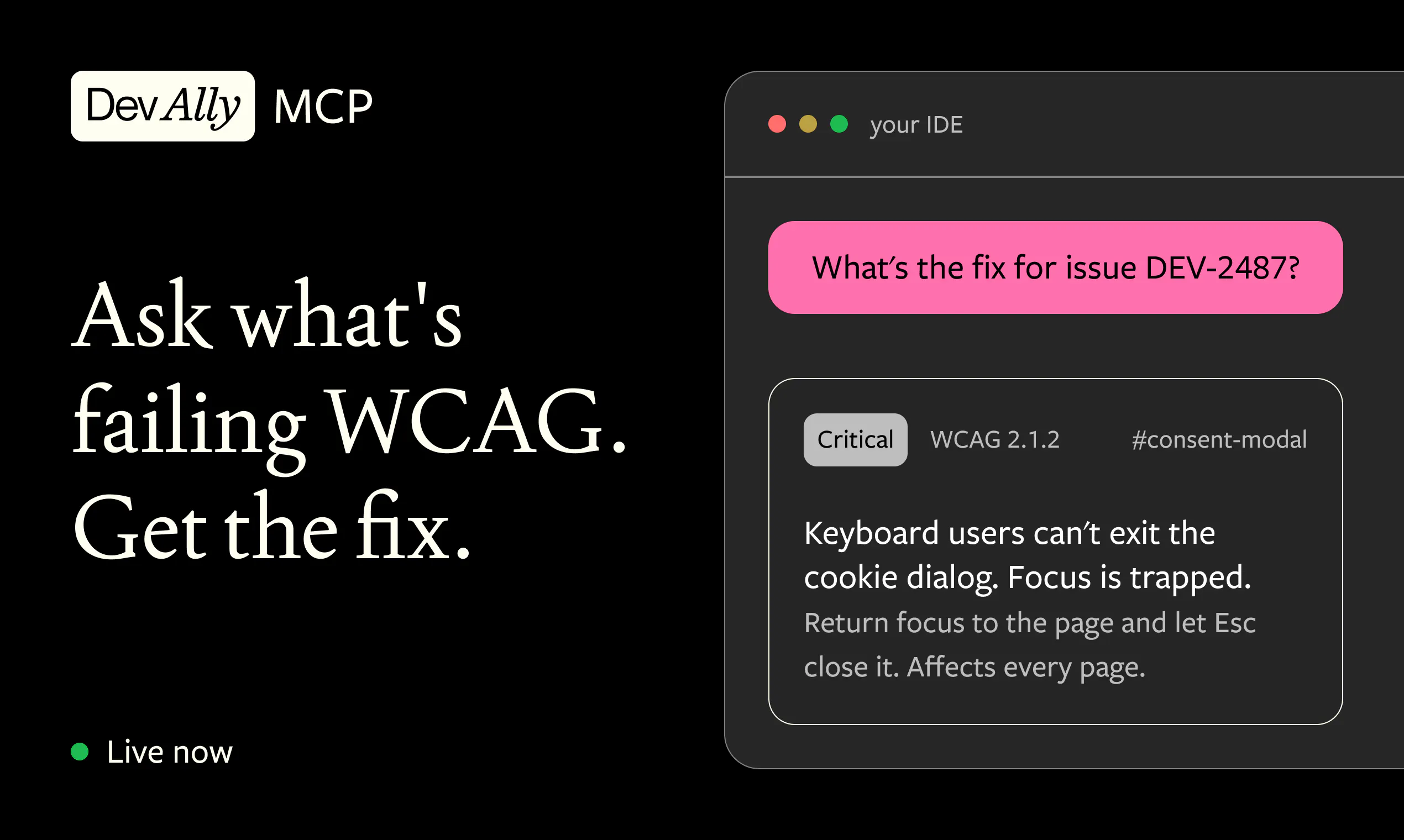
I like that the MCP surfaces the WCAG criterion alongside the relevant code and remediation context. Compliance tools are most useful when they help developers understand why something is an issue, not just that it failed.
-
Charley Swift 4 months ago
I worked on the launch creative for this, so I may be biased, but the idea that anchored everything for me was "compliance lives in a dashboard, your team lives in the editor." A dashboard, however good, is still a context switch away from where engineers spend their day. The MCP integration brings DevAlly's checks into the IDE instead of asking people to leave it. Really proud of where this one landed! ⚡️
-
Esteban Hilpert 4 months ago
What made an MCP server the right form factor, and do you think this is where most compliance tooling is headed?
-
Jackson Fisher 4 months ago
Darren here, CTO. A few notes for the builders. It's a remote MCP server on the Streamable HTTP transport (with an SSE fallback for older clients). Auth is the standard MCP OAuth flow: OAuth 2.1 with PKCE, protected-resource metadata (RFC 9728), and dynamic client registration, so there are no API keys to generate or rotate. You sign in, pick your org, and the client gets a scoped token. Because it's a proper remote server, the current clients connect straight to the URL, no mcp-remote bridge in the middle. Claude.ai and Claude Desktop go through their custom-connector UI; Claude Code and Cursor just take the URL in the MCP config. (mcp-remote still works if you're on a client that only speaks stdio.) Tokens carry per-resource scopes (read or write across workspaces, products, audits, issues, workflows, and reports), so it only ever sees what your DevAlly account can, bounded by your org. Happy to go deep on the auth or tool design if anyone wants it!
-
Santa Cassin 4 months ago
Hey all! Engineer on the DevAlly team here 👋 Delighted to have this out in the open. The call I am most glad we made: no API keys. Every other integration I've shipped ends up with a key sitting in someone's dotfile, unrotated for two years, and nobody remembers who generated it. OAuth and org selection means the MCP inherits the permissions you already have. Nothing new to hand out, and nothing to go stale.
-
Scotty Feest 4 months ago
One thing I'd love to see is a built-in remediation suggestions panel right inside the scan results, so devs can click an issue and get copy-paste code snippets or config fixes tailored to their framework. Right now the report flags problems but leaves a lot of interpretation work for engineers.
-
Sedrick Hirthe 4 months ago
Never mind when Harry met Sally, it's all about when DevAlly MCP meets your AI workflow 🪄 So excited to launch this new feature into the world. Accessibility compliance was never so easy. Now let's get shipping.
-
Godfrey Donnelly 4 months ago
Would love to see a Chrome extension that flags accessibility issues right in our PRs before they ever get merged. That kind of in-context feedback would make the whole compliance flow way less of a chore for our dev team.