

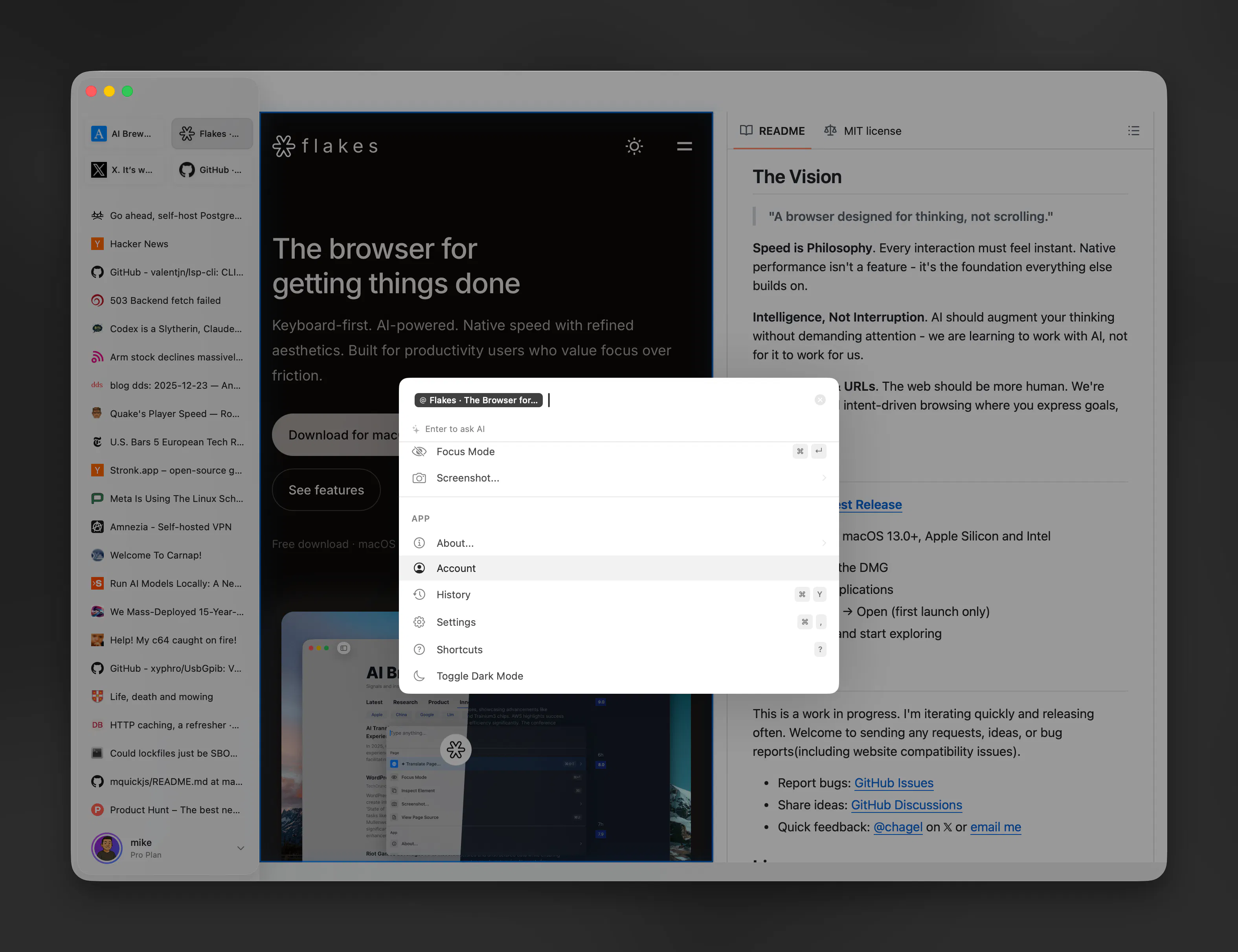
About Flakes
Reviews 7
-
Zachariah Hudson 10 months ago
This looks like a great tool for boosting productivity, but I can’t open it after downloading—not sure what the issue is.
-
Malachi Armstrong 10 months ago
Do you have a developer console in Flakes? I didn't find it
-
Marcus Macejkovic 10 months ago
This looks very cool and like an actual new take on a mac browser. I love the keyboard first approach. Are Chrome extensions compatible like they are on a browser like Helium?
-
Esteban Kilback 10 months ago
Most browsers today feel so bloated and mouse-heavy. Love that you're prioritizing speed and focus for 'thinkers.!
-
Mike VonRueden 10 months ago
interesting... vim-style navigation in a browser kinda intrigues me. how does the AI figure out which tabs are important? is it based on my browsing behavior, or does it need some manual setup? tbh, curious how it plays out in real use
-
Marcus Macejkovic 10 months ago
Gotta say this is a beautiful app and really well designed. I love the minimalism of it. Unfortunately when I downloaded it I discovered that it doesn't yet support extensions and so has limited real-world usability for most people. However once that's fixed I could see me using this as my main browser.
-
Demetrius Gulgowski 10 months ago
Congratulations on your launch! I have a question regarding the keyboard-first design: do you think this might make it difficult for users to remember all the keyboard operations? Even with the software I use most frequently, I often forget important shortcuts. I usually have to write them down on sticky notes and tape them to my computer as a reminder. I imagine this might be a potential challenge for users.