

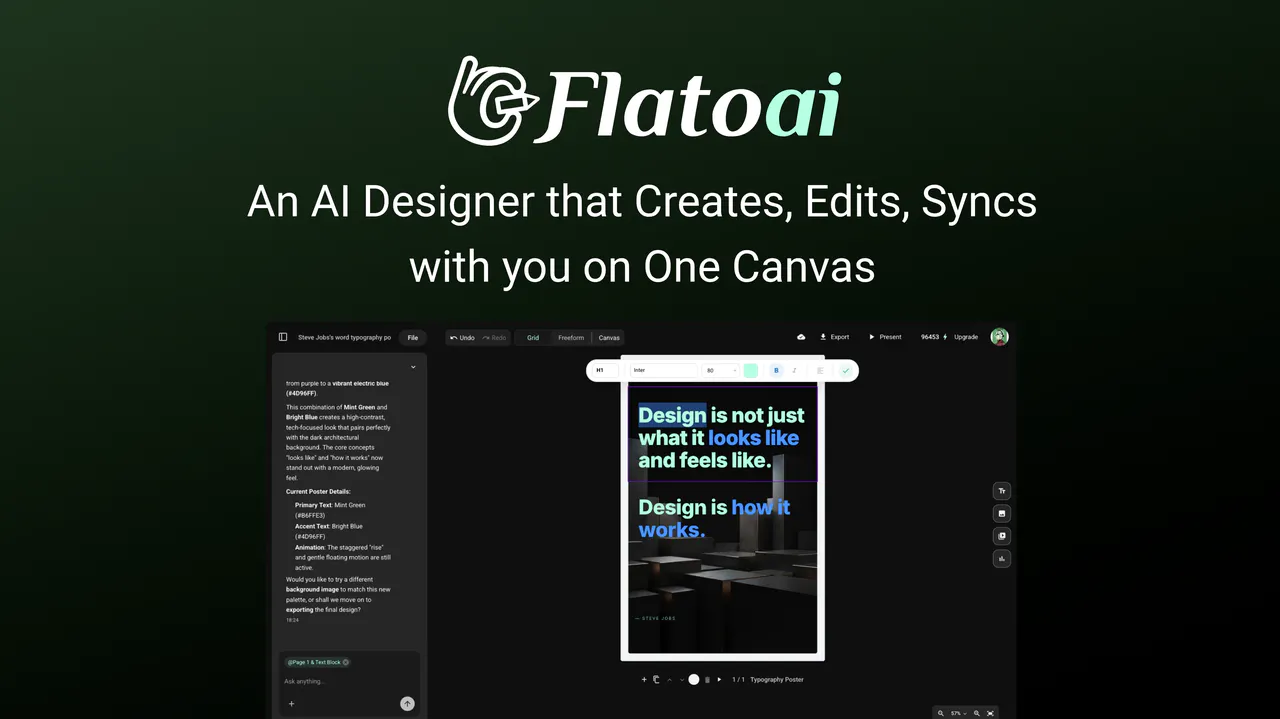
About Flato
Reviews 15
-
Chaim Schuppe 8 months ago
Congrats on the launch!
-
Jackson Fisher 8 months ago
This is really interesting! I've been playing around with AI design tools lately, and the canvas approach you described sounds way more intuitive than just generating single images. I'm gonna give it a shot and see if it can actually help me with some website mockups I've been putting off.
-
Ruben McClure 8 months ago
Just tried Flato to do a simple task, here was my experience: The landing page has too many elements that it takes away from the main CTA - which would be to edit the canvas or begin with a template. My mind wandered when I saw the left sidebar that early, then I had to decide if I should start with a new canvas or look at more of the images in the grid. There were multiple minor decisions I had to make, which should be simplified so that when I get on the page I am funneled into 1. Create a new Design or 2. Start from an existing design This just needs to simplified, you have all of the pieces. I began with a new canvas, and tried to animate my logo to have some movement - something that is shown in one of your videos so I assumed there was a setting that would allow for that. I imported my logo as an svg, prompted to do a simple animation to animate each of the letters separately in the clearest way I could think, and your AI thought about it - but eventually it ended up deleting my .svg and showing that the video was made. Perhaps my prompt was not clear enough, but I think a good solution for this would be to have some presets that new users could try to get started and familiarized with this new process. I see the vision and I am excited for this product. It just needs some handholding UI features for user that are new to this process, like myself.
-
Felipe Sanford 8 months ago
AI canvas, which could be quite useful for creators and teams working on quick iterations. Curious to know how Flato handles brand consistency such as maintaining the same fonts, colors, and design rules across different generated visuals.
-
Esteban Hilpert 8 months ago
Just explored Flato — the canvas-native approach is interesting. Most AI design tools generate assets but don’t give much control after that. This feels closer to an actual design workspace. Curious how the team sees designers using it in daily workflows?
-
Joany Hansen 8 months ago
Nice launch! The canvas concept makes a lot of sense for AI design tools. Are you planning integrations with tools designers already use (like Figma or Webflow)? That could make adoption much faster.
-
Rahul Goyette 8 months ago
Congrats on the launch! Really interesting approach. Most AI design tools generate assets, but building directly inside a canvas workflow feels much more natural for designers. Curious — is Flato meant more for quick ideation or could teams realistically use it for full design projects?
-
Kenneth Corwin 8 months ago
How’s the export quality? Is it high-res enough for professional printing?
-
Orrin Batz 8 months ago
Congrats on the launch! AI design tools are evolving quickly and this canvas-first direction is refreshing. What kind of users are you seeing most interested in so far — designers, marketers, or founders?
-
Reilly Thiel 8 months ago
Hi @taoef First off, this tool has completely transformed how I create content for my brand: the design-to-animate flow is so seamless, I’ve cut my workflow time in half. But I’ve hit a few small snags that would take it from “amazing” to “indispensable,” and I’m curious if these are on the roadmap: Will we ever be able to import custom fonts directly into the canvas? I work with brand-specific typography that’s not in the default library, and exporting then reworking text styles feels clunky and disrupts my creative flow. My team and I loved collaborating on dynamic presentation slides, but version control for animations was tricky—multiple people editing timing/effects made it hard to track changes or revert if needed. Any plans for real-time cursor sharing or a dedicated “motion edit history log”? The GIF quality feels compressed compared to the original design (not sure). Clients always ask for crisp GIFs, so I’d love to skip third-party tools—will future updates let us adjust compression settings or export high-res GIFs? The AI co-design feature is awesome for social posts, but it sometimes misses my brand’s tone (e.g., too flashy for my minimalist aesthetic). Would you consider adding a “brand style preset” option where we can save color palettes, animation speed limits, or design rules? It would make AI suggestions way more aligned with consistent branding. Overall, Flato is already my go-to, but these tweaks would make it irreplaceable for both personal and client work. Thanks for building such a thoughtful tool—can’t wait to see where it goes next!
-
Elias Rowe 8 months ago
I’ve tested many AI design tools—what makes Flato stand out the most compared to all others?
-
Nikunj 8 months ago
The idea of AI working directly on a canvas instead of just generating outputs feels much closer to how real design actually happens., amazing concept.
-
Ayden Miller 8 months ago
The real time collaboration on a single canvas is a smart approach to AI design. Being able to create and edit together with the AI instead of going back and forth feels like a huge workflow improvement. Congrats on the launch!
-
Rylan Cremin 8 months ago
试了给珠宝设计师做店铺网站,设计师认可了生成的网站的品味。
-
Sedrick Hirthe 8 months ago
Good! Can I get more credits?