

About Friendware
Reviews 11
-
Constantin Leuschke 9 months ago
Interesting approach. Would love to hear what’s next on your roadmap.
-
Wiley Lubowitz 10 months ago
As a designer, Friendware feels quietly human. It doesn’t try too hard to look “friendly,” but relies on clarity and tone instead — which actually makes the experience feel more genuine.
-
Franz Bauch 10 months ago
Looks great Jared. What's on the roadmap in the near future? Seems like this would pair well with voice?
-
Roberto Smith 10 months ago
Efficiency improvements often stem from the mindset of the lazy
-
Neal Jacobson 10 months ago
I’ve tried several other apps that attempt to do this and they have all been very resource heavy and/or disappointing so far. I still think the concept is great but I’m frankly not willing to pay before seeing it work after having been scarred. I appreciate there’s a money back guarantee but that’s still asking a lot of work from people who’ve been jaded before. I would pay for the right product but I need to see it work for me first, without a credit card.
-
Burley Collins 10 months ago
Out of curiosity, how well does it handle longer sessions where the on-screen context changes gradually (e.g., editing → reviewing → rewriting)?
-
Rocio Cormier 10 months ago
Awesome! So its literally integrates all the tools in one app? What about chat history and channels for example from Slack? Do you integrate everything?
-
Uriah Mayer 10 months ago
Nice app, but isn’t this essentially a 50% chance of getting the right answer in many real-world cases? For example, if the email is to confirm a specific meeting, wouldn’t it be safer to suggest the reply word by word (or at least with short prompt) so the chance of a wrong/awkward answer is much lower? Second question: on how many devices can I use the license? Is the lifetime license per user across all my Macs, or is it locked to a single device only?
-
Mortimer Powlowski 10 months ago
Ok looks great. Excited about the way it’s triggered. Will give it a go.
-
Joshua Abshire 10 months ago
The screen context understanding is interesting. For text-heavy workflows like documentation or research, does Friendware handle visual elements (screenshots, diagrams) or is it primarily text-based context?
-
Enrico Wiza 10 months ago
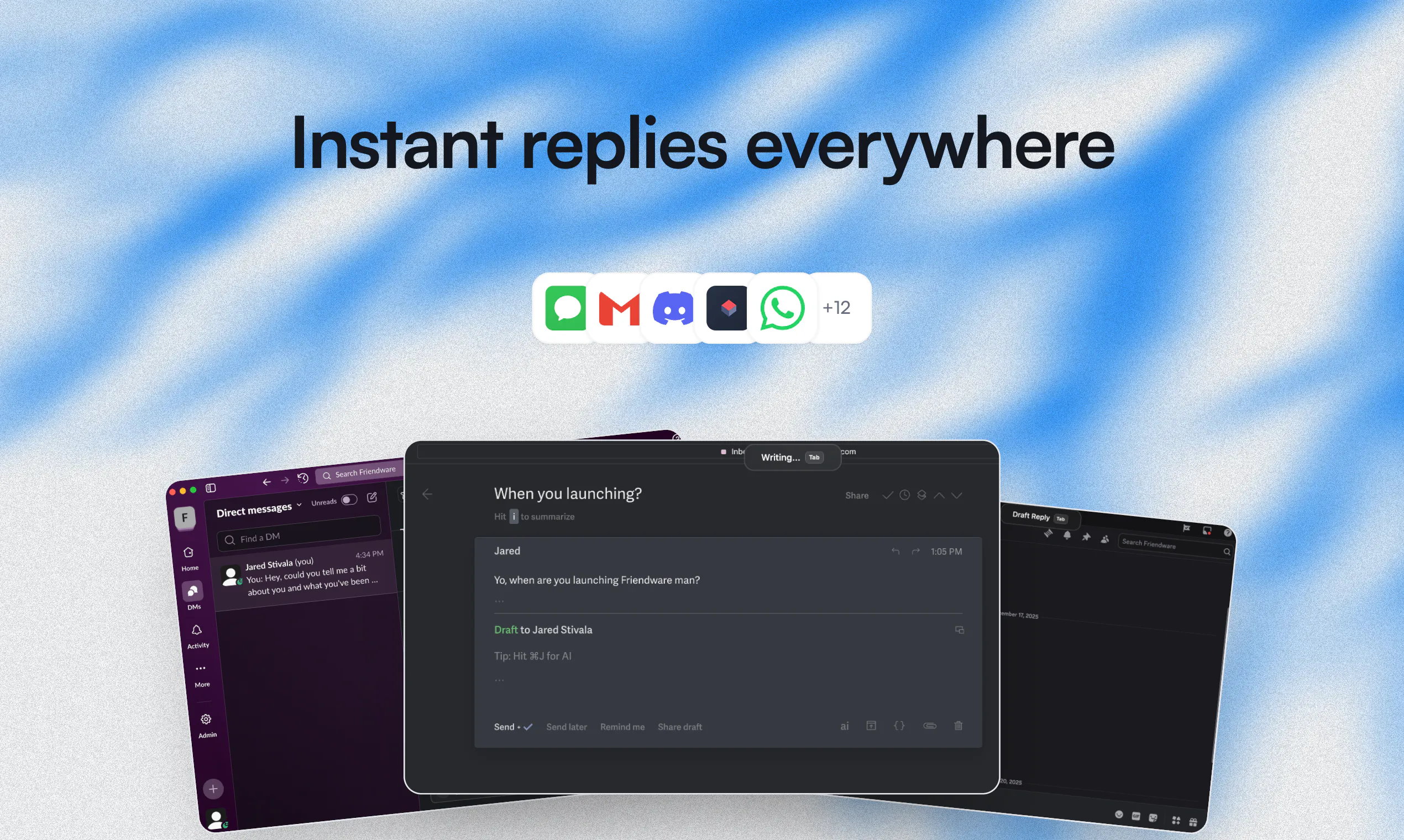
Hey - Quick clarification based on a few DMs I’ve gotten: Friendware isn’t a chatbot, you don’t “go to” it. It stays with you and activates only when you press Tab, using what’s already on your screen as context. So instead of: open AI → explain → copy → paste It’s: pause → Tab → done Curious where people here find most annoying about their current AI workflow. Where does it break flow for you?