

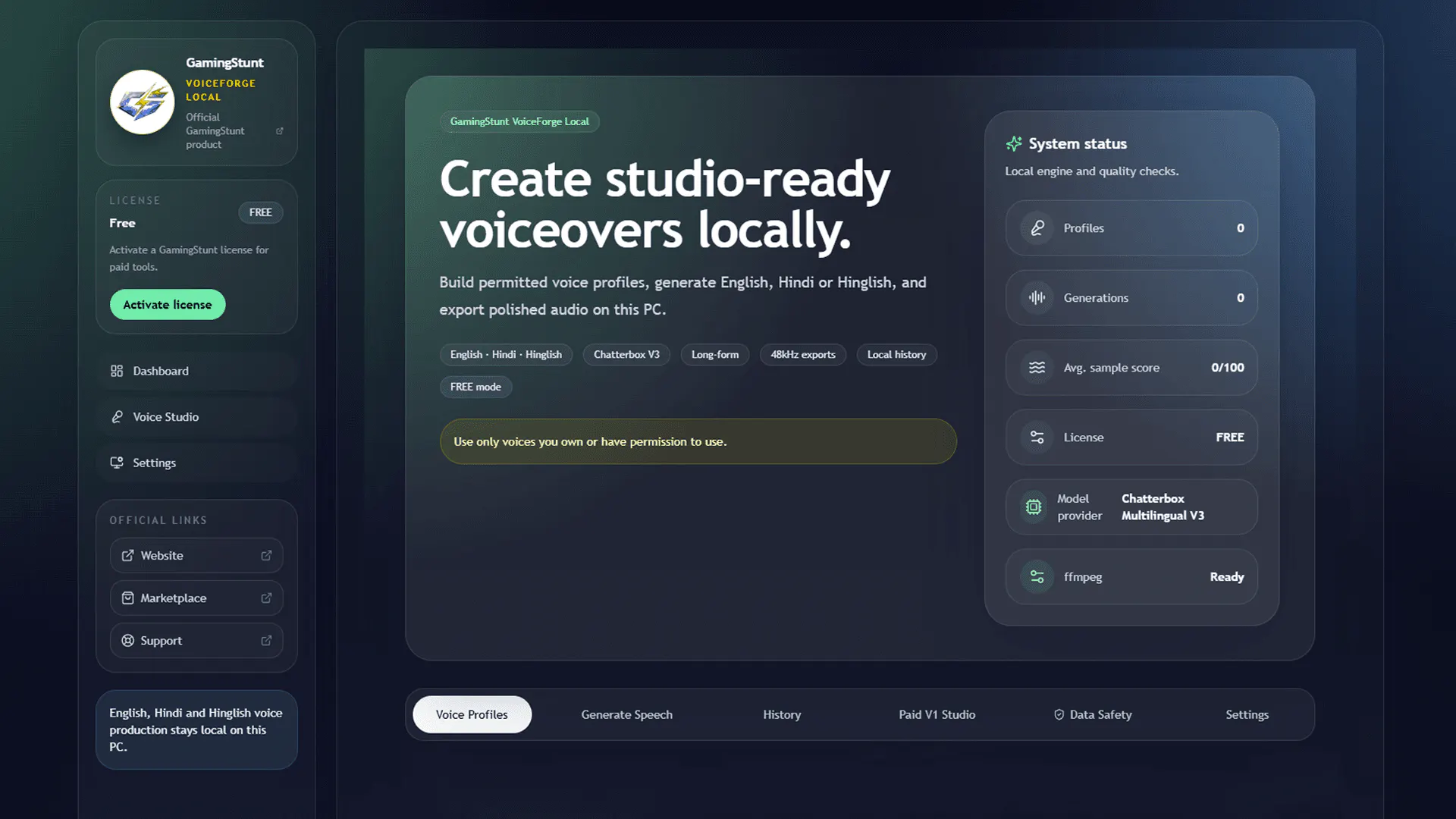
About GamingStunt VoiceForge
Reviews 5
-
Karley Frami 4 months ago
A real lifesaver for narration work. One idea: add a built-in SSML editor or at least pause markers so we can fine-tune pacing and emphasis directly in the app before exporting. Right now I'm using external tools to insert breaths and emphasis, which kind of defeats the privacy angle. Would love everything to stay local end to end.
-
Daren Bruen 4 months ago
the offline approach is honestly really smart, especially since most tts tools want you to upload everything to the cloud. glad someone finally built it for people who care about keeping scripts private.
-
Ruben McClure 4 months ago
Finally tried a local TTS that doesn't sound like a robot reading a terms-of-service page. The Spanish and Japanese voices actually held up on longer lines, which caught me off guard.
-
Jackson Fisher 4 months ago
A background noise remover built right into the export would be super helpful, even just a simple toggle for light cleanup. Most of my recordings pick up subtle hiss from my desk fans and it would save me a trip to Audacity every time.
-
Floyd Botsford 4 months ago
Tried it out on a short script for a course module and the voices actually sound pretty natural, not the usual robotic tts vibe. Honestly the fact that nothing gets uploaded is a huge plus for me since some of my scripts are still in draft.