

Genspark Design
Generate UI prototypes, videos, and posters with AI
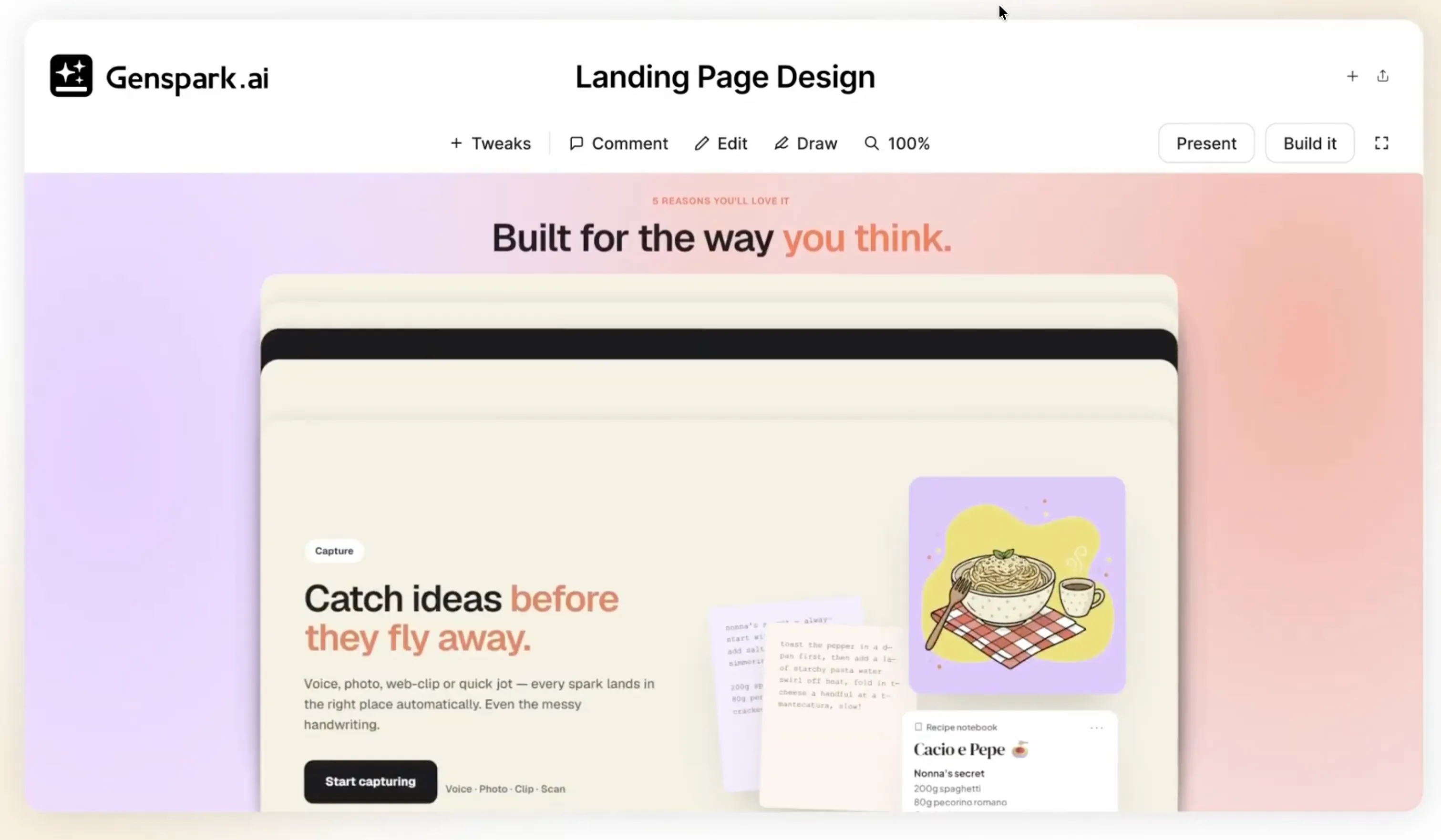
About Genspark Design
Reviews 11
-
Felipe Sanford 4 months ago
The Figma-upload-for-brand-consistency angle is what separates this from the usual prompt to image toys, since matching an existing design system is exactly where those fall apart. Covering UI prototypes, HTML animations and posters from one prompt is a wide net. When you import a Figma file, are you pulling real tokens and components, or reading it as a visual style reference? That one detail decides whether the output is production ready or just on brand by luck.
-
Esteban Kilback 4 months ago
As a former Genspark user, I’m curious if anyone has been able to do anything with this or if they ran out of credits almost immediately.
-
Burley Collins 4 months ago
Everyone's asking about Figma and brand, so I'll ask the other end: the one-click code. Your user has no dev team, so they're stuck with whatever comes out. Is it clean componentised code someone could build on, or the kind of generated markup that looks fine and is a nightmare to maintain?
-
Conner Gislason 4 months ago
Genuine question - UI prototypes, HTML animations, videos, AND posters is a lot to cover. V0 owns the prototype end, Canva AI owns the marketing asset end, and both are deeply entrenched. What does Genspark Design do that makes the output actually usable in a real workflow vs just another thing you screenshot and share in Slack? The Figma file upload for brand consistency is a smart angle - curious how far that actually goes in practice.
-
Jarrell Homenick 4 months ago
Going from a prompt to UI prototypes, videos and posters in one place is an ambitious surface, and most tools only nail one of those. Curious to see how far the design quality holds up across formats. Congrats on the launch.
-
Alford Marvin 4 months ago
The single-prompt-to-prototype-to-code pipeline is the part that stands out to me. Most of the AI design tools I've tried nail one step (generation or code handoff) but force you to rebuild consistency manually in between. Does the design system you save persist across separate Genspark Code sessions, or only within one project?
-
Merl Orn 5 months ago
Going from prompt to UI prototype, animation, video, poster, and working code in one place is ambitious. The part I’d want to test most is how well it preserves a real brand system after importing Figma files.
-
Jedidiah Farrell 5 months ago
Really exciting for non-designers who wants to prototype some visuals ! I'm curious though : what kind of inputs are supported except Figma files ? Also, any plans to use Opus 4.8 in the future or even to let the user choose the LLM ?
-
Hugh Borer 5 months ago
The Figma-upload-for-brand-consistency angle is what stands out to me here, most "prompt → UI" tools fall apart the moment you need outputs to match an existing design system. Generating prototypes, HTML animations and posters from one prompt is ambitious. Curious: when you import a Figma file, are you pulling actual tokens/components, or more of a visual style reference? That's the line between "nice demo" and "I'd use this at work."
-
Jaylon Deckow 5 months ago
Great man, what is your target audience?
-
Paul Kshlerin 5 months ago
Interesting launch! 🚀 The Figma import for maintaining brand consistency is a nice touch. I'm curious: if a team updates its design system in Figma, can Genspark automatically reflect those changes in future generations, or does the design system need to be re-imported each time?