

Highlight Studio
Record, edit, and brand screen recordings Metal powered
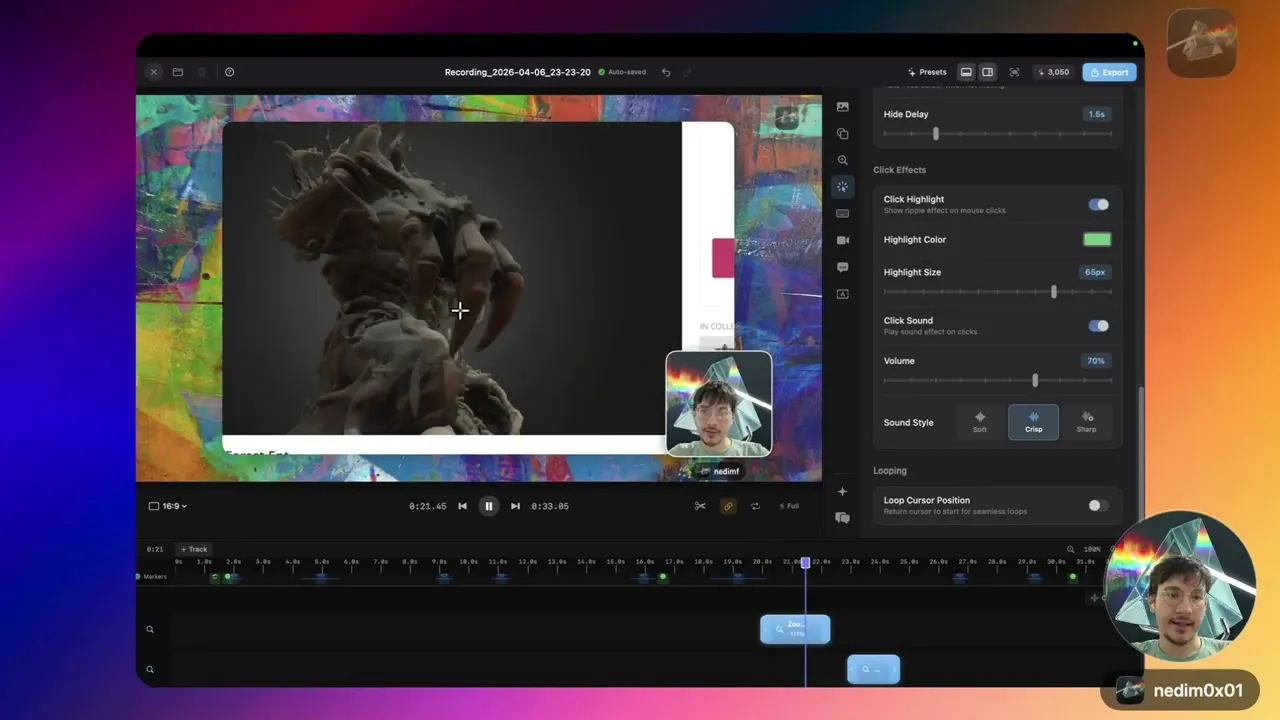
About Highlight Studio
Reviews 6
-
Lamont Strosin 7 months ago
Native Swift + Metal rendering, under 100MB, no Electron — you're speaking my language. I'm building a Mac-native video editor with the same stack (Swift + Metal + Rust core) and the GPU-accelerated pipeline makes all the difference for real-time playback. Smart Zoom from click tracking is clever — that's the kind of feature that only works well when you have direct access to system-level events, which is exactly why native beats web wrappers. Great launch.
-
Korey Hammes 7 months ago
We had a codesign issue, so permissions for Microphone and Camera were never properly asked. New release is out with a fix and little extra. Zoom now supports target Canvas or Video. Depends on what you want. Join our discord community at highlightstudio.app/community Newest release can be found: https://github.com/NFxAI/highlig...
-
Reilly Thiel 7 months ago
I like all the personalisation for interactions. It seems a lot more in depth and user friendly than previous screen recorders I've used! I'm building marketing videos for a product I'm working on and always end up frustrated by the polish gap between "raw screen recording" and "finished clip." Does Highlight bridge that, or is it still more of a recording tool than an editing one?
-
Joany Hansen 7 months ago
Really like this: the native Metal approach + no Electron makes a big difference for video workflows, and keeping it under 100 MB is impressive. Smart Zoom based on user interaction is also a great touch — exactly the kind of automation screen recording tools need. We launched on Product Hunt yesterday as well — building Ogoron, an AI system that generates and maintains test coverage as products evolve. Different space, but very aligned in spirit of automating the tedious parts :)
-
Randi Prohaska 7 months ago
The Smart Zoom feature alone would save me so much time, I've been manually keyframing zoom on every app demo I record for social. As an indie iOS maker about to launch, I need exactly this: record, edit, and export without juggling 3 tools. Two questions: how does it handle portrait mode recordings for iPhone app demos, and does the device frame work when recording directly from Xcode simulator?
-
Demetrius Gulgowski 7 months ago
How are you finding the balance between automation (like smart zoom and AI edits) and giving users control, especially for people who want more precise editing?