

Jupitrr Cut
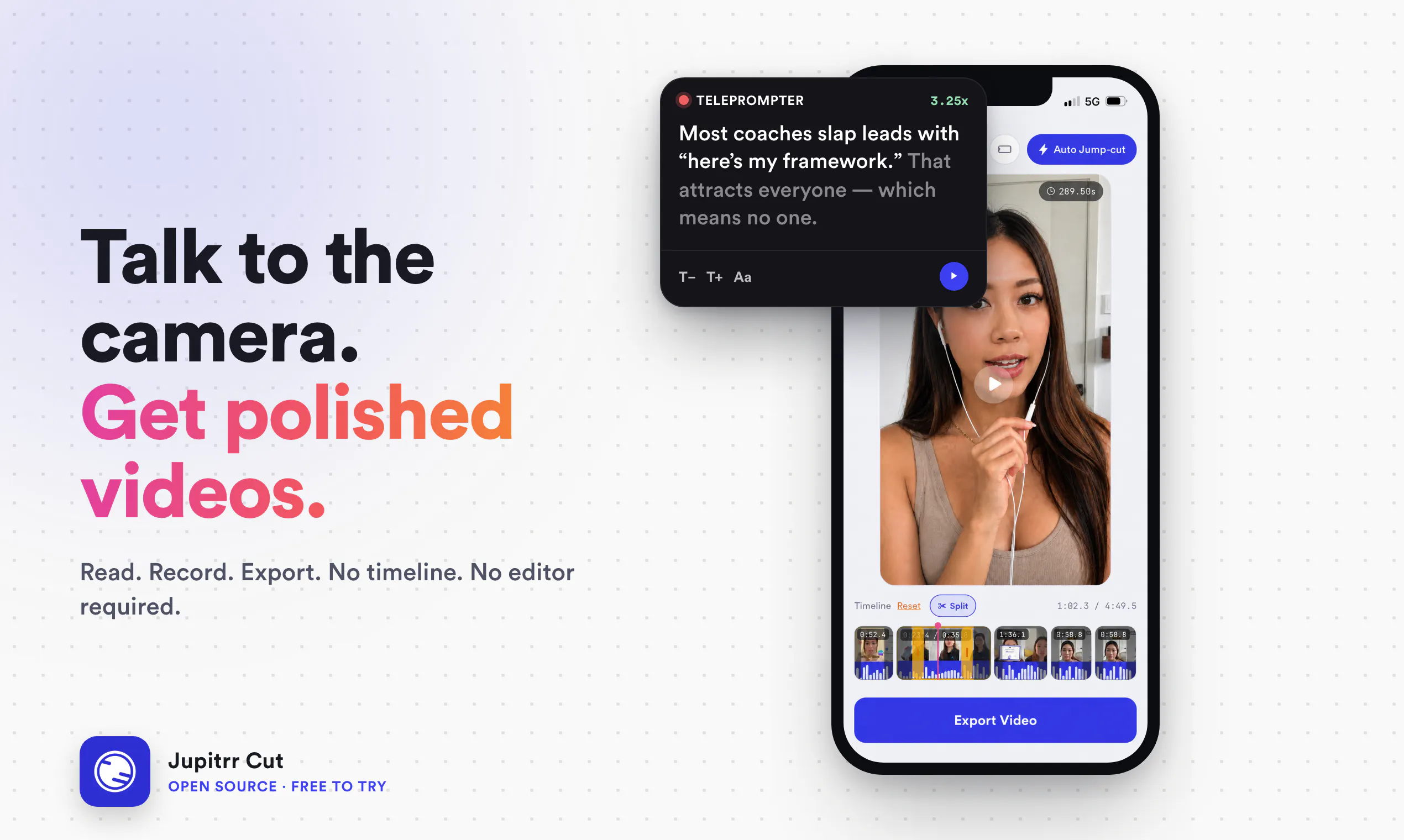
Open source app for recording vids with a teleprompter
About Jupitrr Cut
Reviews 6
-
Haleigh Bartoletti 2 months ago
nice product. one thing: it says it's open source, but I didn't find the link to the repo on the website. could u please provide it? i'd like to inspect it before using it!
-
Zachariah Hudson 2 months ago
Congratulations!
-
Kyleigh Luettgen 2 months ago
Can you adjust the pacing, scroll speed and font size, while recording?
-
Joaquin Wisozk 2 months ago
Just the best tool for video content creators out there! 🚀 Congrats team!
-
Derick Koelpin 2 months ago
Really excited to see Jupitrr Cut out in the wild 🚀 Would love to hear what you all think!
-
Joshua Abshire 2 months ago
Hey Product Hunt 👋 Today we’re launching Jupitrr Cut — a small but mighty recording app for Reels and talking videos. Funny enough, this started because we were struggling to record videos ourselves. One of our own users told me to try a teleprompter app, so I did… and I was genuinely amazed 😂 But I kept thinking: this is such a hidden gem, and it could be even easier. Social video today needs pace, movement, different angles, quick cuts. A single sit-down take just doesn’t cut it anymore. With Jupitrr Cut, you record scene by scene. Mess up? Redo one scene. Want a new angle? Move and keep going. Then we automatically jump-cut everything together. We started using it ourselves and honestly never looked back. Give it a try — would love to hear what you think!