

About Kai for Chrome
Reviews 7
-
Lance Morar 5 months ago
Great product! Can it identify participants and organize the notes and action items based on who said what? Also according to your website, the transcript is sent to your servers for summarization yet the description above contradicts that by claiming it summarizes 100% on device.. or am I confusing something? Thanks!
-
Korey Hammes 5 months ago
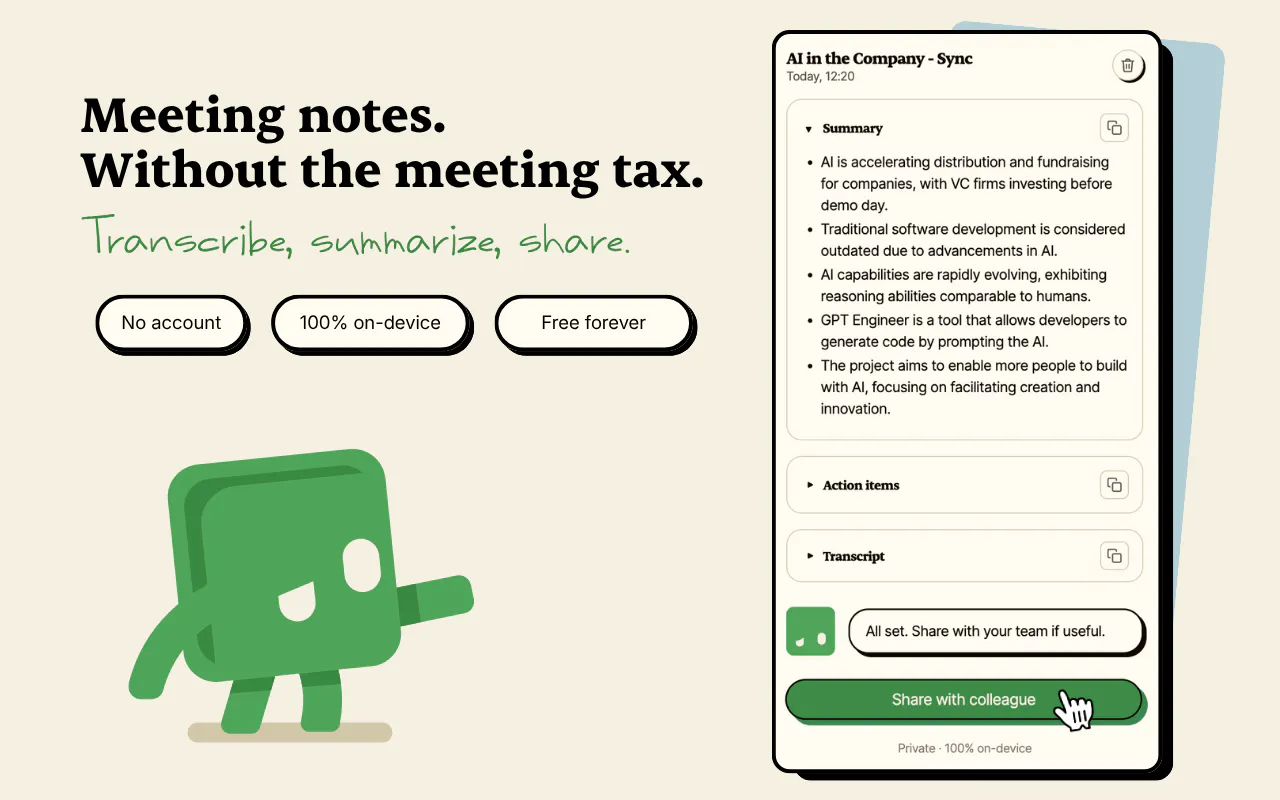
Nice...fully on-device + free is a rare combo. How does it cope with very long meetings and thick accents?
-
Tyrique Lind 5 months ago
Congrats on the launch! This looks so cool, especially the "no account needed". But I'm also curious about if there's no sign-in, how does Kai handle meeting history? Is everything saved locally in the device?
-
Roberto Smith 5 months ago
Congrats on the launch! PS: How to get a massage from Kai? Asking for a friend 😂
-
Michel Heathcote 5 months ago
For the longest time, I've only had one password and ad blocker extension, but it took literally less than a day to get hooked on Kai's extension! Great work @lambertlcdb
-
Mortimer Powlowski 5 months ago
Who needs Granola when you have stuff like this! Good job!
-
Rylan Hyatt 5 months ago
Super impressive work getting Whisper Base running smoothly via WebGPU inside a Chrome extension! I've been experimenting with WASM implementations for local ML, and memory management inside a long-running browser tab is usually a nightmare. Have you guys run into any browser heap limits or thermal throttling issues during heavy, multi-hour calls? Especially on older Intel machines or base-model M1 Macs where Chrome is already fighting for RAM with Zoom or Teams running in parallel. Would love to know how you optimized the audio buffer processing without crashing the page. good job team