

About MacSentinel
Reviews 4
-
Dejon Bergstrom 1 month ago
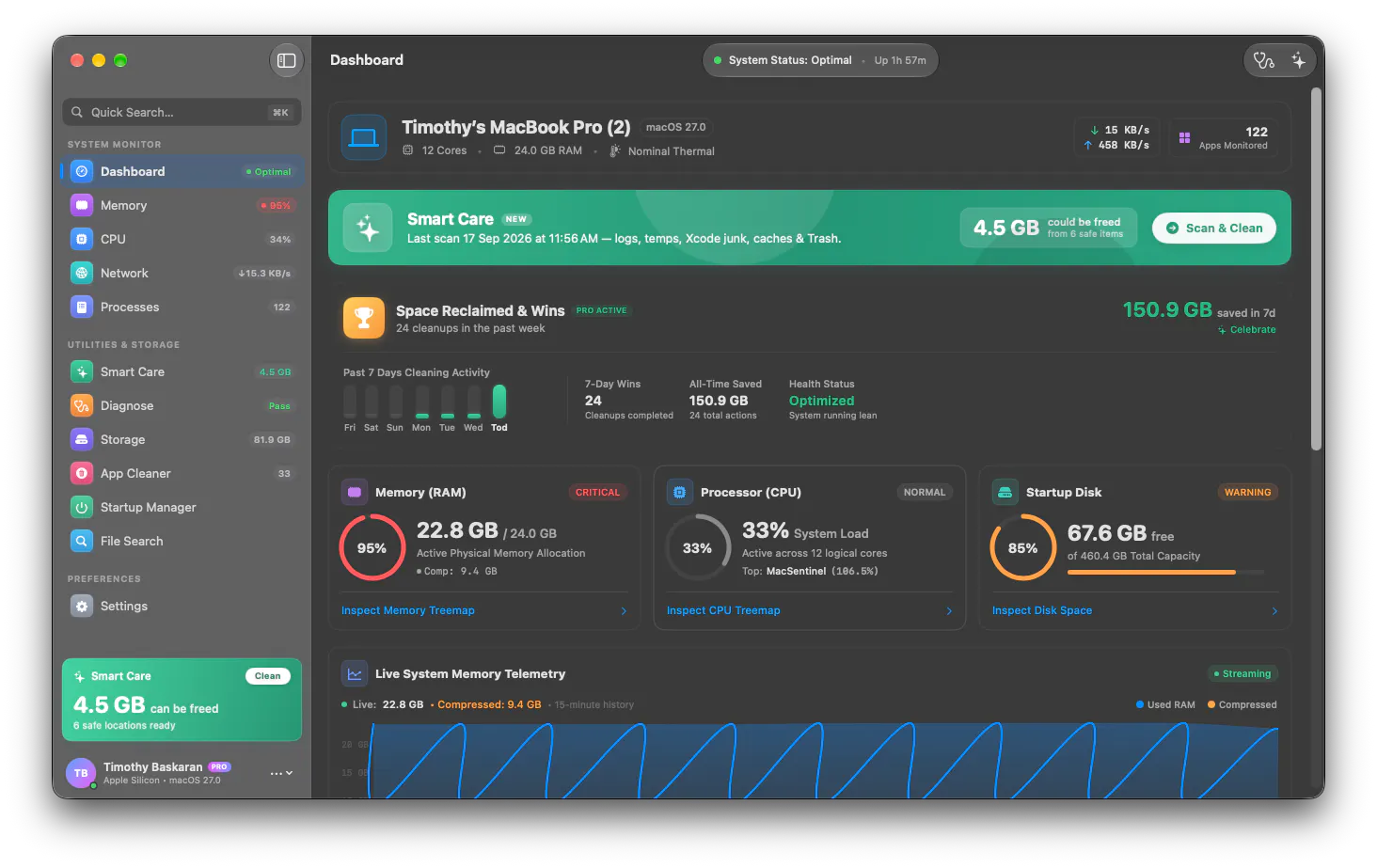
🚀 MacSentinel 1.0.15 — Try Pro Free for 7 Days We've released MacSentinel 1.0.15, focused on making Mac monitoring and cleanup easier, safer, and smoother. ✨ What's new? 🎁 Try Pro for 7 days Start your Pro trial with just your email address. No credit card required. Your free monitoring tools remain available after the trial ends. 📊 A clearer view of your Mac The redesigned sidebar makes tools easier to find, even on smaller screens. The Dashboard now provides a clearer storage breakdown and quicker access to Smart Care. 🧹 Safer app cleanup App Uninstaller now waits for the installed-app scan to finish before identifying orphaned files. Cleanup results are clearer, and files that couldn't be moved to the Trash remain available for another attempt. ⚡ Smoother everyday experience Smart Care scans no longer block the window while running. Dashboard scrolling is smoother, and Pro purchase and trial options are easier to understand. Our goal remains simple: help you find what's slowing your Mac, then clean it safely. Give MacSentinel 1.0.15 a try and let us know what you think! 👉 https://sentinel.digital/download
-
Chaim Schuppe 1 month ago
We’ve just shipped a major update to MacSentinel. Live Network Monitoring is now built in — see which apps are using your network, with per-process upload/download speeds, active TCP/UDP connections, port mapping, VPN/interface status and live throughput. We’ve also added a redesigned menu bar companion with dedicated Overview, Memory, Storage and Network views, plus expanded Smart Care support for apps including Notion, Obsidian, Slack, Chrome and Microsoft 365. Launch pricing: MacSentinel Pro for $10, one-time payment, for the first 1,000 purchases. What would you like to see added to the Network Monitor next? https://sentinel.digital
-
Santa Cassin 2 months ago
🛡️ Smart Care Whitelist is now available in MacSentinel! Based on feedback from the community, we’ve added a permanent Ignore/Whitelist option to Smart Care. You can now: • Right-click any item → Ignore • Multi-select multiple items and whitelist them together • Ignored items are completely excluded from future Deep Clean scans • View and manage all whitelisted items from Settings • Changed your mind? Simply Unignore an item from Settings and it will become eligible for Deep Clean again. This is especially useful for things like local model caches, development tools, or any app data you intentionally want to keep. Thanks to everyone who shared feedback and helped make MacSentinel better! Update to the latest version to try it out.
-
Fidel Davis 2 months ago
MacSentinel has already freed up around 50GB on my Mac. Honestly, that alone makes the premium purchase worth it for me. Been using it for a while now and so far, so good. It’s simple, does what I need, and saves me the hassle of manually hunting down junk files. Really happy with it. If your Mac is running low on storage, definitely give MacSentinel a try. Worth every penny so far!