

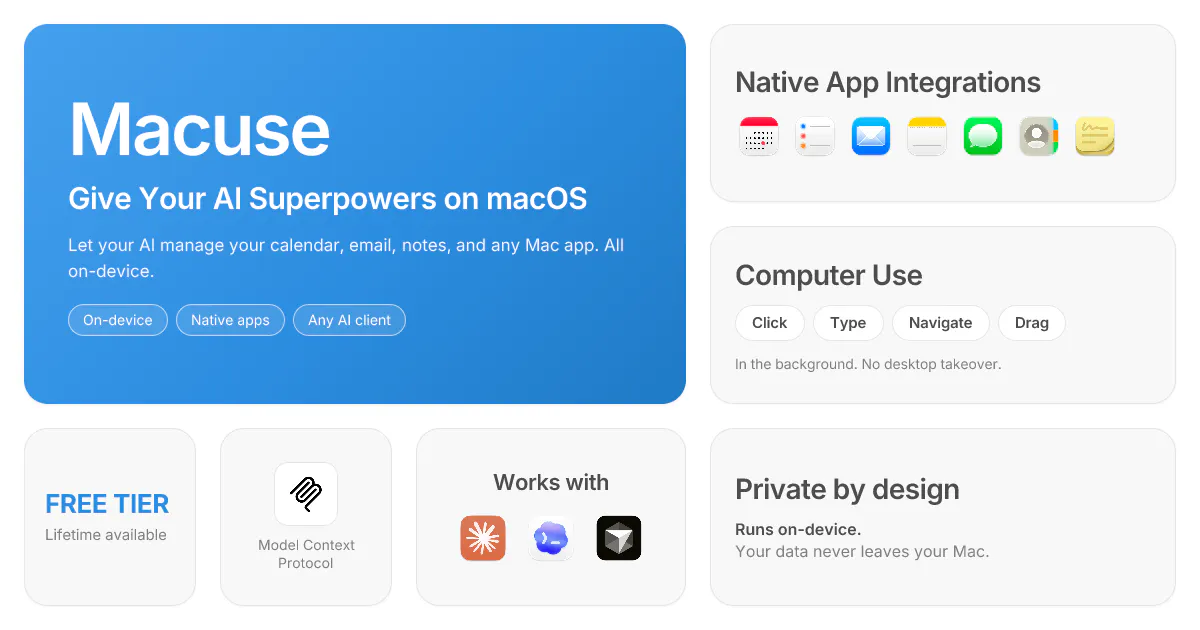
About Macuse
Reviews 15
-
Marcelo Prohaska 4 months ago
The 'every connection requires approval and can be revoked' line is what matters most to me here, but how granular is that approval? Is it per-app (grant Calendar but withhold Messages/Mail), or one grant per client that then covers everything Macuse can touch? And for outbound actions like sending a Message or letting a Mail draft actually go out, is that gated separately each time, or does the initial connection approval cover silent sends?
-
Maxwell Blanda 4 months ago
finally something that lets me ask claude to pull events from my calendar without weird workarounds, super clean mac feel too
-
Felipe Sanford 4 months ago
Finally a clean way to let Claude actually touch my Mac apps without weird workarounds. Setup with Calendar and Mail took like two minutes and the permissions prompt felt transparent instead of sketchy.
-
Malachi Armstrong 4 months ago
How does Macuse handle permissions when giving an AI client access to Mail and Messages, and is there any sandboxing or audit log so I can see exactly what got read or sent?
-
Charley Swift 4 months ago
Finally a clean way to let Claude actually read my Mail and Calendar without weird workarounds. The MCP setup was painless and everything stayed local.
-
Ulises Ankunding 4 months ago
Finally something that lets Claude actually touch my Mac apps without me copy-pasting between windows. Calendar and Mail worked right away once I granted the permissions, and the MCP setup was painless.
-
Elmer Schoen 4 months ago
Does Computer Use actually click around in your real apps without sandbox issues, or do you need to grant a bunch of accessibility permissions first?
-
Esteban Hilpert 4 months ago
mcp calls and computer-use have very different blast radii — reading a calendar is a scopable tool call, but 'real app control' via computer use is an unscoped click that does whatever the frontmost app can. the gate between those two is the hard part
-
Rylan Hyatt 4 months ago
the fact that it sits natively in the menu bar and just hands AI tools straight access to calendar and mail without weird workarounds is genuinely thoughtful engineering
-
Duncan Effertz 4 months ago
Hello yuexunjiang, I like the design a lot, it looks elegant. I have a quick question. What about the privacy issue? This AI agent will have access to all my emails, messages, reminders, prompts from my macOS apps? Congrats on the launch, let's connect!
-
Godfrey Donnelly 4 months ago
How does it handle permissions when it needs to actually click around in apps via Computer Use, especially for things that need accessibility access every launch?
-
Jarrell Homenick 4 months ago
How does it actually handle permissions when an AI wants to send a message or move a calendar event, do you get a prompt each time or is there a way to set trusted rules upfront?
-
Marcus Macejkovic 4 months ago
Hi Yuexun, the reassuring part for me is that it stays helpful without ever feeling like it might run off and do something behind my back. That sense of staying in the driver's seat matters a lot to me.
-
Toni Kutch 4 months ago
connecting MCP clients to native mac apps is the missing layer for local workflows. right now claude can browse the web and run code but can't touch the calendar sitting right there on the same machine. the messages and mail access is where it gets interesting and also where it gets risky. what does the permission model look like? per-app grants, per-action approval, or one big trust decision at install? that choice basically determines whether people feel safe using it for anything real.
-
Rocio Cormier 4 months ago
This looks great for the AI can reason but can't reach my apps problem. One thing I'm curious about: when Computer Use is driving clicks and typing in an app without an API, how do you handle it if it clicks the wrong thing in Mail or Messages before you can stop it? Is there some kind of review or undo step, or does it just fire at full speed once permission is granted?