

Mojave Paint
Direct manipulation of static images on the Mac platform
About Mojave Paint
Reviews 8
-
Jaylon Deckow 4 months ago
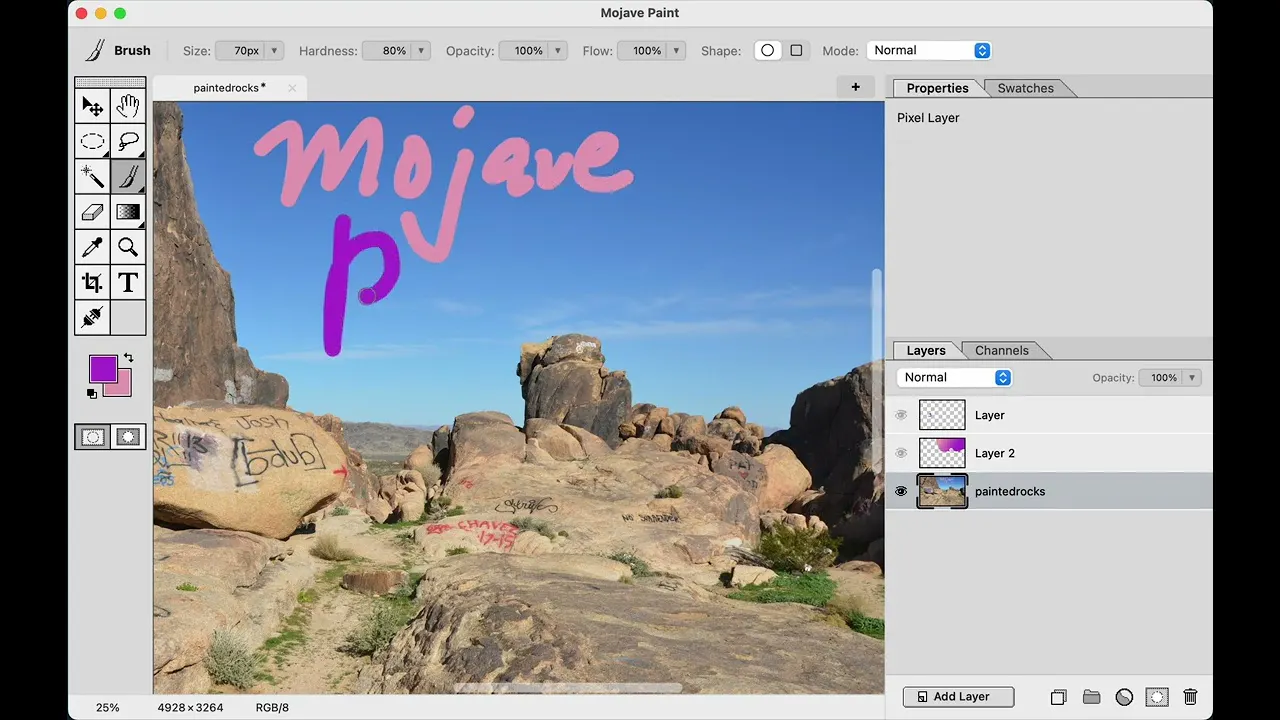
Mojave Paint 1.4 just released today with rich typographic controls. This, combined with Layer Styles that released a couple weeks ago, makes Mojave Paint a pretty capable design tool. Try it out for making flyers or posters or brainstorming on web design ideas.
-
Makenna Eichmann 4 months ago
'If you're looking for AI features, look elsewhere' is a great line. I spend my days compositing images with ImageMagick math ops, and the older I get the more I value tools that do exactly what you tell them. Is there any scripting/automation hook, or is direct manipulation the whole philosophy?
-
Johnathan Homenick 4 months ago
I really appreciate the intentional "if you're looking for AI, look elsewhere" stance. Do you see that as a temporary product decision, or a long-term design philosophy? In other words, are there AI features you believe could genuinely improve image editing without taking away the sense of craftsmanship?
-
Scotty Feest 4 months ago
finally a paint app that just gets out of the way. loved how the brushes felt on my m2 air, no lag, no weird cloud sync nonsense, just pure editing.
-
Conner Jacobs 4 months ago
Downloaded it yesterday and the layer blending feels really snappy on my M2, no lag like in some of the bigger apps. The brush engine has a nice texture to it that reminds me of older Mac tools.
-
Johnpaul Crona 4 months ago
Love the no-AI stance, that alone sets it apart. One thing that would make me reach for it over Pixelmator though, native support for opening and saving indexed-color PNG files with a real palette editor. Most editors downsample or strip the palette these days, and it's a pain when working with retro game art or pixel assets. Would be a perfect fit given the Mac heritage angle.
-
Rocio Cormier 4 months ago
love that you kept this purely about the craft—no AI gimmicks, just a real bitmap editor. the handmade-from-seattle approach reminds me of the old shareware era, which feels like exactly what mac image editing needs right now.
-
Toni Kutch 4 months ago
I’ve been using Mojave Paint since it first appeared on Reddit and I love it - I bought it straightaway. John regularly updates the app and adds new functionality, and it now does ~95% of what I need from graphics software. Being spectacularly old I appreciate the 90s aesthetic of the interface, but mostly I appreciate that it’s lightweight (9.2MB installed), fast and does almost everything I need it to do. Based on the last few months’ progress, I doubt I’ll need to use any other software by the end of the year. Unless you’re a graphics professional - in which case you probably need the bells and whistles other, vastly more expensive, software provides - I thoroughly recommend Mojave Paint.