

About Mosaic
Reviews 13
-
Halle Wilkinson 8 months ago
The "Zapier for video" positioning is spot-on. We're running a custom merchandise platform with heavy content needs, and the biggest bottleneck isn't the AI itself—it's the workflow friction between ideation → production → distribution. What caught my attention: the node-based canvas approach vs. the typical chat copilot. Most AI video tools force you into a conversational loop that doesn't scale when you're producing 50+ variants a week. A visual, reusable workflow canvas is the missing piece. Quick question: How does Mosaic handle batch processing for A/B testing different creative hooks? We're constantly testing product angles across platforms, and being able to define a workflow once and run it programmatically would be a game-changer for content ops.
-
Haleigh Bartoletti 8 months ago
Congratulations to you and Mosaic team. I tried this tool and love the workflow. I recommend this tool to anyone who is asking for video editing tool. This tool has great potential and I love the node base. Keep going, Adish!
-
Monserrate VonRueden 8 months ago
Congrats on the launch and the product! The node-based canvas is smart, seems way better than waiting for chat responses on long videos. Does this work well for podcasts → LinkedIn clips? I'm thinking that it might be a popular usecase?
-
Dejon Bergstrom 8 months ago
This is a really powerful shift from “editing videos” to “designing video systems” Curious — how do you handle consistency across outputs? Like when generating multiple variants (A/B tests, reels, etc.), how do you ensure brand voice, pacing, and visual identity don’t drift across different agent workflows?
-
Neal Jacobson 8 months ago
This is exactly what the YouTube creator workflow has been missing. Right now, the creation pipeline looks like: brainstorm ideas → write script → shoot → edit → publish. The first two steps are getting automated fast (we built TubeSpark to handle ideation and script generation with AI), but editing has always been the manual bottleneck. The node-based canvas approach makes a lot of sense — especially for creators who produce weekly content with consistent formats. Being able to save workflows as templates and trigger them via API is a game-changer for batch production. Curious about one thing: how does Mosaic handle b-roll suggestions or cuts based on script pacing? Like if a script has a "pause for emphasis" moment, does the visual intelligence pick up on that? Congrats on the launch, Adish!
-
Kyleigh Luettgen 8 months ago
This is what AI meets <> video editing needs to be - Effortless. I use it for personal memories, my friends use it for legitimate scaled content creation - we all get time back and better videos than we could’ve made ourselves. Don’t need much more.
-
Marcelo Prohaska 8 months ago
Have been using and recommending Mosaic for past 3 months, game changer for podcast clipping and motion graphics.
-
Nils Auer 8 months ago
After Effects too?
-
Joaquin Wisozk 8 months ago
@adishj This is lovely! Can you also include color grading styles and preferences?
-
Mortimer Powlowski 8 months ago
As someone who has edited videos for hours and hours, this product cannot be overstated! Congrats @adishj I would love to add this to my video toolkit.
-
Murray Kuhlman 8 months ago
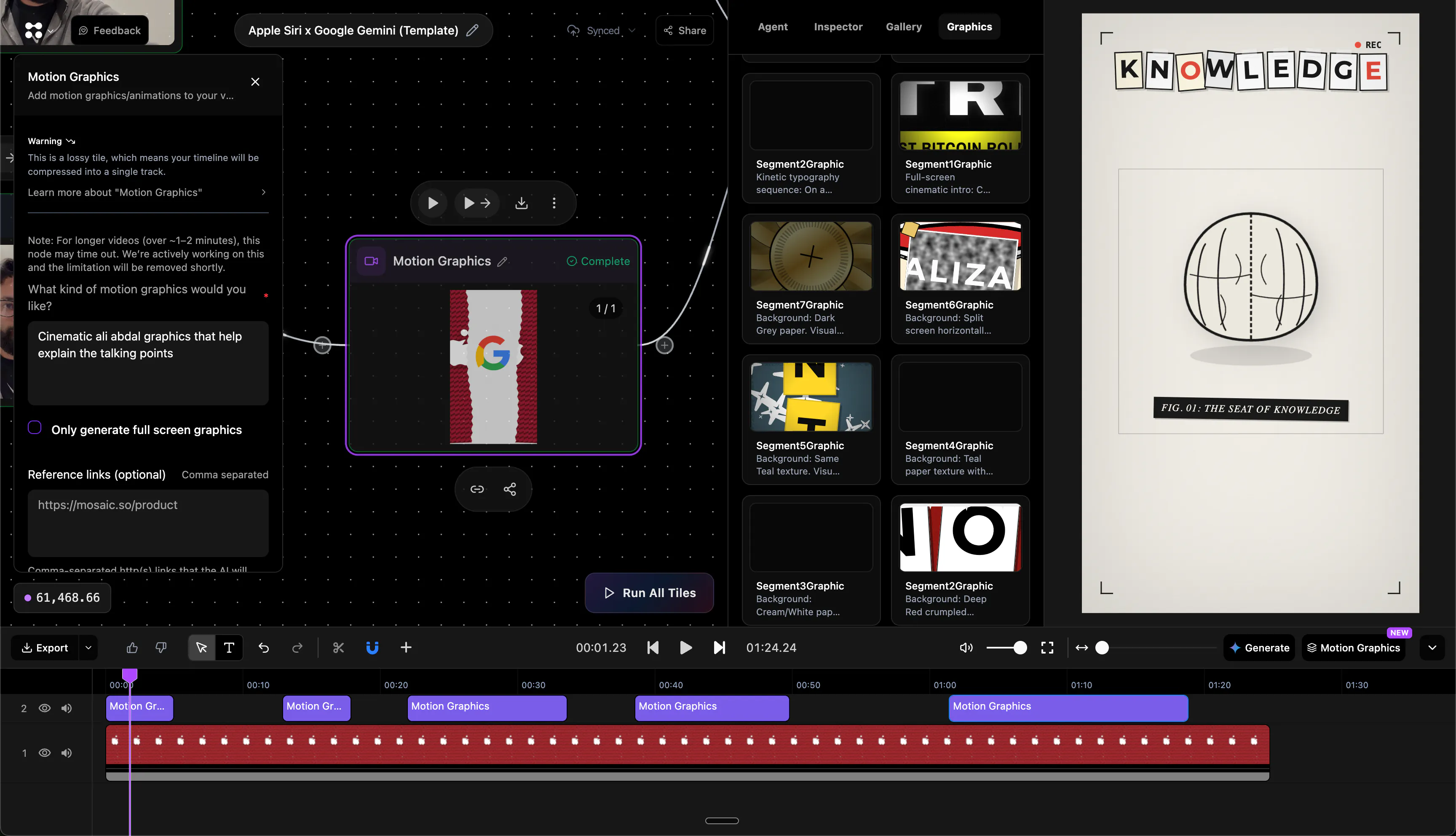
The node-based canvas is the right interface for this. Chat-based video editing works for simple one-shot tasks but falls apart the moment you have a repeatable workflow with multiple steps, branching variants and brand constraints you need to apply consistently across projects. The A/B testing of hook and CTA permutations from the same raw footage is the use case that jumps out to me. That alone could change how content teams approach high-volume social production. As a motion designer and Creative Director who works with brand video regularly, the "80-90% of the way there, then you refine" model is how I'd actually want to use this. The XML export back to Premiere, Final Cut and DaVinci is also what makes this feel safe to adopt rather than a walled garden. Curious how the motion graphics node handles brand system constraints, can you feed it a style guide or does it work purely from prompt? Congrats on the launch!
-
Daren Bruen 8 months ago
This is a good product for advertising optimizers and video editors doing mobile marketing, as it can quickly adjust and produce multiple advertising variations based on advertising effects.
-
Quincy Medhurst 8 months ago
The way we will create videos has totally changed. The fact that if I wanted to create 2 different variations of the video (which also incorporated time for moodboarding and different script logic) – it took days, and now, one single tool can manage in the blink of an eye... that's crazy.