

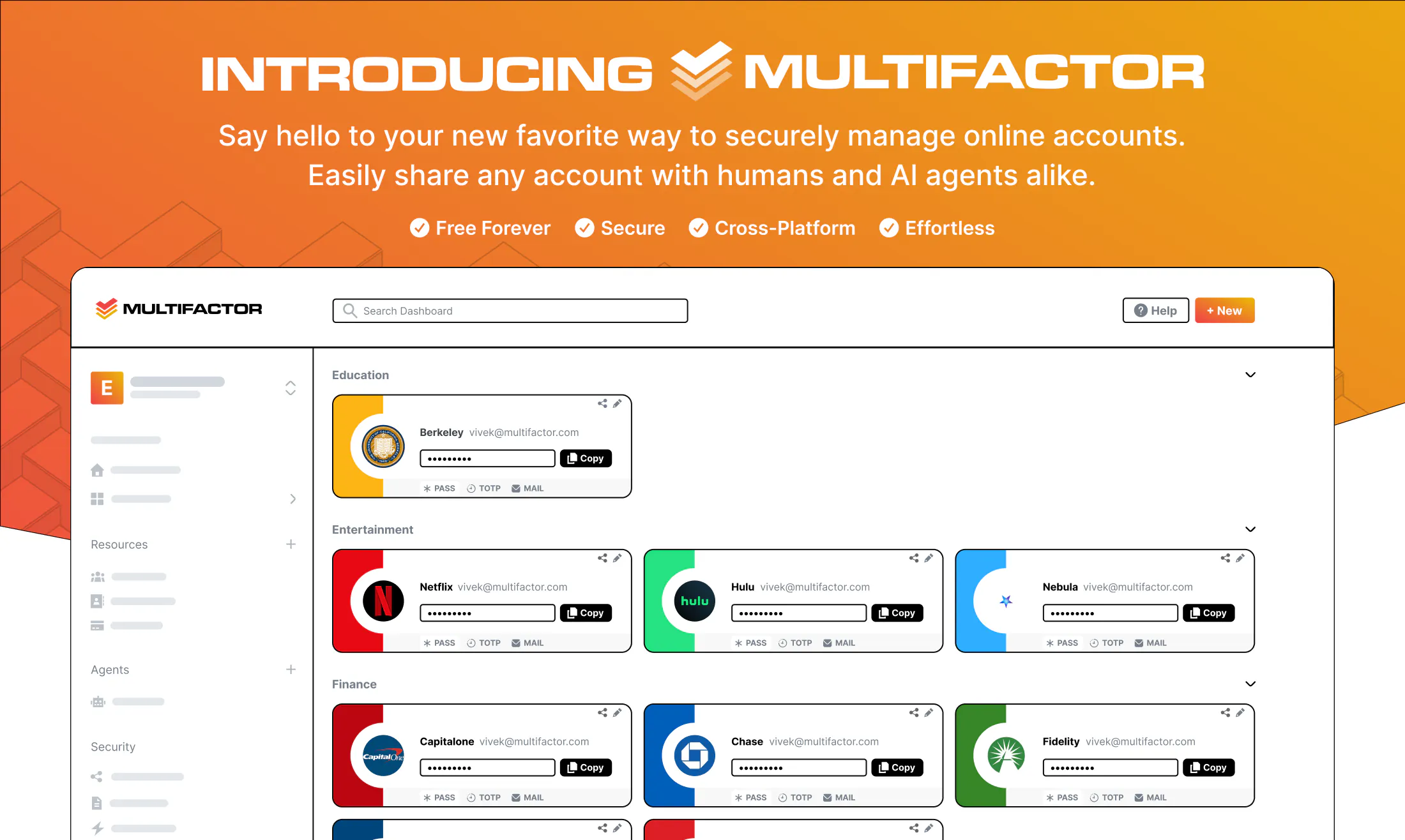
About Multifactor
Reviews 15
-
Former member 11 months ago
I wanted to use it, but it started with a bug that prevented using a passkey. Then, when I tried to import from LastPass, it gave me an error saying it couldn't do it now. So, the only option is to do it manually. Despite all this, I still haven't used the platform.
-
Trenton Spencer 1 year ago
Hi Multifactor seems super cool! I would love to be able to share credentials in an easy and fine-grained way. However, I had problems getting it working. Maybe it's just user error, which is why I am posting here. I installed Multimodal on both my iphone and Macbook and had the same problems with both. The "copy" button next to the password doesn't work. UPDATE: I think it is supposed to create a checkpoint link, but when it cannot (for X/Twitter and Facebook in my case), there is no error and the copy buffer just keeps whatever was last in it. (You can make the password visible and then manually retype it, but that also defeats the purpose of not sharing passwords.) The two accounts I tried to share with a friend (X/Twitter and Facebook) would not let me share. The sharing screen gave me an error, "This service can't be used with Checkpoint yet". How can I find which services are fully integrated today, so I don't waste time setting up servces that are not integrated? I wanted to share an account on a different app (Copper CRM) but search could not find it, so I assume it is not integrated at all. I hope you can guide me on using Multifactor correctly and productively. Thanks, Jean
-
Jarrell Homenick 1 year ago
Congrats! With Lastpass, I'm able to share my login details with multiple people at the same time (1 to many). Is it possible to do the same with Multifactor?
-
Former member 1 year ago
Congrats on the launch this is really solid! I noticed your product likely needs developer-facing onboarding or API documentation as you scale. If you're still refining your docs / quickstart flow, I specialize in making integration steps clearer so devs can get started faster. If helpful, I can review your current documentation or setup flow and send back clarity suggestions. No pitch just useful developer experience feedback.
-
Monserrate VonRueden 1 year ago
Quick question: Do you already have a user onboarding or “how it works” guide, or is that still in progress?
-
Former member 1 year ago
Congrats on taking daily #1! I’m not expert at security, but I’d be really excited if my agents like GPT-5 or Cursor could reach my accounts through a preconfigured password manager. This feels like the right path to break the context monopoly. With that, my agent could format and publish social posts or blog articles for me, or plan a trip and then book flights, hotels, and everything else.
-
Former member 1 year ago
This feels like a bridge between traditional password managers and the AI future “account sharing with agents” Fantastic work, team! :D
-
Former member 1 year ago
can i easily share logins with my administrative assistant?
-
Tyrique Lind 1 year ago
Personal plan for free it is how it should be 🔥
-
Maxwell Blanda 1 year ago
Can I use this to set policy about the types of things my EA is allowed to do across all my accounts (e.g. view my account balances / information across all my financial accounts) without having to share credentials individually? Having her constantly need to ask for permissions for a specific account I forgot has been a real pain.
-
Orrin Batz 1 year ago
Great product, I have so many questions but this indeed solves a real pain, congratz on launching! To use it I will need to store all my password including all MFAs into Multifactor right? When I want to share, I just share a Checkpoint link which is already logged in using my password and MFA? So to the person that are receiving it, they actually never need to do the login themself since it's already logged in for them? Multifactor tracks the action they have taken on the site so I can see exactly they did with my account? How does Multifactor prevent certain action? is it just by URL checking or I can specify don't allow the user to click on this button or something like that?
-
Former member 1 year ago
Congrats on the launch! Super clever idea with a great team!!
-
Former member 1 year ago
Congrats on the launch!
-
Esteban Kilback 1 year ago
Great Idea! Save time and energy on logging into my accounts.
-
Johnpaul Crona 1 year ago
Congrats on the launch. Best wishes