

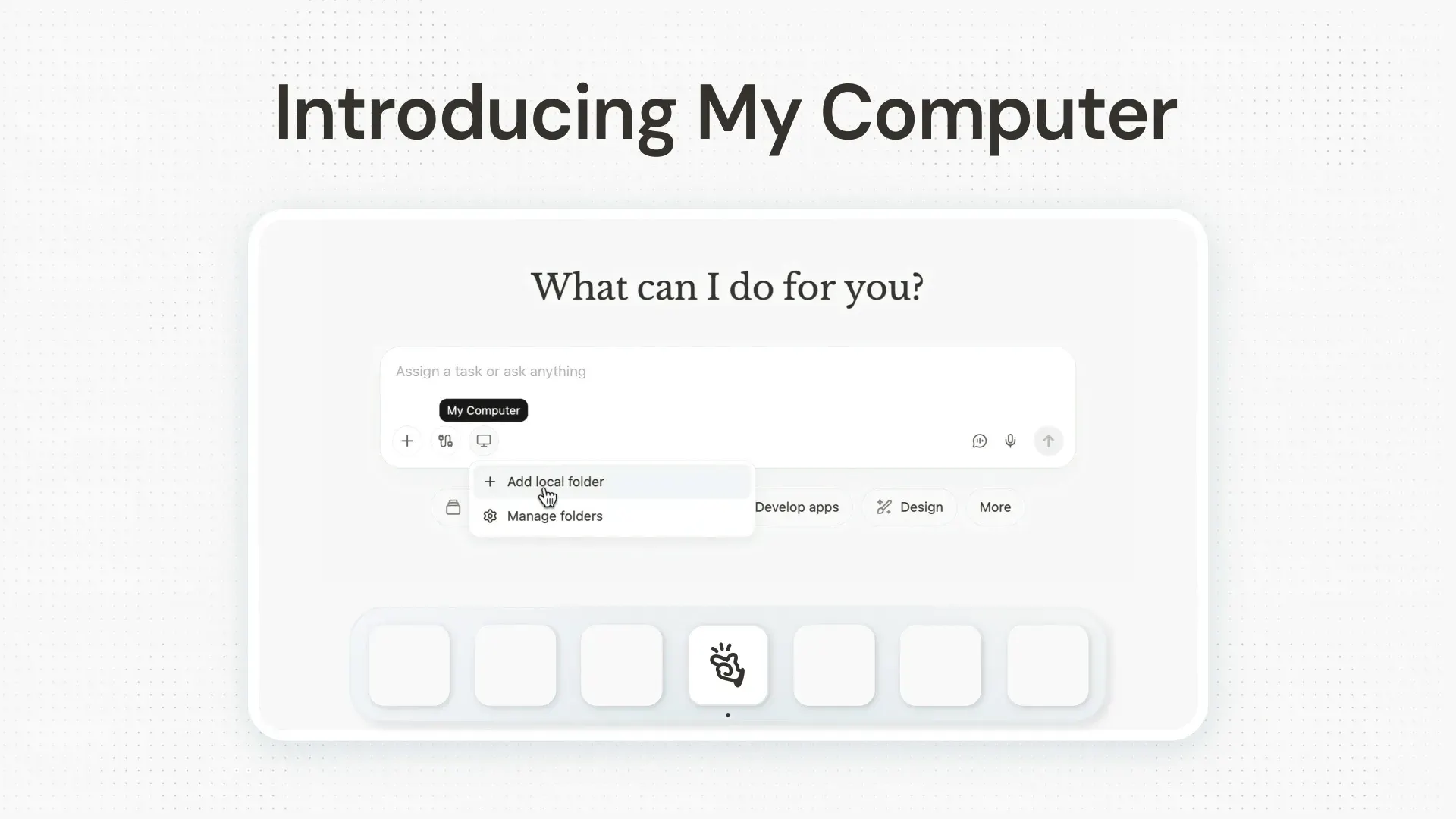
About My Computer by Manus AI
Reviews 14
-
Derick Koelpin 7 months ago
The desktop automation category has been attempted a few times with mixed results mostly around reliability when the UI changes unexpectedly. How does Manus handle app state changes mid-workflow? Like if a dialog pops up it wasn't expecting, does it recover autonomously or does it pause and wait for human input? Curious how you've approached the failure mode design here.
-
Korbin Effertz 8 months ago
The promise here is strong, especially if it can plan and complete tasks without constant intervention, although I am still cautious because most “autonomous” systems tend to break down once the environment becomes less controlled.
-
Elmer Schoen 8 months ago
Looks cool, but I was hoping for a discount launch code…😇
-
Joany Hansen 8 months ago
من المنصات الرائعة لبناء تطبيقات وكريمة في منح رصيد يومي جيد
-
Halle Wilkinson 8 months ago
Great to see Manus moving in the local workspace. A lot of productivity use-cases still remain locally (local files, tools, and apps). I'd be interested in seeing how it works compared to Claude Cowork.
-
Karley Frami 8 months ago
Excited to use this and test the concurrent tasks within the Manus browser itself. I've recently invested more time into Cursor IDE and also Github Desktop so I'll see how I can combine this with the Manus mobile app and 'work on the go'
-
Burley Collins 8 months ago
This is a really compelling step for desktop automation. Most AI tools today operate in a cloud sandbox, which limits what they can do with local files and apps. Having Manus run directly on your machine feels like a fundamentally different approach compared to cloud-based automation platforms like Zapier or Make. The ability to organize local files, trigger CLI commands, and even build apps without code is impressive. I'm curious about the security model here — since it has deep access to your local system, how do you handle permission scoping and ensure sensitive files or credentials aren't accidentally exposed during automated workflows?
-
Joshua Abshire 8 months ago
Great stuff! So far it runs smoother than Claude's Dispatcher
-
Demetrius Gulgowski 8 months ago
This seems compelling but leaves me wondering if Manus still burn through credits without completing tasks fully post-acquisition. If that has improved, this could be worth the download!
-
Jaylon Deckow 8 months ago
Bringing AI agent capabilities directly to the local desktop is a game-changer. As someone who values local-first workflows, I’m curious about the performance side—does running Manus locally consume significant CPU while it's processing CLI tasks in the background?
-
Randi Prohaska 8 months ago
Giving this a shot! Looks a lot like Claude desktop, and I am OK with that, happy to see a familiar Ui
-
Murray Kuhlman 8 months ago
congratulations seems like Manus is further igniting the Computer fire. more is always better.
-
Jackson Fisher 8 months ago
so it's a claude desktop clone?
-
Jaylon Deckow 8 months ago
Moving Manus from cloud-only sandboxing to direct local machine access via CLI execution is the natural next step — most real productivity workflows involve local files, dev environments, and desktop apps that a cloud-only agent simply can't touch, so bridging that gap unlocks an entirely different class of automation tasks. The remote task triggering is a compelling feature for power users, but how does Manus handle permission scoping on local execution — is there a granular approval system for different command types, or does the user approve each terminal command individually?