

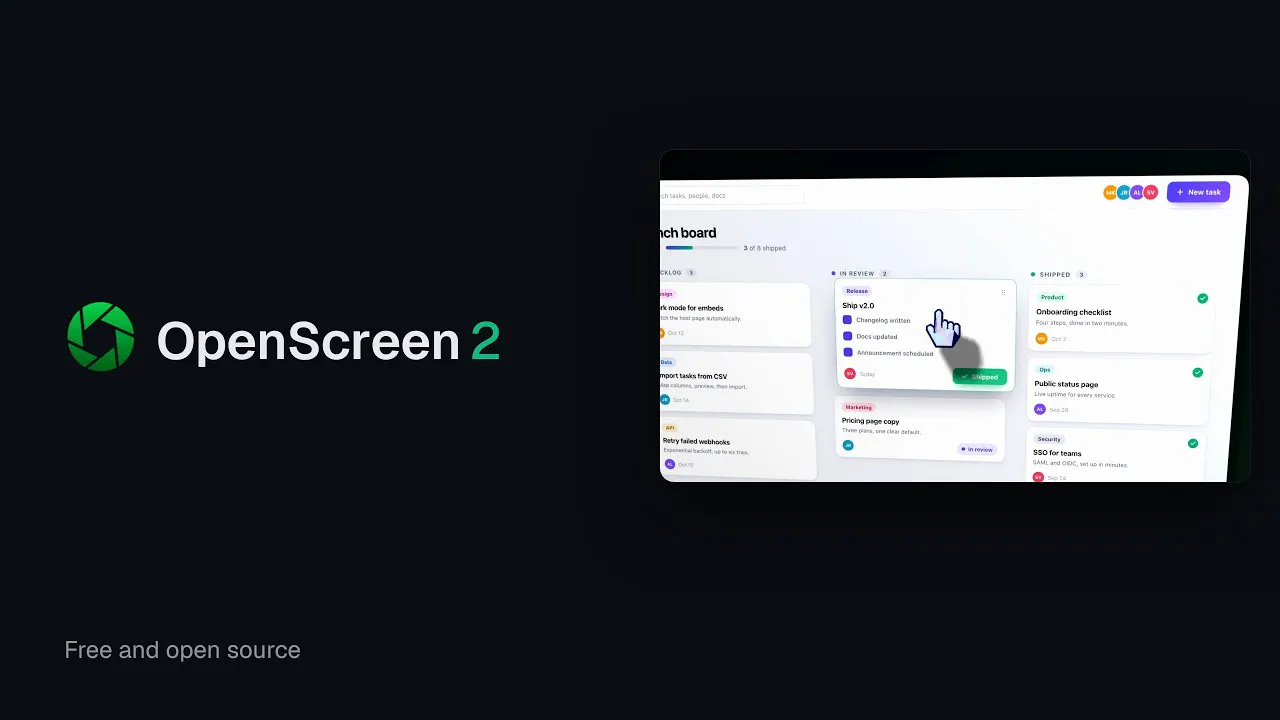
About OpenScreen 2
Reviews 3
-
Orrin Batz 1 month ago
Congrats Etienne, and good on you for picking it up instead of letting it sit archived. I went through the OpenScreen source a while back. The comment in zoomSpring.ts about the eased target causing a jerk at zoom seams changed how I think about camera motion. Small detail, but you can feel it in the result. Curious about "zooms as shots": how do you decide which clicks go in one shot? Time gap, distance on screen, or both?
-
Paul Kshlerin 1 month ago
Congratulation! I use Screen Studio a while, then switched to Record, now, I I'd like to try OpenScreen!
-
Jackson Fisher 1 month ago
free, MIT, no watermark on a tool this polished is rare, respect for keeping it that way through the rewrite. question on the transcript-based cutting: local transcription is never perfect, so what happens when the agent deletes a word that got misheard and the cut lands mid-sentence instead of in the pause? does it show you the edit list before committing, or is undo the main safety net there?