

About Paste MCP & AI Tools
Reviews 14
-
Enrico Wiza 5 months ago
"Windsurf was asked about in the comments but I'm curious about the Claude desktop app and other native AI tools — does Paste expose its history as MCP-accessible context so an AI agent can actually reference past clips mid-conversation, or is it just a manual paste-from-history experience?"
-
Daren Bruen 5 months ago
A local MCP server that exposes clipboard history as retrievable context is the right read on where the bottleneck actually is. The clipboard is the richest unstructured context a person produces in a day, and most agents never see it. The piece I would want spelled out before I connect Claude or Cursor: the clipboard is also where passwords, API keys, and one time codes pass through. Does the MCP surface inherit the same ignore rules that keep secure apps out of Paste history, or is secret filtering a separate layer on the server? And when a tool queries, does it pull full items or only the ones I have pinned, so the model never sees the long tail by default?
-
Halle Wilkinson 5 months ago
Paste is in my top 10 must have mac apps
-
Rupert Emmerich 5 months ago
The MCP integration is a smart move — clipboard history becomes searchable long-term memory for Claude/Codex instead of losing everything when the session ends. One thing I wonder about is how you handle sensitive tokens or passwords that accidentally get copied. Is there a way to exclude certain apps or patterns from being saved?
-
Rocio Cormier 5 months ago
Been using Paste for a long time, great idea!
-
Marcelo Prohaska 5 months ago
Congrats! This is one of those tiny workflow pieces that probably matters more than it looks. Most of us using Claude/Codex end up re-pasting the same repo notes, commands, and half-written instructions all day. The interesting bit is whether Paste becomes a shared memory for the work or another drawer full of snippets. How are you thinking about stale context — stuff that was useful yesterday but wrong today?
-
Lamont Strosin 5 months ago
I copy so much stuff throughout the day and lose track of half of it. clipboard history as searchable context for AI tools is one of those things that sounds obvious but nobody else has done it
-
Elmer Schoen 5 months ago
@protsenkoalexandra Congrats on the launch! Can Claude save things back to Paste, or is it only able to search clipboard history?
-
Dorcas Parker 5 months ago
Congratulations! Does it work with windsurfing? P.S. I love your project, by the way, and I'm an old user.
-
Scotty Feest 5 months ago
Great! Will it be accessible via Setapp as well?
-
Kenneth Corwin 5 months ago
Sounds cool! Definetely gonna try it, congrats on launch!
-
Carter Volkman 5 months ago
The pinboard example is super interesting. Being able to tell the AI to dynamically organize my random clipboard scraps into a structured pinboard sounds like a massive productivity boost. Definitely giving this a spin today..
-
Duncan Effertz 5 months ago
Сlipboard history as AI context, that's a brilliant reframe. been a paste user forever and never thought about it this way. the amount of stuff i copy daily and never look at again is wild in retrospect.
-
Conner Jacobs 5 months ago
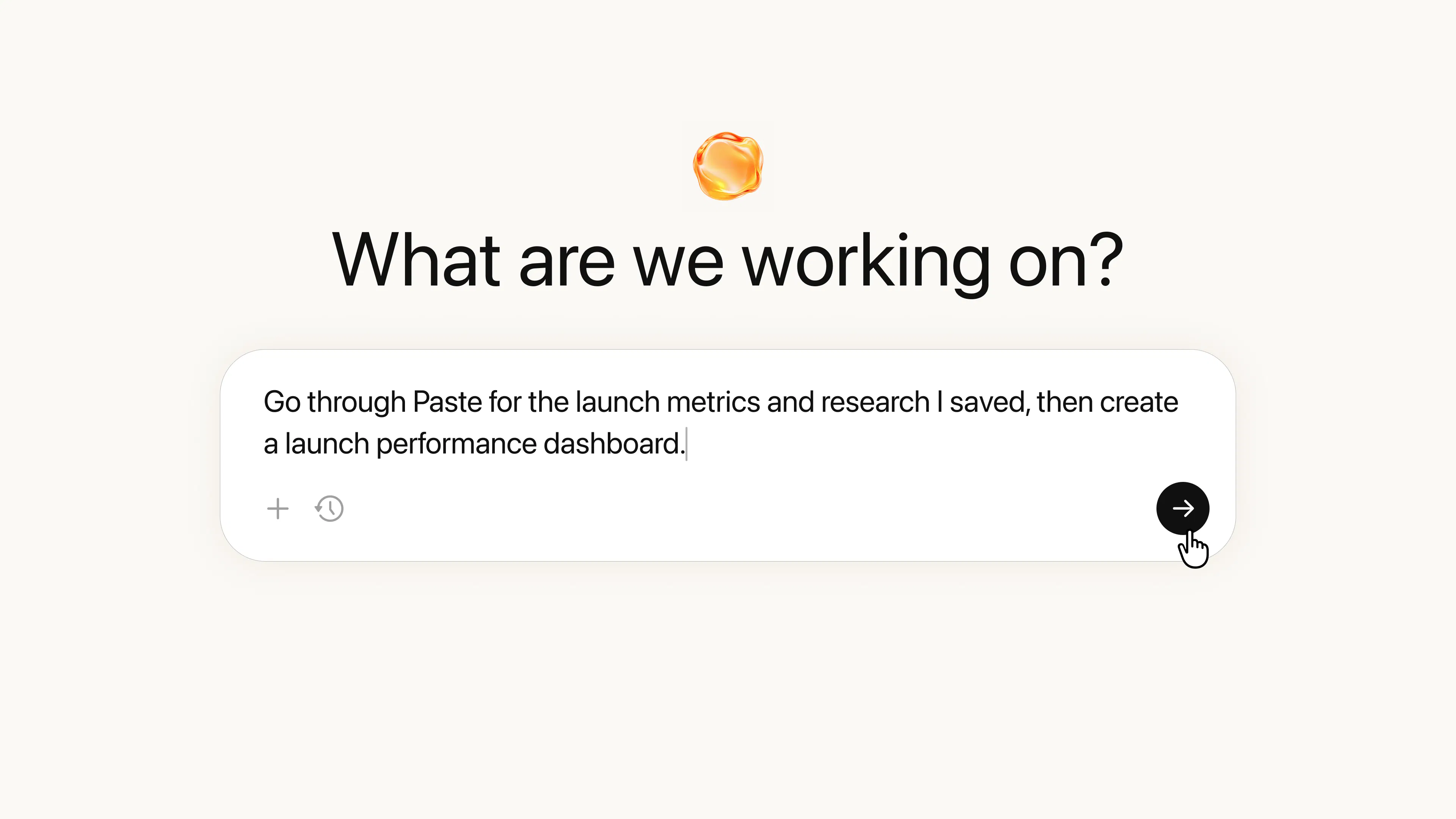
Hey there, Paste helps people save, search, and organize everything they copy across Mac and iOS. Today, we’re launching Paste MCP, a new way to bring your clipboard history into AI tools like Claude, Codex, and Cursor. AI tools work best when they understand what you’re working on. But that context is often spread across links, notes, screenshots, snippets, files, and random ideas you copy during the day. Paste MCP brings that context into your AI workflow through a built in local MCP server on your Mac. You can ask your AI tool to find something you copied earlier, use saved context in a draft, or create a pinboard without leaving your chat. A few examples: Check Paste for the meeting notes I copied earlier and turn them into a team update. Find the links I saved about onboarding and summarize the key points. Create a pinboard for this project and add the relevant items. Paste MCP runs locally on your Mac. You choose which AI tools can connect, and you can remove access anytime. Big thanks to @chrismessina for hunting Paste again and supporting us on this launch. We’d love to hear what you try first, what you find useful, and what you think is missing. Thanks for checking it out!