

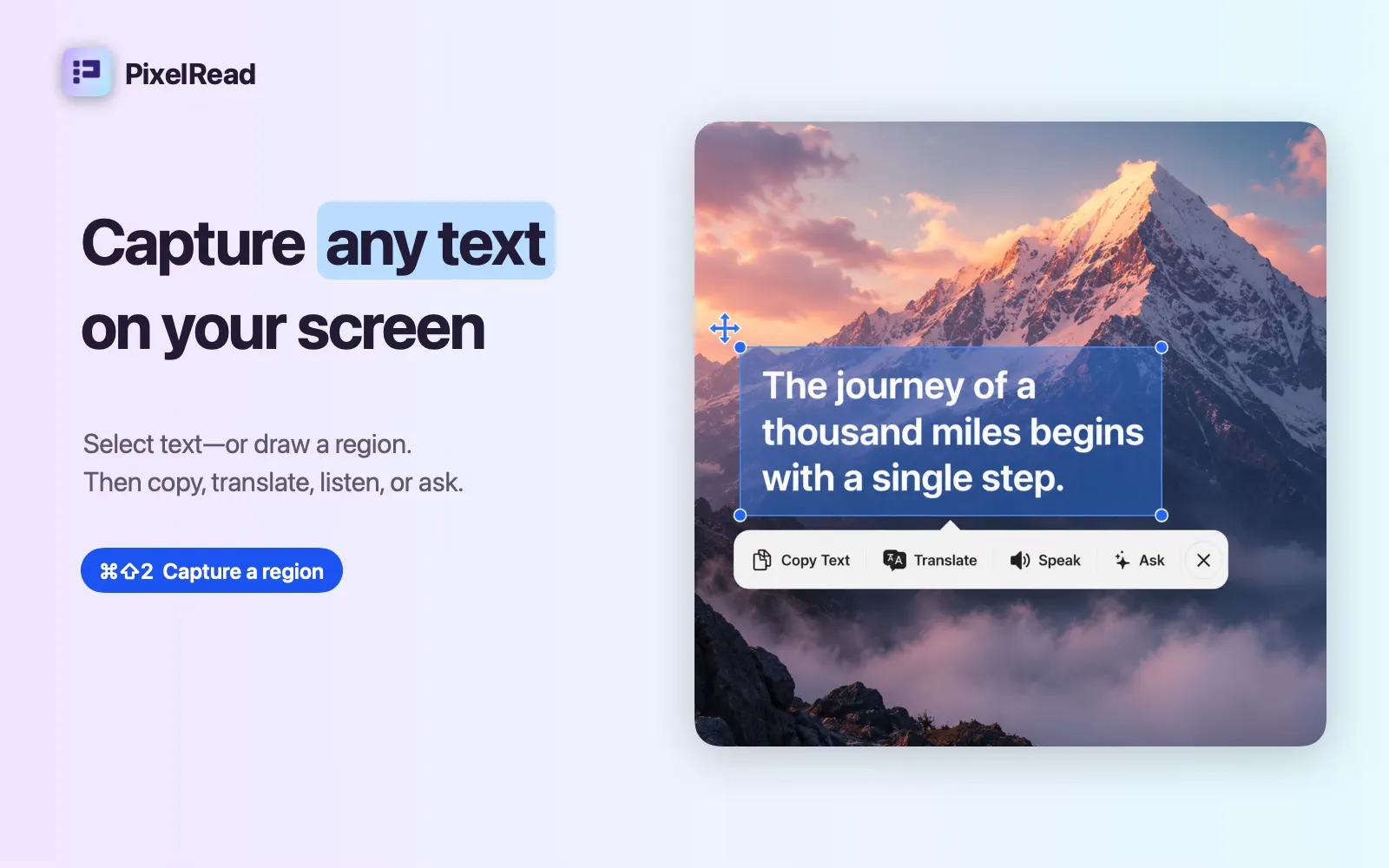
About PixelRead AI OCR
Reviews 2
-
Adam West 3 months ago
"OCR, translation, and AI processing stay on your Mac" is the line that sold me - half the reason I never bothered with the built-in screenshot-to-text tools is not wanting random screen content going to a server. the actual use case I'd reach for most: pulling text out of error screenshots and stack traces that get dropped into Slack as images instead of text, so I can actually search or paste them somewhere useful. curious if extract-key-details handles messy monospace/terminal output as cleanly as regular text, since that's usually where OCR tools fall apart.
-
Roy Kris 3 months ago
Congrats on the launch! Looks great, and would save a lot of time. The translation feature looks super useful too. Mainly would use OCR for converting text in images to text etc.