

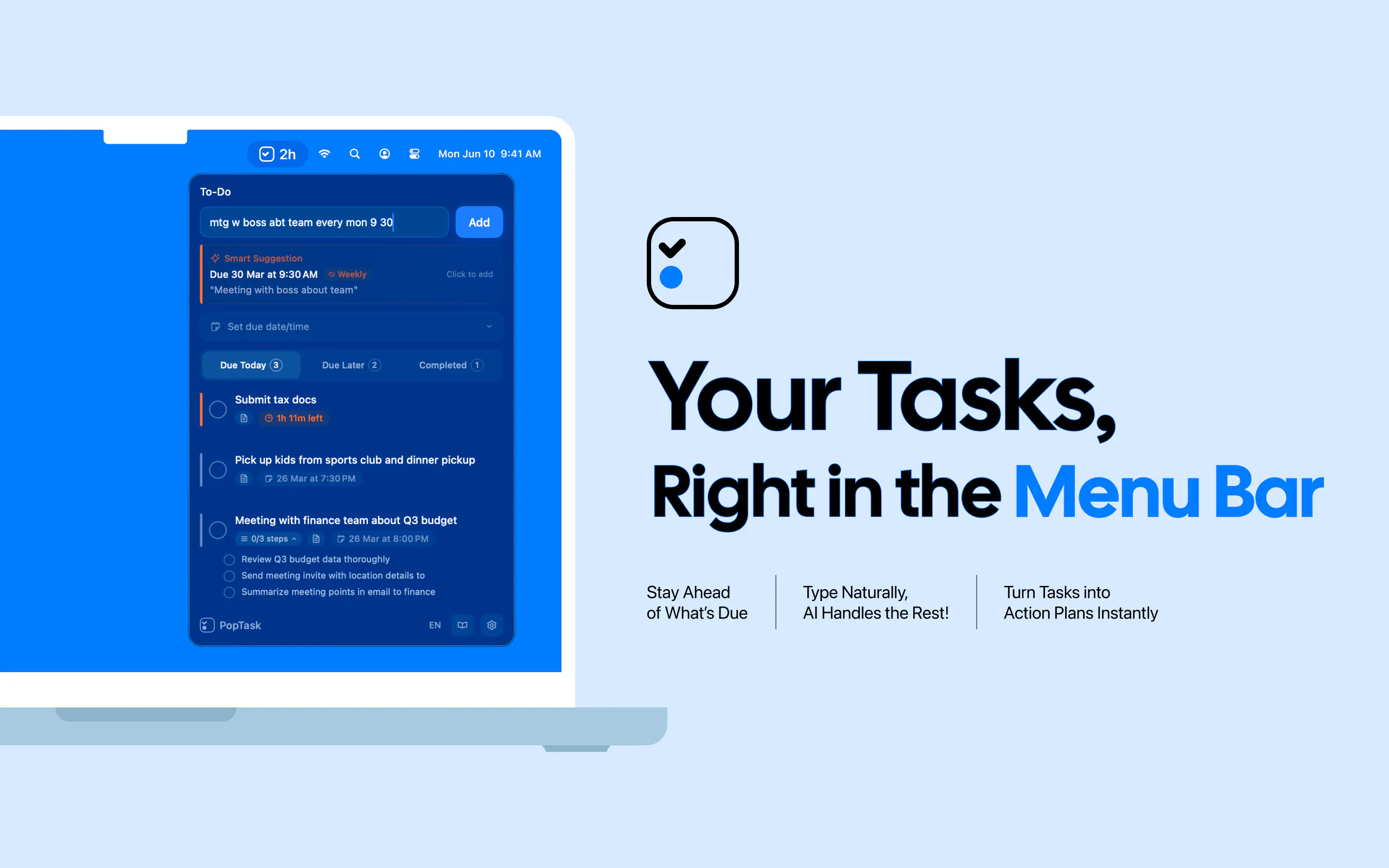
About PopTask
Reviews 15
-
Esteban Kilback 7 months ago
the quickly capturing part is the whole game with task managers. most of them are great for organizing but terrible for the moment when you just need to write something down in 2 seconds....
-
Constantin Leuschke 7 months ago
Is there a voice mode? Can I dictate a note, specify which group it goes to, and set a reminder by voice? That would be very convenient for people working in flow who can’t afford to get distracted.
-
Dejon Bergstrom 7 months ago
Does PopTask support integrations with tools like Slack or Google Calendar for seamless task capture?
-
Mckenzie Mosciski 7 months ago
Does it sync anywhere or purely local?
-
Marcelo Prohaska 7 months ago
Since the task data is just a local JSON file on the Mac, have you thought about documenting the format so people can pipe tasks in from scripts? Something like `echo task | poptask add` from the terminal. Keeps the no-cloud thing going and opens it up to the developer crowd without touching the main UI.
-
Toni Kutch 7 months ago
the "mtg w team mon wed fri 9am" example sold me, that's exactly the friction point, most task tools make you format your thoughts before they'll accept them. does it handle recurring patterns from freeform input? like if i type "standup every weekday 9am" does it set up a repeat automatically?
-
Jarrell Homenick 7 months ago
Looks solid for quick task entry, but I'm curious about how well it handles context. What happens with tasks that require follow-ups or details?
-
Zachariah Hudson 7 months ago
Appreciate it. Will This be available for mobile platforms? Syncing with mobile will gain you more benefits. See am commenting using phone 😊
-
Chelsey Gottlieb 7 months ago
Is it connected with Google Calendar or Calendly?
-
Fidel Davis 7 months ago
Upvoted and downloaded! Will see how it goes. Do you see the possibility of integrating this with other task managers? One bane of them is not having something "universal" that connects through systems/platforms to keep things truly organized.
-
Maxwell Blanda 7 months ago
I wish I'd had this when I was using my Mac! Excellent work. By the way, do you have plans to release a Windows version?
-
Joany Hansen 7 months ago
Hey @lilhadi -- as someone who has tried just about every to-do app, I really dig this. Really simple + the natural language support is killer. Two requests/comments: Thought about adding a system wide shortcut to initiate the menu bar pop down? Also, TAB support on the pop down to switch between fields and CMD + Enter to add new a new task? Feel like that would make it even faster to use. Nice work!
-
Wiley Lubowitz 7 months ago
this is so clean. curious about Focus Mode: what does it actually do? does it hide everything and just show the one task you're on?
-
Conner Gislason 7 months ago
One comments, I always got some picture with schedule, it will be great if I can paste the picture and popTask can OCR and find the schedule ,setup everything
-
Uriah Mayer 7 months ago
This is going to be so handy to manage tasks. I'll try it out. Congrats on the launch 🎉