

About Qursor
Reviews 15
-
Esteban Kilback 5 months ago
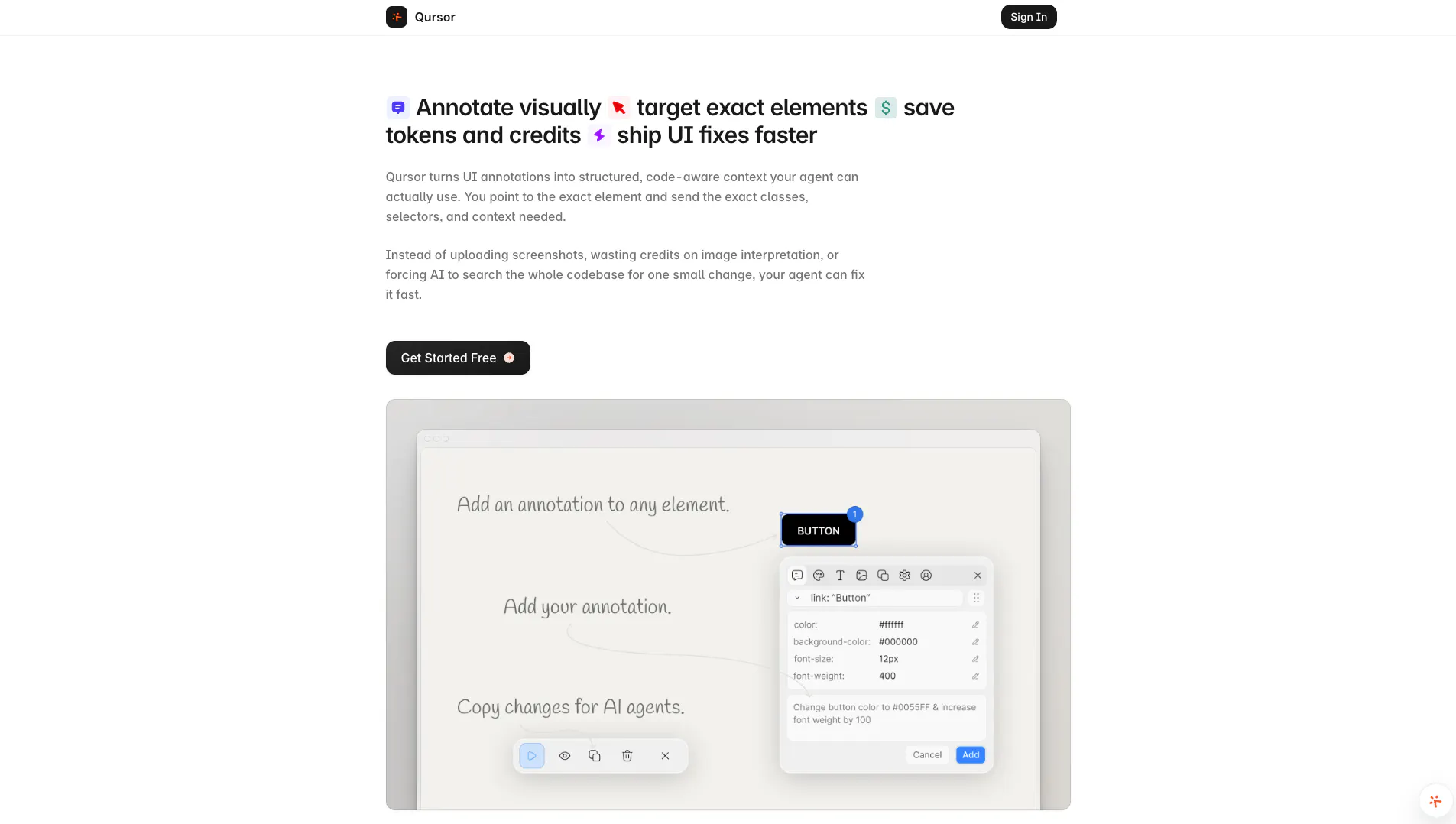
This solves a painfully real problem: AI agents editing the wrong UI because the prompt lacked exact context. Copying selectors, styles, fonts, and assets is a smart bridge. How well does it work with component-heavy React apps?
-
Trenton Spencer 5 months ago
I spend way too much time copy-pasting error messages and UI screenshots into Claude just to explain what I'm looking at. If this actually captures the right context automatically that's a huge time saver. How does it handle dynamic content like dropdowns or modals that disappear when you click away?
-
Joany Hansen 5 months ago
oh nice idea. This would save a lot of prompt tokens while working on complex UIs.
-
Joaquin Wisozk 5 months ago
This is a great idea especially for people who want to create websites. Personally I've been using claude code, Claude design specifically. I was wondering what separates this from the mark up feature in Claude design where you just circle the part you want to change and send a prompt through to Claude. I can definitely see this as being very useful for non-website development specific AIs
-
Mckenzie Mosciski 5 months ago
I've been waiting for something like this for quite a while. I'm so happy someone finally built it.
-
Adam Zemlak 5 months ago
I vibe-code most of my app with Claude Code and the "no, the other blue button" loop is painfully real. Copying selectors + styles instead of a vague screenshot is the right fix. Any plans for a Safari version, or is Chrome the long-term home?
-
Duncan Effertz 5 months ago
This is amazing. imma use it a lot tbh.
-
Enrico Wiza 5 months ago
Hey, that's smart, great idea. I use Tidewave, and that includes a pointer as well, but it only works with certain frameworks, so your extension might be what I need for other projects, I'll check it out!
-
Conner Jacobs 5 months ago
this is cool, can I use this to fix my webflow design?
-
Burley Collins 5 months ago
how it handel the framework code when we inpect those elements ?
-
Alford Marvin 5 months ago
@theomkarbirje This solves a very real context problem. A lot of AI help breaks down because describing the UI manually is slow and incomplete. Pointing at the exact screen state feels much closer to how people naturally ask for help.
-
Sedrick Hirthe 5 months ago
Honestly this scratches an itch I didn't know I could fix. Half my back-and-forth with agents is just me describing "no, the button next to that one" and praying it gets it. Sending exact context (classes, styles, fonts) instead of a vague screenshot makes way more sense. Clean execution too. Congrats on the launch 👏
-
Dorcas Parker 5 months ago
The token-waste problem is real. How does Qursor handle stateful elements - like a dropdown that's only visible when open, or a hover state? Those are usually impossible to inspect without freezing the UI somehow.
-
Joany Hansen 5 months ago
Just use MСP Сhrome Dev Tools for your AI agent and it will be able to see the page, no need for any additional services that transfer the UI into the context
-
Roberto Smith 5 months ago
Congrats on the launch! This looks useful. One thing I'd want to know is whether it works just as well on internal tools and SaaS dashboards as it does on public websites.