

About Retina
Reviews 13
-
Charley Swift 6 months ago
curious what the AI graphics piece actually does because that's the vaguest part of the description. auto-zoom and cursor smoothing are clear mechanical features. AI graphics could mean anything from background removal to generative overlays to automatic callout annotations. what's actually in that feature and how much control do you have over what it produces
-
Jaylon Deckow 6 months ago
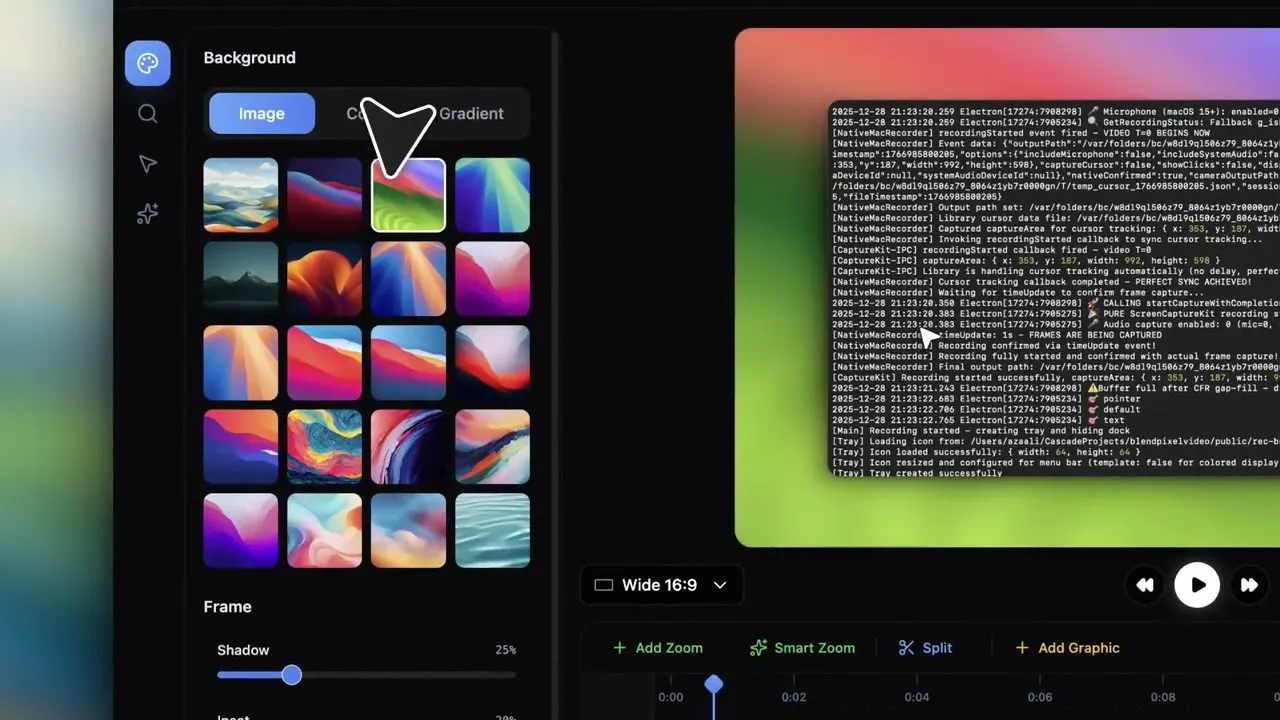
With Retina, I can showcase the screenshots of my terminals with more fluidity now!
-
Lance Morar 6 months ago
The product looks great until I saw that it was only available in a Mac. Yes, please put that on your roadmap and best of luck!
-
Buck Yundt 6 months ago
Any consideration for making some of this functionality for non-recorded sessions? As a GTM professional you might find this valuable even for live demos too
-
Blaze Koepp 6 months ago
Looks great, but my Mac wont allow it to run :(
-
Scotty Feest 6 months ago
I've recorded dozens of product demos and the post-production always takes 5x longer than the actual recording. Auto-zoom into the area of activity is the one feature that would save the most time — manually adding zoom keyframes in DaVinci Resolve is the most tedious part of any tutorial video. The "cinematic out of the box, no post-production" claim is bold but that's exactly what the market needs. Screen recordings are the most common video type for SaaS demos and tutorials, yet they look amateurish 90% of the time. A tool that produces something polished enough for a Product Hunt launch video or YouTube tutorial without touching a video editor would be incredibly valuable. No watermark in beta is a smart move.
-
Jake Blanda 6 months ago
I would like to recommend one feature, if you could add a feature for gamers. So, gamers install retina on their device and they just push start so what the app does is clip out the best highlights of the games so these clips can be posted on their social accounts. Also launch this products for windows. This will be my recommendation.
-
Dejon Bergstrom 6 months ago
Why not for Windows? :(( btw. congrats!
-
Constantin Leuschke 6 months ago
Hi Mourtaza, congrats on shipping! auto-zoom + smooth cursors is the right cut at demo-video pain, the bit that breaks every screen recording is the cursor frantically searching for the button. one question tho, smoothing redraws an idealised cursor path, but overshoots, hover-hesitation, and re-clicks-after-misclick all carry information about what the user actually did. is there a threshold where you preserve the messy original because it's the truth of the workflow? good luck!
-
Garnet Stokes 6 months ago
Congrats on your launch! Will defo be trying it
-
Orrin Batz 6 months ago
Can we expect this to be available for Linux?
-
Carter Volkman 6 months ago
congrats!
-
Santa Cassin 6 months ago
@aza_ali This looks very good. I produce tons of demos every week and use other products. Will this be a single payment product or a monthly subscription?