

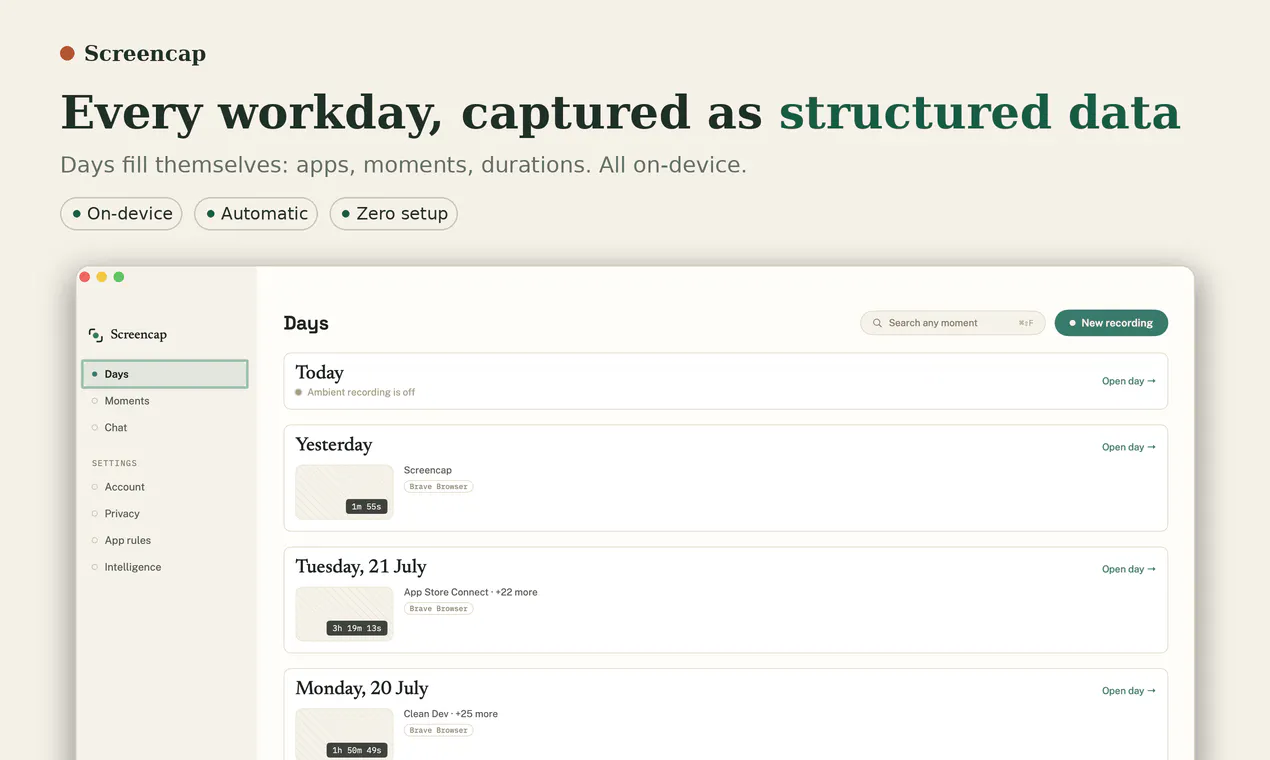
About Screencap
Reviews 8
-
Toni Kutch 3 months ago
Solo use is what I am curious about here. Does it work without the team cloud sync, or is that required to actually generate the training data? I would want to capture my own editing workflow locally. Share specific clips deliberately, not just have everything go up automatically.
-
Hugh Borer 3 months ago
Blocking sensitive apps is a denylist, and denylists fail open. The internal tool nobody's heard of, or anything sensitive that lives in a browser tab rather than its own app, gets recorded because it wasn't on the list, and you find out when someone reads the trace. An allowlist captures far less and makes the pilot conversation much shorter, which for the buyer you're going after is probably the better trade.
-
Burley Collins 3 months ago
the always-on framing is the appealing part but also the scary part for me. when you're on a call and someone shares their screen, or a client shares something confidential over zoom, is that captured too since it's on your display, or does it only ever record your own local apps? if there's a quick pause hotkey for exactly that moment i'd trust this a lot more day to day.
-
Burley Collins 3 months ago
The framing of turning real workflows into training data is clever, but I would probably use this first to document how processes actually happen on our side versus how we think they happen. Everything staying on the Mac until you choose to share is what makes that feel safe. What does the exported dataset look like in practice, structured steps with clicks and window context or raw video plus metadata?
-
Kenneth Corwin 3 months ago
You asked what it would take to leave it on all day. Honest answer: nothing in your privacy section, because that is not where the fear lives. Blocking banking and password managers protects me from a leak. It does nothing about the thing people actually worry about, which is what the recording gets used for later. Consent to be recorded is not consent to be compared. The day someone can ask how long I take on a workflow versus the person next to me, this stops being team memory and becomes a performance review with a video attached. Nobody says that out loud. They just quietly stop recording the messy days and record the tidy ones, and then your dataset is a fiction. So the guarantee I would want is about use, not storage. Traces can build automations. Traces cannot be queried per person. Is that a boundary you would be willing to make explicit in the product?
-
Mike VonRueden 3 months ago
Congrats on the launch Rute!
-
Wiley Lubowitz 3 months ago
Hey - congrats on the launch! How do you get consistent labeling out of messy real usage? Real workflows are noisy next to curated demos.
-
Joshua Abshire 3 months ago
Blocking password managers and banking at record time is the right instinct, and it's the easy half. The harder half is the app that's fine 95% of the time. A CRM is a perfectly normal thing to record right up until someone opens a customer record, and no app level blocklist catches that. Is there anything working at the content level rather than the app level, or is the review step before upload doing that job? Asking because "I have to review every clip" is the thing that quietly kills daily use.