

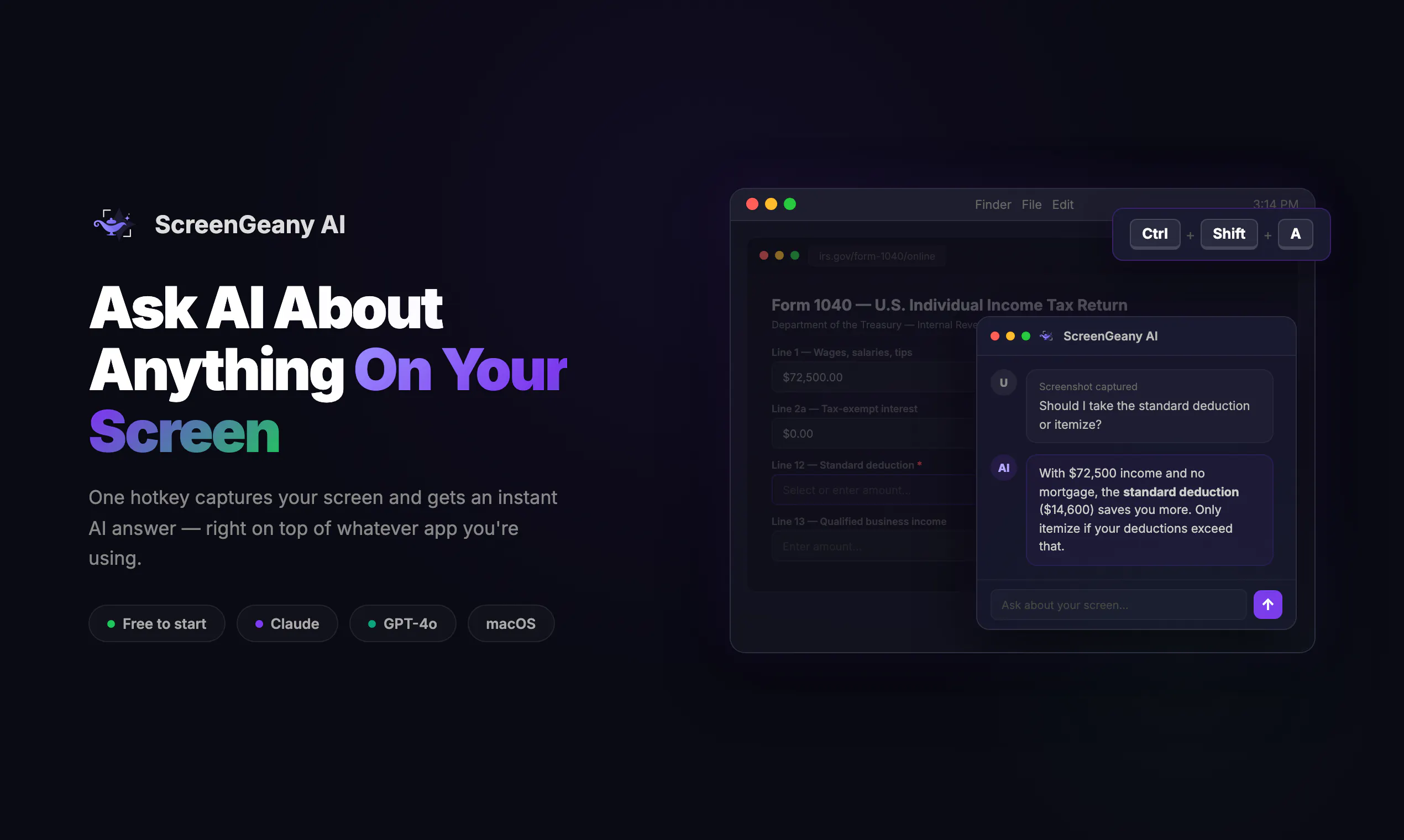
About ScreenGeany AI
Reviews 4
-
Zachariah Hudson 8 months ago
the 45-second context switch problem is real and annoying. the "stuck on a form field" use case is the one i'd lead with in marketing - it's the most universally relatable. curious whether you're seeing people use it more for quick lookups or longer analytical questions like contract review. congrats on the launch krunal.
-
Esteban Kilback 8 months ago
This is a nice, simple idea. The “ask about anything on your screen” use case comes up a lot, and having it triggered by a hotkey directly on top of the current app feels pretty natural. Keeping screenshots only in RAM is also a good call. A lot of people hesitate with screen tools because of privacy concerns. The real test will probably be how fast and accurate the responses feel in day-to-day use.
-
Ulises Ankunding 8 months ago
How does the app ensure screenshots are fully cleared from RAM after each query, and is there any independent verification of this privacy claim?
-
Jarrell Homenick 8 months ago
useful initiative, would be nice to be able to use it on the web version without having to download the app but I understand that there are limitations with that.