

About Sider Omni Sidebar
Reviews 15
-
Rahul Goyette 5 days ago
Congrats on the launch! 🎉 "An agent sidebar for every Mac app" is a really clean idea. Having AI right next to whatever app you're working in, without switching windows, is exactly what I've been wanting. I made a short video walkthrough of Sider Omni from the landing page. Hope it helps more people quickly see what it does: 👉 https://youtu.be/Laci3Dqsns4 (Generated with Wandeo, a tool we're building that turns any landing page into a product video. Happy to share the file if you'd like to use it!)
-
Ulises Ankunding 2 months ago
I realy like the product. However im a zero technical guy and facing issues using. The charcter which is supposed to hover around each app disappears after 1st use. n then it doesnt come up even with shortcut. it only works if i open sider omni app n click open. which obviously defeats the entire purpose. i tried firefighting using gpt but the steps it told me - check permissions etc, ive already done. so im guessing its a debugging issue which im incapable of handling. msgng here in case anybody can help. else will have to uninstall this useful product
-
Reilly Thiel 2 months ago
Does the data leave your local space?
-
Jarrell Homenick 2 months ago
Congratulations on the launch! Having the bot by the side of the application rather than in another separate chat window is the right approach in my opinion.
-
Nils Auer 2 months ago
Congrats team! How is it different from other apps?
-
Hobart Glover 2 months ago
The sidebar approach is simple, but I can see it becoming surprisingly useful once it becomes part of your daily workflow.
-
Rocio Cormier 2 months ago
I like that the assistant stays close to the context instead of forcing you to jump into a completely separate app.
-
Wiley Lubowitz 2 months ago
Congrats on the launch , It operates offline or in low band -width conditions?
-
Enrico Wiza 2 months ago
Love that it acts right on your screen without any copy paste, keeping you in flow instead of pulling you into yet another chat window.
-
Marcelo Prohaska 2 months ago
@rick_fan This could make computer-use agents way more practical for everyday work.
-
Jedidiah Farrell 2 months ago
Congrats, #3 is well earned. One question from someone who ships an MCP server: can the sidebar talk to outside MCP servers, or only its own built-in tools? Use case is simple, I'm in Keynote or PowerPoint, I ask the sidebar for a deck, and it hands the brief to my tool and drops the file back in the app I'm already in. If MCP is on the roadmap I'd happily be a test case.
-
Kyleigh Luettgen 2 months ago
@rick_fan This looks really interesting! The idea of having an AI agent work directly inside different apps is pretty cool. I’ve been exploring different AI workflows lately, so this definitely caught my attention. Congrats on the launch! 🙌
-
Wiley Lubowitz 2 months ago
Really nice. Is it safe to use :) Also, do i need a local LLM to run this?
-
Demetrius Gulgowski 2 months ago
How does it decide which AI model or tool is best suited for a specific task and can users customize those preferences? Congrats @rick_fan & team!
-
Ayden Miller 2 months ago
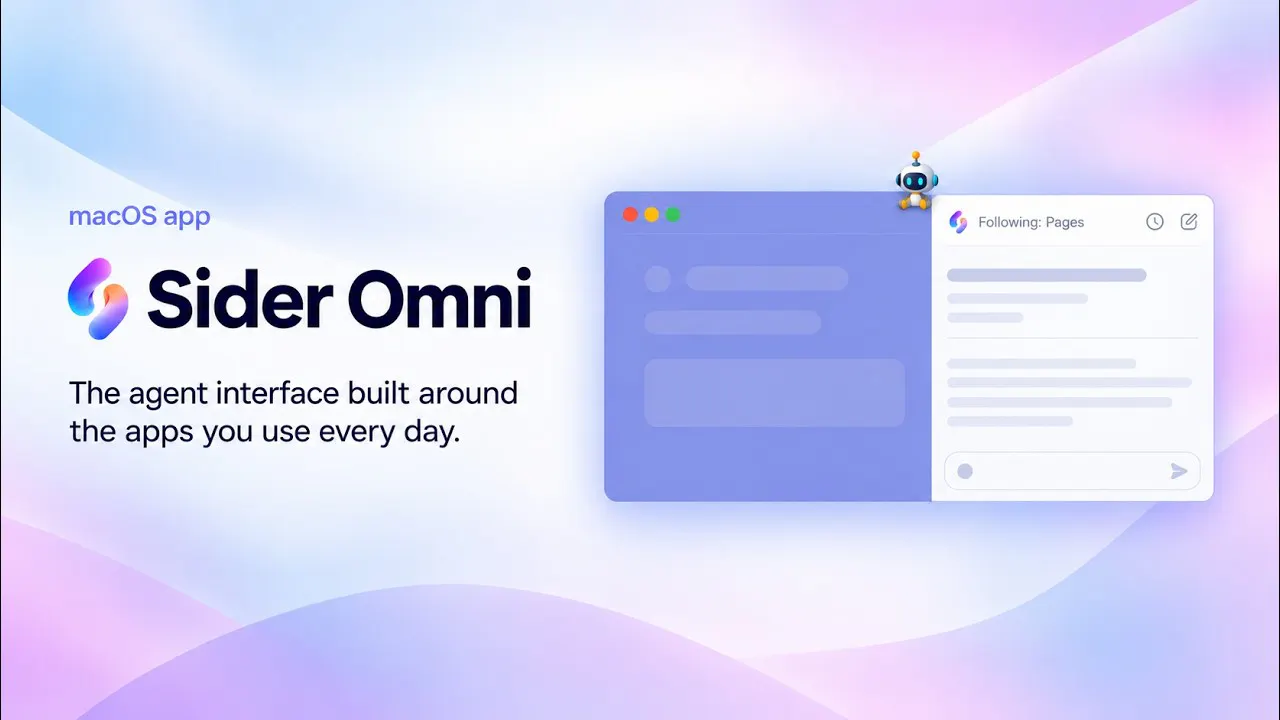
Hey everyone 👋 Omni Sidebar docks to whatever window you're in — Word, Excel, Keynote, Notion, Obsidian, Safari, Mail, PDFs — and follows it when you move, resize, or go fullscreen. No copy-paste, no plugins, no switching apps to ask a question. Each window gets its own thread, so context stays clean. Pick your own model. And it only reads a window when a task actually needs it — permissions are separate and revocable, and everything runs through a local agent on your Mac. Mac only for now, and still early. Give it a spin and tell us what breaks — every bit of feedback shapes what ships next. Would love your support and your upvote today 🙌