

Slackbot’s MCP Client
Work across 20+ apps in Slack with multiplayer collaboration
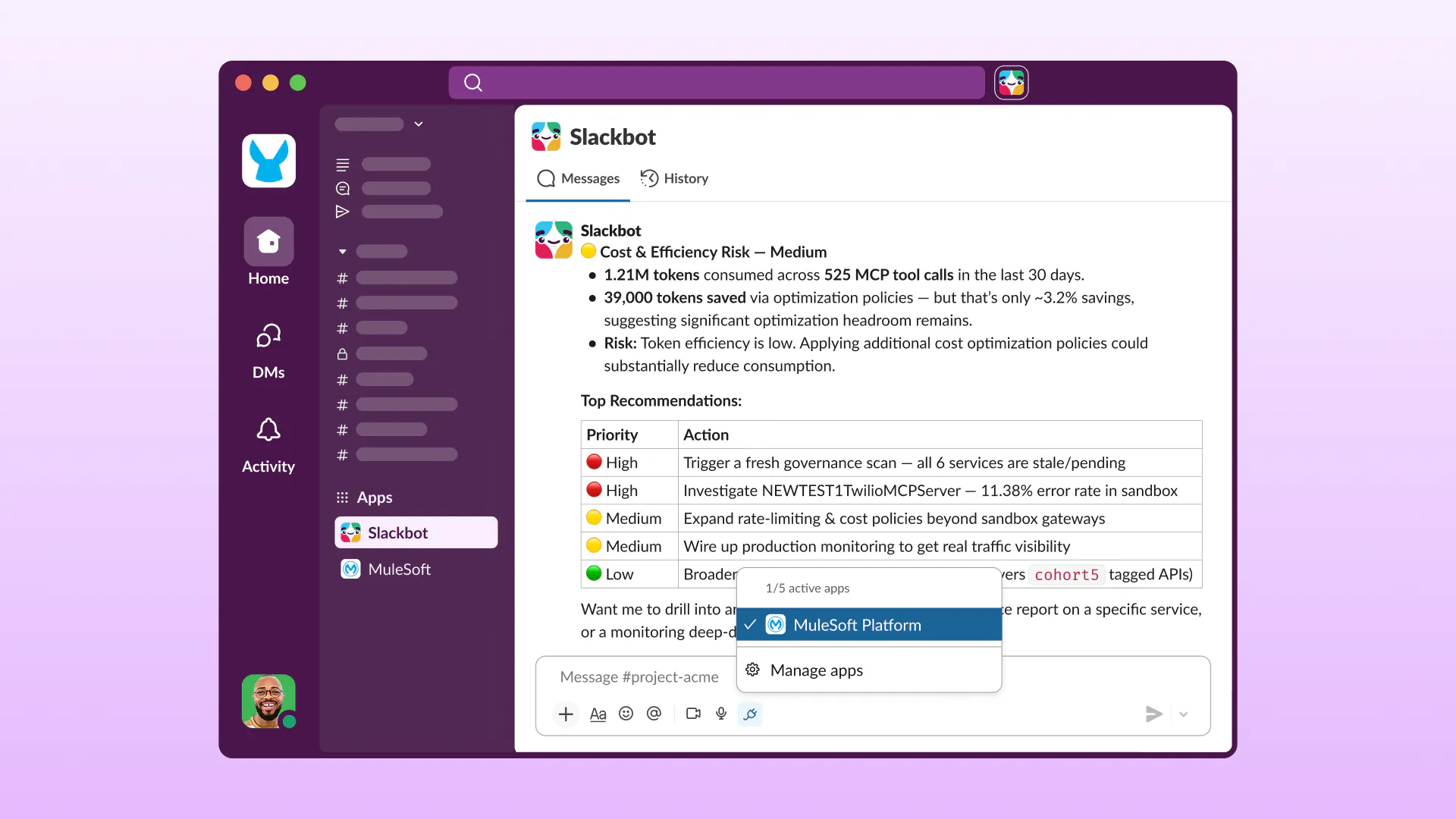
About Slackbot’s MCP Client
Reviews 8
-
Korbin Effertz 1 month ago
🙏 This I've been waiting for. Thanks.
-
Kyleigh Luettgen 5 months ago
Love seeing how much Slack has evolved, tbh. I have been using this ever since I started working, from one company to another company and so on. Honestly can't imagine team communication without it at this point.... The integrations alone save so much time. It's like how I like my brain to work on a daily basis, well organized, customizable, but still with the ability to choose and style your own emojis and layouts on the side :)
-
Jarrell Homenick 5 months ago
Slack keeps proving why it’s the default hub, turning conversations into real workflows is the next big leap
-
Jarrell Homenick 5 months ago
The shared-channel angle is the part I’d test hardest. If Slackbot takes an action from a channel, is authority bound to the requester, the channel, or the app install? For things like signing docs or updating tickets, that identity boundary is what makes the audit console useful.
-
Blaze Koepp 5 months ago
I use Slack daily, and I really appreciate the MCP client ecosystem, the ease it makes in connecting the context and the actions you need to an AI chat interface. Everyone has their own personal preference on where they like that interface to live, and I think more options make it easier for everyone to find their ideal interface. The personalization in that way is very useful while at the same time giving everyone the same access to the tools and "middleware" we all use.
-
Trenton Spencer 5 months ago
We are on an enterprise account, but when I follow the instructions on https://docs.slack.dev/ai/slackbot-mcp-client/ and go to https://api.slack.com/apps and do a "Create a new app", I do not see the MCP option.
-
Kenneth Corwin 5 months ago
What I find most interesting is that this turns Slack into the interface rather than another tool to switch to. Curious… have you seen users adopt it more for retrieving information across apps or for actually taking actions and completing workflows from Slack?
-
Mckenzie Mosciski 5 months ago
Slackbot's MCP client is Slackbot's AI that connects 20+ apps into one multiplayer conversation. Teams use isolated AI tools across private tabs, manually carrying data between systems. Slackbot becomes the connective layer for your entire stack, coordinating actions in plain language in team channels. Work is multiplayer from the start in Slack channels, not single-player silos in private tabs. Features: Actions, not just answers: sign docs, update tickets, review dashboards right from Slackbot Native Block Kit support (coming soon): rich visuals like data tables update in real time Multiplayer execution: share Slackbot's response into a channel for team collaboration Plug-and-play MCP integration: connect any tool via MCP server in minutes Enterprise-grade security: user-specific data boundaries, IT admin audit console Benefits: Finish tasks faster, scale best practices, maximize software ROI, collaborate with live data. Who it's for: Engineering, sales, marketing, product teams Use cases: Track Linear tickets + PagerDuty incidents (Product & development) Find Q2 pitch decks (Document management) Review Canva layouts (Creative & design) Draft Docusign agreements (Business operations) Analyze Tableau trends + Lucidchart diagrams (Visual collaboration) P.S. I hunt the latest and greatest launches in tech, SaaS and AI, follow to be notified → @rohanrecommends