

About Spine Canvas
Reviews 15
-
Eino Klein 1 year ago
Loving the whole canvas approach! One feature that would take it to the next level: Block-Level Version Control - a mini Git-style history for each block so we can revert specific prompts or research paths without undoing the entire canvas. Would be a game-changer for complex workflows
-
Randi Prohaska 1 year ago
Great project! In this field, everything changes so fast that regular users can’t keep up with updates. It would be great if you could recommend the best AI model for a specific task. For example, recently I needed to make screenshots for an article in the same style our designer used before. I’ve heard there are specialized design AIs, but I’ve never used them. Which AI would do this task best today? A service that could answer this and allow me to complete any task in one place would be very helpful. Just an idea, maybe it will be useful for you)
-
Kay Balistreri 1 year ago
Congrats on the launch @ashwin_raman ! Would love to see Spine in action 🙌🙌🙌
-
Constantin Leuschke 1 year ago
300+ models in one platform is insane! Congratulations on the launch!
-
Jake Blanda 1 year ago
This is so cool - currently wrenching on recruitment operations automations in Spine and love what I'm seeing here. The ability to intuitively build complex automations and share them across a team means this just enabled every team member to MVI solves for our process pain points. Very excited to see how the product evolves!
-
Burley Collins 1 year ago
This would be a much better way to manage tougher more nuanced projects!
-
Mike VonRueden 1 year ago
Really awesome work, team! Love the vision
-
Franz Bauch 1 year ago
I’ve been loving using the Canvas capability the last few weeks. Find it a great way to manage my long running creative and thinking projects.
-
Eino Klein 1 year ago
Impressive that you offer over 300+ models .... How stable is Spine if many tasks are happening at same time?
-
Esteban Hilpert 1 year ago
Love this! Chat interfaces lose context so fast when switching between models. For workflows like research → writing → images, do you keep it all in one canvas or split into multiple?
-
Burley Collins 1 year ago
Congratulations on the launch! It's a very smart product, and I see it being very useful.
-
Floyd Botsford 1 year ago
Big fan of the block-based approach. Makes real workflows way easier to manage. Congrats on the launch!
-
Eino Klein 1 year ago
Hi, congrats on the launch! I love to interact with LLM in canvas. However, there are some problems in such canvas: 1. frontend performance: the webpage stucks when there are so many elements in the canvas. 2. learning curve: canvas need more interaction than chat, which is more complex. It need some time for a beginner to be familiar with UI. I am curious how you solve these. Could you share your thoughts?
-
Randi Prohaska 1 year ago
As a former researcher, I’ve loved the control and transparency the cavas gives me over the sources I want to use. But I find myself using it the most for learning new skills. One of my favorite tricks: using chat to find relevant YouTube tutorials for a new subject, adding the most popular ones to the canvas, and chatting with them to figure out which is the most useful for what I’m focused on. Fantastic for avoiding long tutorials that aren’t actually that relevant. Can’t wait to see more of what the community comes up with.
-
Chaim Schuppe 1 year ago
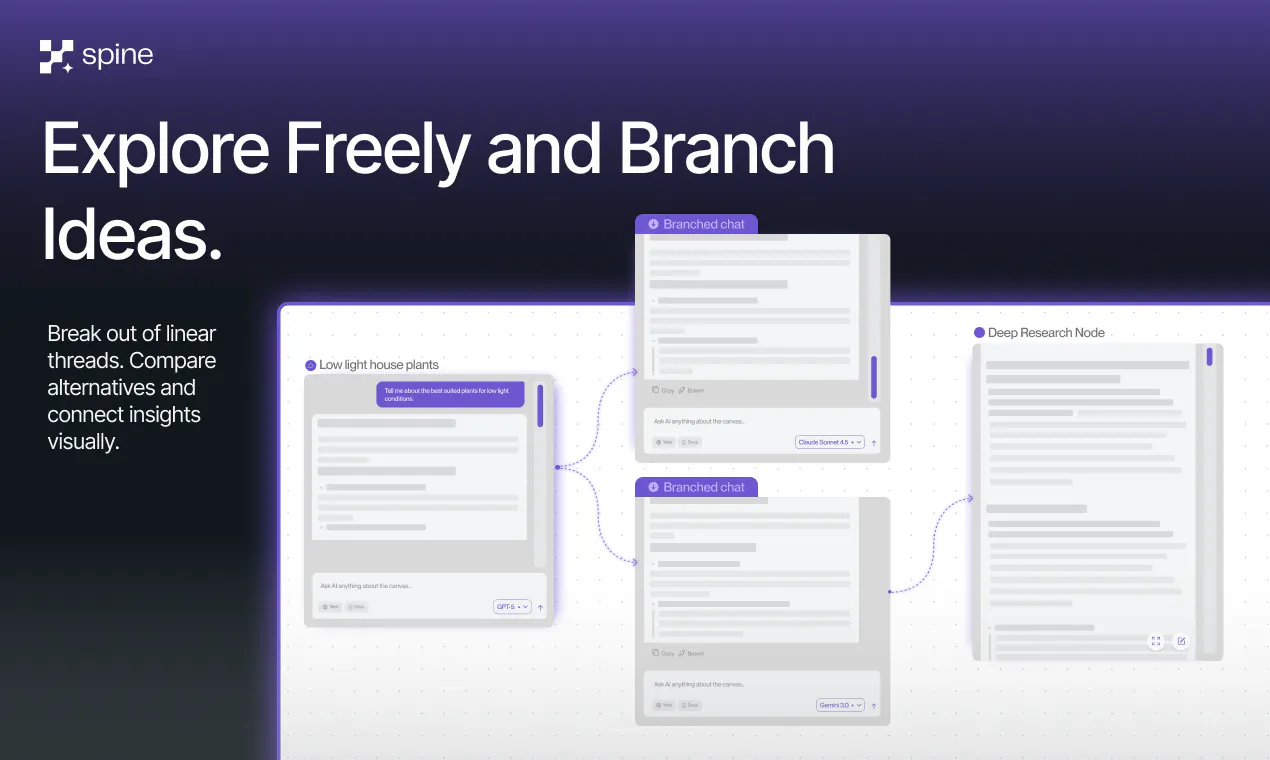
🚀 We’re excited to launch Spine Canvas! Spine AI is an infinite thinking and creation canvas powered by 300+ AI models. Every model becomes a block — chat, text, lists, deep research, image generation, slide generation, app generation across models like Gemini 3, and more. You can pass context between blocks, branch ideas, and run them in parallel. Instead of juggling Google Docs, Notion, tabs of different LLMs, and scattered design tools, you get one workspace where thinking → exploration → creation happens seamlessly. Also here are some power user shortcuts and tips: Copy paste public ChatGPT, Gemini or Grok links into the canvas and watch the ✨ Use https://app.getspine.ai/new for a new canvas Double click anywhere on the canvas to add a new block Drag and drop files anywhere directly onto the canvas