

About Spoke
Reviews 5
-
Elias Rowe 8 months ago
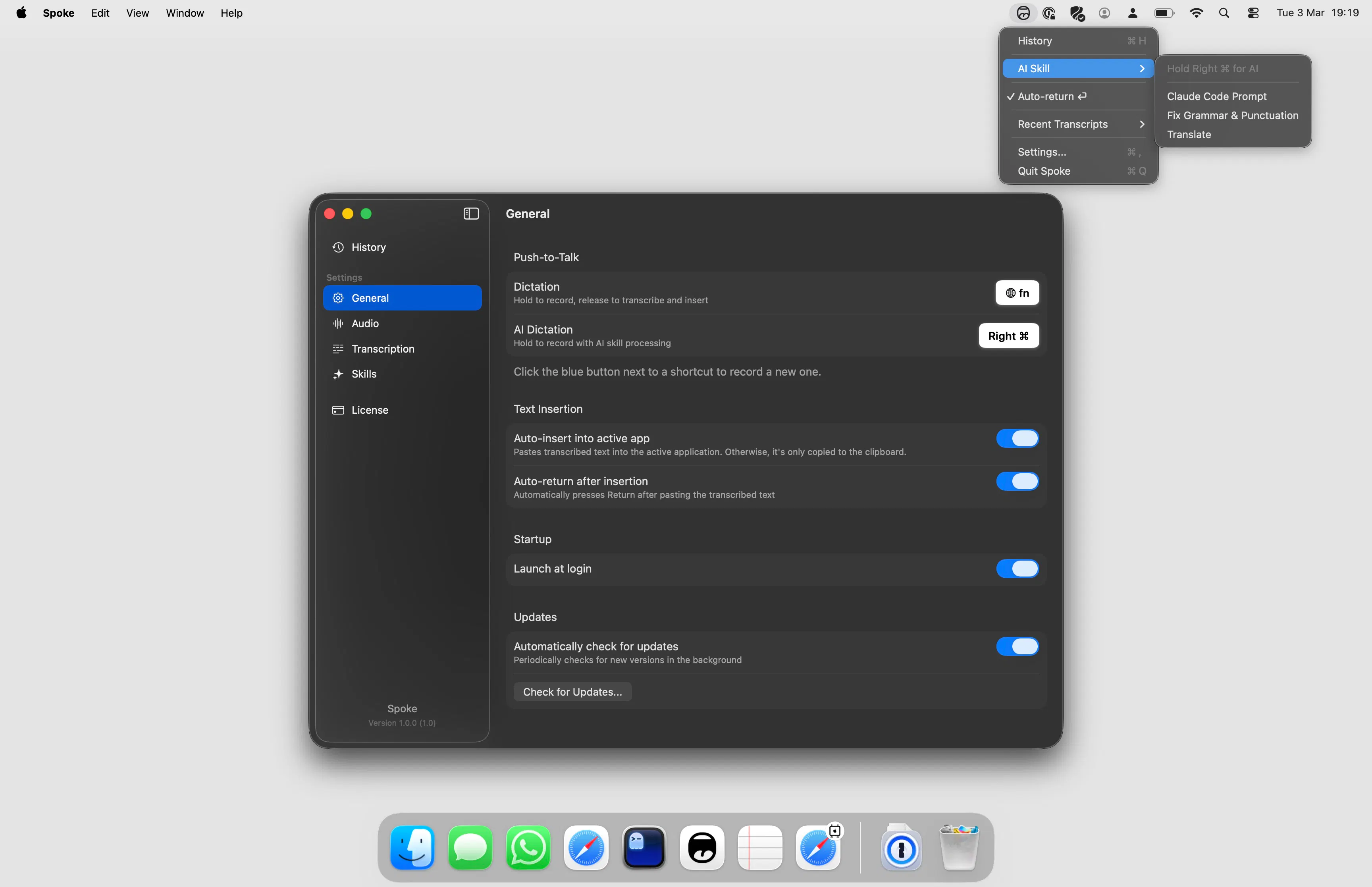
Spoke 1.1.0 — The Flows Update Hey everyone! Huge update just dropped — this is basically a 2.0 in disguise. What’s newFlows — Custom Voice Pipelines The biggest addition. You can now build multi-step voice workflows: chain AI skills, text transforms, AppleScript, Shortcuts, webhooks, key presses — whatever you need. Assign custom shortcuts to each flow, add conditions based on active app, and choose how output is delivered (paste, copy, save, notify). It’s like Shortcuts but triggered by your voice. Voice ID Train Spoke to recognize your voice. Perfect for hands-free mode when other people are around or you’re playing music — it’ll only respond to you. Redesigned Hands-Free Mode New overlay with unified waveform visualization, flow colors, and mouse button hotkey support. Brand New Interactive Onboarding Completely rebuilt onboarding with live dictation practice, AI skills demo, and flow walkthrough. Now available in 7 languages (English, German, Spanish, Polish, Swedish, French, Italian) with auto-detection of your system language. Full Localization Every string in the app is now localized. 24 transcription languages supported. UI Polish New settings layout with inspector panel, color-coded flows with icon picker, history filtering by flow and app, and smoother animations throughout. Under the Hood Data layer migrated to SwiftData, stricter LLM output parsing, improved license validation, and multi-channel audio fixes for broader mic compatibility. We also launched a refreshed website at usespoke.app — check it out for demos and a full feature breakdown. Everything still runs on-device. No accounts, no cloud, no audio ever leaves your Mac. One-time purchase, yours forever. Download the update at usespoke.app/download or let Sparkle auto-update do its thing. Would love to hear what you think — especially about Flows. We’re just getting started with what’s possible there.
-
Conner Jacobs 8 months ago
Is this coming to Windows and iOS? In the very short time I've used Spoke, it's my favorite transcription app. Also, your purchase page is in test mode, so it appears I'm unable to buy a license.
-
Michel Heathcote 8 months ago
Nice! How’s the accuracy with the on-device model, especially for punctuation and formatting?
-
Hillard Halvorson 8 months ago
I love how clean/simple this is — brilliant! What I really appreciate is that I can continue letting my music play while I dictate. Any plans on eventually setting this up so the text appears as it's being spoken (instead of at the end)? Or maybe that makes it more complicated and slows things down? Either way, thanks for sharing this. I'm really enjoying it!
-
Roy Kris 8 months ago
Nice launch! When I am opening the app, I miss the tutorial how to use LLM formatting or translation. If it's possible, can you please add the information into onboarding?