

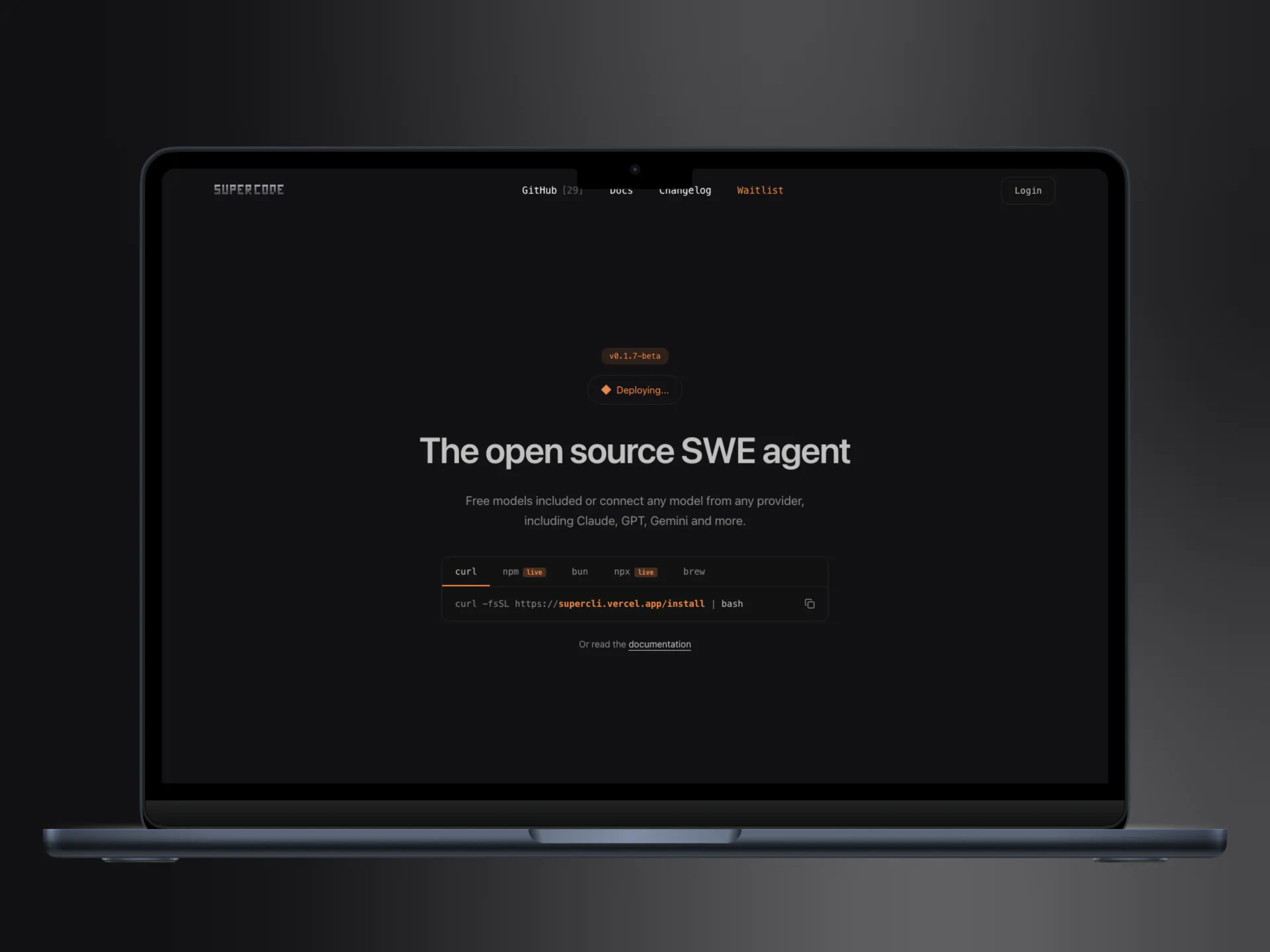
About Supercode
Reviews 10
-
Odell Bode 4 months ago
Looks sick!
-
Roy Kris 4 months ago
Been using the open models for a couple days and the terminal-native setup feels right, especially the granular permissions which gave me confidence to let it loose on bigger refactors.
-
Enrico Wiza 4 months ago
Congrats on the launch, @dew_yashph ! Will give it a try
-
Santa Cassin 4 months ago
the granular permissions stand out, that's the kind of thing most terminal agents skip and it makes actually handing over file and command access feel sane
-
Chelsey Gottlieb 4 months ago
running it straight from the terminal feels way more natural than spinning up another browser tab, and the granular permission prompts actually make me trust it with real repos
-
Rahul Goyette 4 months ago
Finally tried Supercode and the terminal-native setup feels right, no browser tab juggling. Having Deepseek and Kimi ready without an API key is a nice touch for quick experiments.
-
Adam Zemlak 4 months ago
Love that this lives right in the terminal without forcing me into a web IDE. One thing that would help me use it more confidently is a dry-run mode where I can preview the exact shell commands and file edits before they get executed, so I can sanity-check what the agent plans to do on a real codebase.
-
Trenton Spencer 4 months ago
Running it straight from the terminal feels surprisingly natural, and the granular permissions are a nice touch for something with full machine access.
-
Korey Hammes 4 months ago
How does the granular permission system actually work in practice? Like, can I let it run npm commands freely but block anything that touches files outside the project directory?
-
Floyd Botsford 4 months ago
love that it lives right in the terminal instead of forcing another browser tab, and the granular permissions per action show real thought went into not nuking my machine