

About Toki Coordination
Reviews 10
-
Jaylon Deckow 2 months ago
Congrats on the launch! This is such a useful idea. My question does it handle scheduling across different time zones for international teams?
-
Monserrate VonRueden 2 months ago
For people switching from Motion/Reclaim-type auto-planners, what’s the specific workflow that breaks first (e.g., tasks constantly moving, meeting-heavy weeks, cross-calendar conflicts), and how does Toki’s prioritization logic “protect time” without creating surprise changes?
-
Maxwell Blanda 2 months ago
How out-of-the-box the setup and later usage?
-
Lamont Strosin 2 months ago
How does this feel for the people receiving the emails? Do the recipients know they are talking to an AI assistant?
-
Mike VonRueden 2 months ago
will it communicate with the meeting scheduling tools like 42min.us, cal.com or calendly? i think that makes sense to simplify and accelerate the process
-
Joshua Abshire 2 months ago
Scheduling is easy. Follow-ups are where most tools give up. Really like that Toki owns both sides of the meeting loop.
-
Chelsey Gottlieb 2 months ago
the part that'd worry me a little is Toki emailing attendees directly on my behalf - if it misreads a reply (someone declining but phrasing it ambiguously, or a reply-all mixup) and sends a confirmed invite anyway, the damage is external and already in someone else's inbox before I see it. is there a review step before it actually sends to attendees, or does it act autonomously once you hand it the task?
-
Joaquin Wisozk 2 months ago
I think the strongest part of this update is the shift from “help me manage my calendar” to “handle this coordination for me.” That’s a subtle but important difference, and it feels much closer to how people would actually delegate work to a human EA.
-
Haleigh Bartoletti 2 months ago
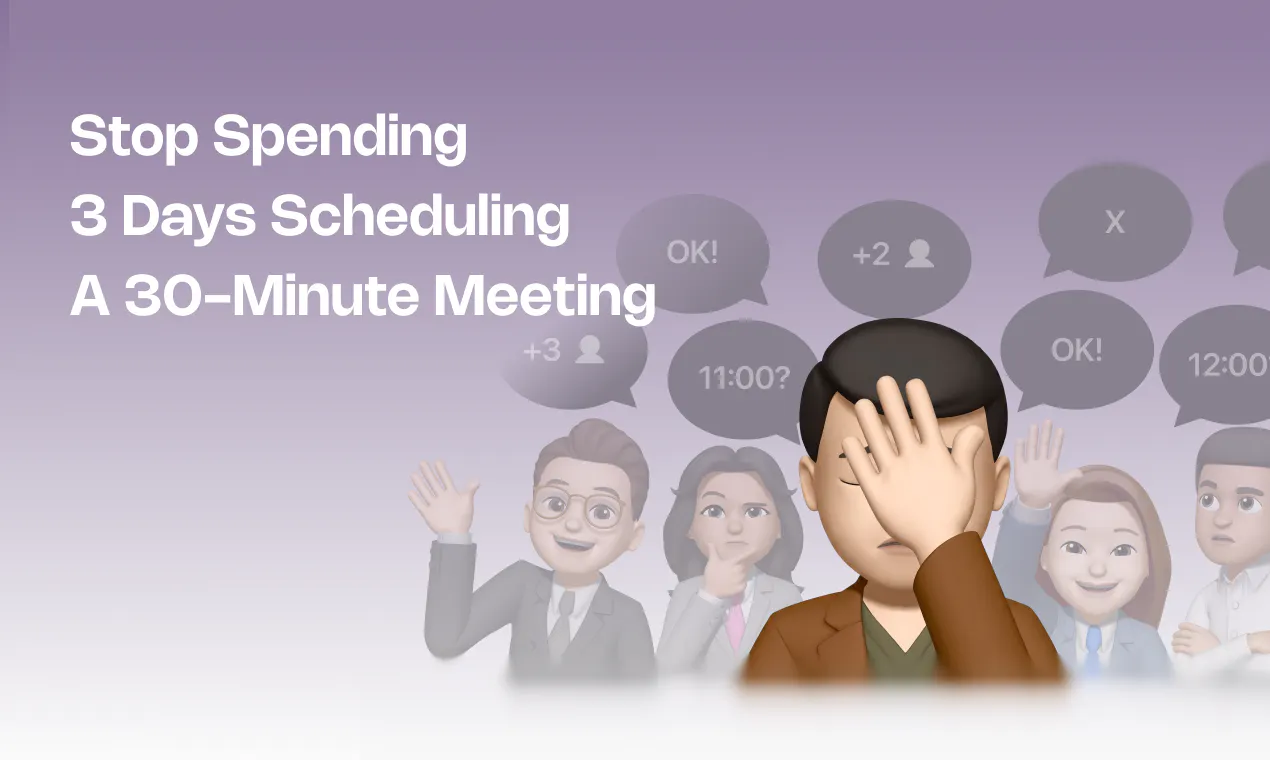
The cutest emoji mascot on this PH day :)
-
Conner Gislason 2 months ago
Nice, will try it and see ! I just created an account but I didn't get any onboarding. Is that expected, or is it an issue, or did I miss something ?