

About TrackEdge
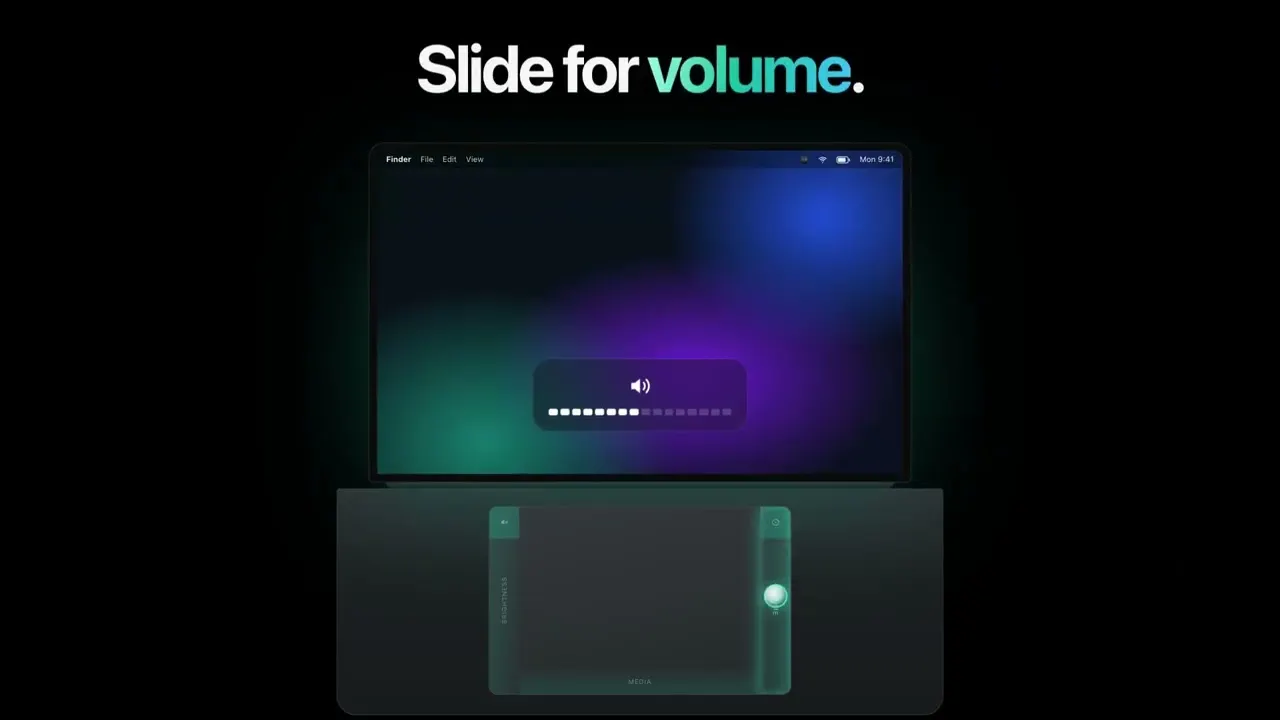
TrackEdge turns the edges of a MacBook trackpad into controls. Slide along the right edge for volume, the left edge for display brightness, and the bottom edge for media playback. Double-tap either top corner to mute, open an app or website, press a keyboard shortcut, or run a Shortcuts action.
Reviews 1
-
Alford Marvin 3 weeks ago
Sliding the edge for volume is one of those things that feels obvious once someone builds it. How did you handle accidental triggers though? My palm sits right on the bottom edge when I type, so I'm wondering if there's a dead zone or a pressure threshold before it registers as a gesture.