

About TrackMCP
Reviews 9
-
Curt Nienow 2 months ago
"where does the job stop" is the question I'd want answered proactively rather than by staring at a dashboard. once you're tracking tool call sequences and outcomes, does TrackMCP ever flag a regression on its own - like a tool's success rate suddenly dropping after a deploy - or is it purely pull, where you have to go looking for the dip yourself?
-
Paul Kshlerin 2 months ago
I helped several companies build their official MCP servers and this was always a key part of it. A very popular question product managers wanted to understand is how the usage of the MCP server differs from the usage of the product via the traditional (aka UI) interface. So this is very cool. As you said, agree that being careful about what data is pulled in is crucial though from the privacy standpoint.
-
Hugh Borer 2 months ago
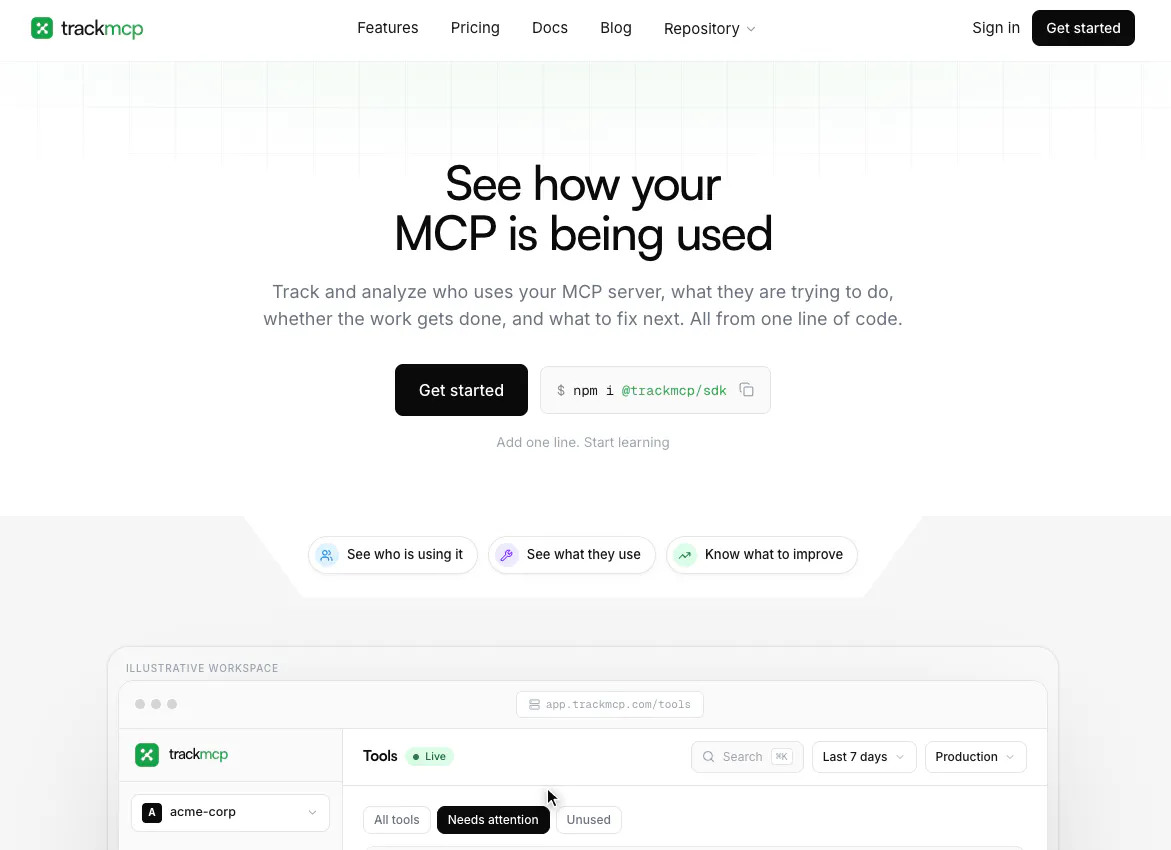
Your site design and product UI are both exceptionally well done. The consistency goes beyond the visual styling; the discipline around hierarchy is especially tight. I used to lead Web UX and Visual Design at Neo4j, so I’m deeply familiar with how difficult it is to represent a complex technical product visually. The “How It Works” block on the homepage is especially strong, and the micro-interactions add a lot without distracting from the explanation. Kudos to the design team. For the record, not AI generated. AI spellchecked. Im a terrible speller.
-
Conner Jacobs 2 months ago
Cool!!!
-
Paul Kshlerin 2 months ago
So is this a proxy for MCP servers, or does it read the data from the Claude desktop?
-
Malachi Armstrong 2 months ago
Krishna, the part that stuck with me is catching the stuff that looks fine but quietly did nothing. That kind of quiet failure is the worst because you never think to go looking. Genuinely cool.
-
Chelsey Gottlieb 2 months ago
do u log the tool arguments or only tool names? args carry a lot of user text, but where does the job stop is hard to answer without them
-
Curt Nienow 2 months ago
Congrats! I can see this being useful for debugging weird MCP behavior.
-
Al Wolf 2 months ago
What I can't see is whether the result was any good. A tool returns 200 with an empty array, the agent carries on and answers anyway, so my success rate looks healthy while the answer is wrong. The signal I'd want is what happened in the next turn: did the model retry the same tool, switch to a different one, or quietly ignore what came back. That's the gap between a server that responds and one that works.