

About TransOne
Reviews 6
-
Nikunj 4 months ago
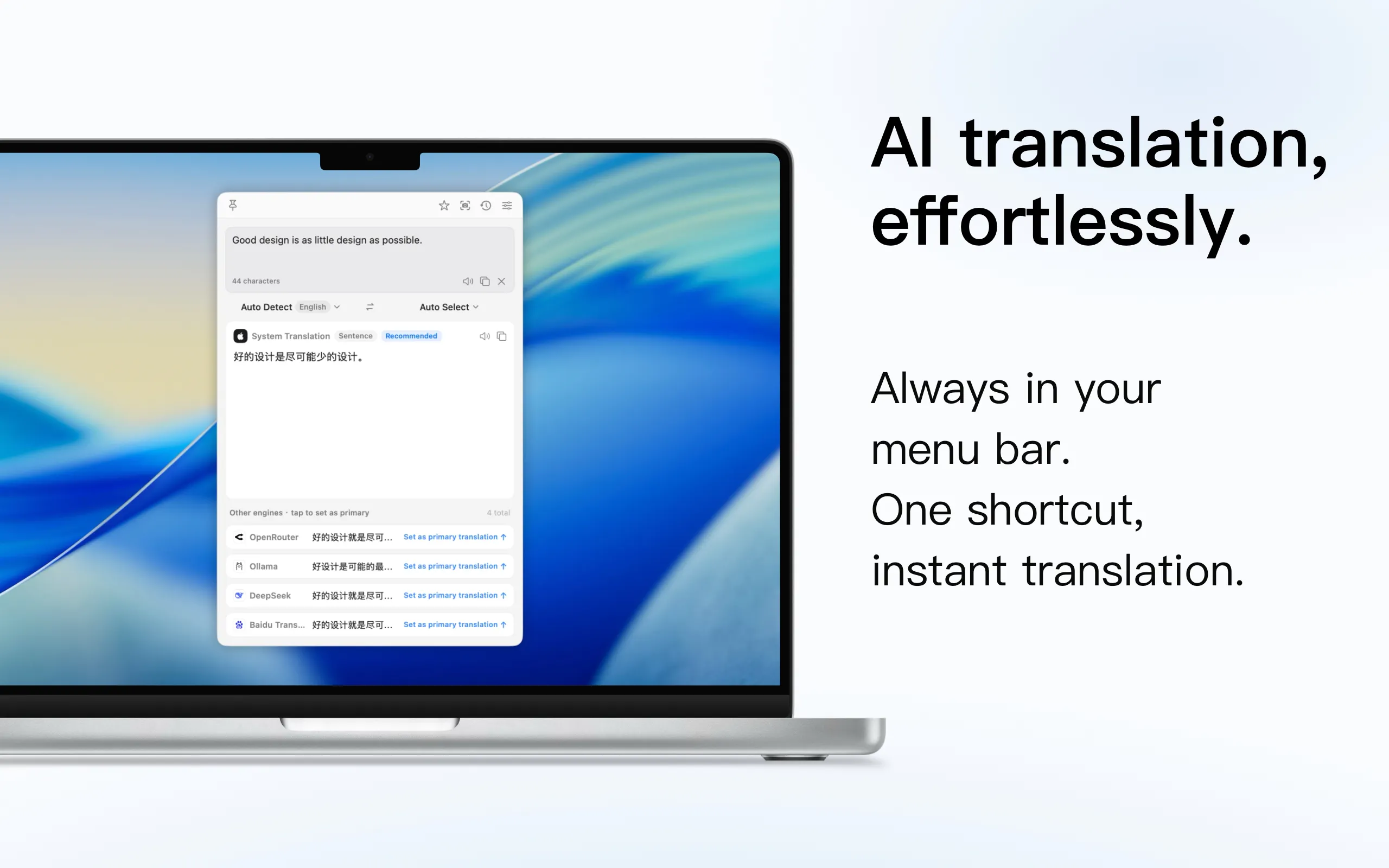
Hello! All good? I am unable to set Portuguese to remain fixed in the favorite language bar, the choice button is not activated. And I would like to suggest some modifications: 1- Being able to translate directly through the Menu Bar, without having to open a window on the screen (like the Translate Bar app); 2- The Enter/Return key creates a new paragraph and does not give the translation command, that is, placing a button to perform the translation; 3- Introduce liquid glass to the app.
-
Rupert Emmerich 4 months ago
Does the screenshot OCR handle non-Latin scripts like Japanese or Arabic reliably across all 14 engines, or only the ones trained on those languages?
-
Jaiden Runolfsson 4 months ago
Does the screenshot OCR actually copy the translated text to your clipboard, or do you always have to select it manually from the window?
-
Jake Blanda 4 months ago
How does the translation quality hold up when switching between the local Ollama models and something like DeepL for longer passages, do you see a noticeable jump in nuance or speed?
-
Floyd Botsford 4 months ago
Lives right in the menu bar and the screenshot OCR caught even the messy handwriting on my desk notes. Having Ollama as an engine option so nothing leaves the Mac is genuinely useful for work stuff.
-
Mckenzie Mosciski 4 months ago
The sandboxed App Store only approach is a nice touch for anyone worried about where their text ends up. Switching between DeepL and Ollama in the same window feels really smooth.