

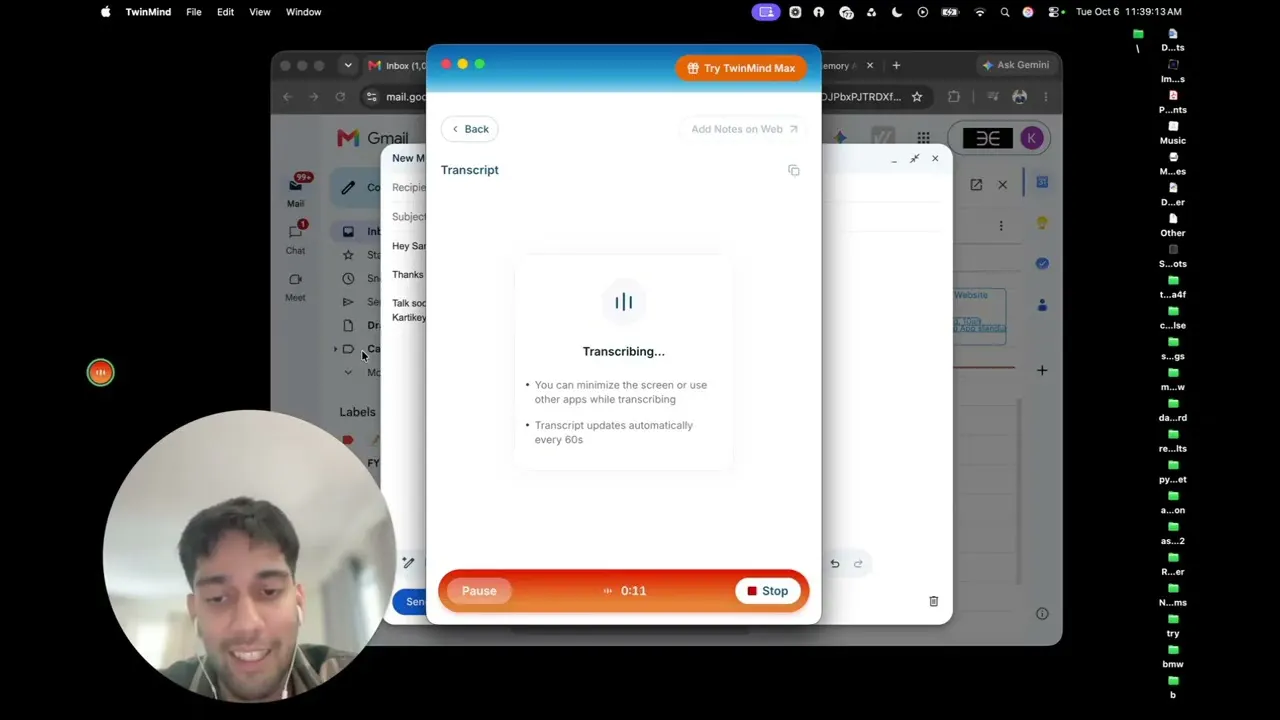
About TwinMind for Desktop
Reviews 13
-
Ulises Ankunding 1 month ago
Twinmind Mac app is great, been using it for 2 years!
-
Sedrick Hirthe 1 month ago
The MCP stuff is really cool! but do the other people on the call get any heads up that it’s recording? or is that up to whoever’s using it
-
Scotty Feest 1 month ago
Full disclosure, I work at TwinMind. I keep the desktop app running through my entire day. The TwinMind MCP is my favorite part: I connect it to Claude, pull in what was discussed, and go straight to building prototypes from real meeting context. Total game changer.
-
Michel Heathcote 1 month ago
skipping the bot is the right call. but in last 3 days, i have seen at least 4-5 products with exact same thing, getting launched. What makes TwinMind better?
-
Garland Grady 1 month ago
I love using the desktop app! I capture all day and leave it on in the background (even if i get phone calls, it works)
-
Uriah Mayer 1 month ago
With the latest update of TwinMind MCP, you can power your AI agents with real-time context. This is a game changer for your work flows.
-
Duncan Effertz 1 month ago
TwinMind used to be great, until they removed integrations and combined everything into google integration. I used to be able to sync my local calendar (iOS). Not anymore, unless I sync my calendar with Google. I used to be able to use the MCP server as a Pro member. Not anymore, now they want me to upgrade my membership AGAIN. I'm very privacy-focused, and TwinMind has regressed in this regard, from my view. Google is pretty much an evil company, and I refuse to continue using TwinMind after forcing everything to proxy through google service. I removed the app and now use Openwhispr on MacOS to record my meetings. Not as polished and smooth, but I'm not forced to be in bed with Google.
-
Floyd Botsford 1 month ago
My favorite workflow: I ask Claude, 'Pull my last meeting from TwinMind and update the project dashboard with every decision, owner, and deadline we agreed on.' Thirty seconds later it's done, and nobody had to take notes.
-
Merl Orn 1 month ago
surviving headset disconnects is the kind of detail that matters for a meeting recorder. does the floating mic still work when a call is full screen on its own Space?
-
Jarrell Homenick 1 month ago
“Useful app, but please keep lifetime users’ features intact. Trust matters.”
-
Tyrique Lind 1 month ago
keeping the original dictation one shortcut away would be useful especially when the cleanup changes a name or a number
-
Charley Swift 1 month ago
Easily the best transcriber out there. Have used it at multiple occasions and it has never disappointed me. They will blow up i am so sure (if not yet)
-
Duncan Effertz 1 month ago
The work on sleep and headset disconnects caught my eye. Those are exactly the interruptions where I would want a meeting recorder to tell me clearly whether it was still capturing.