

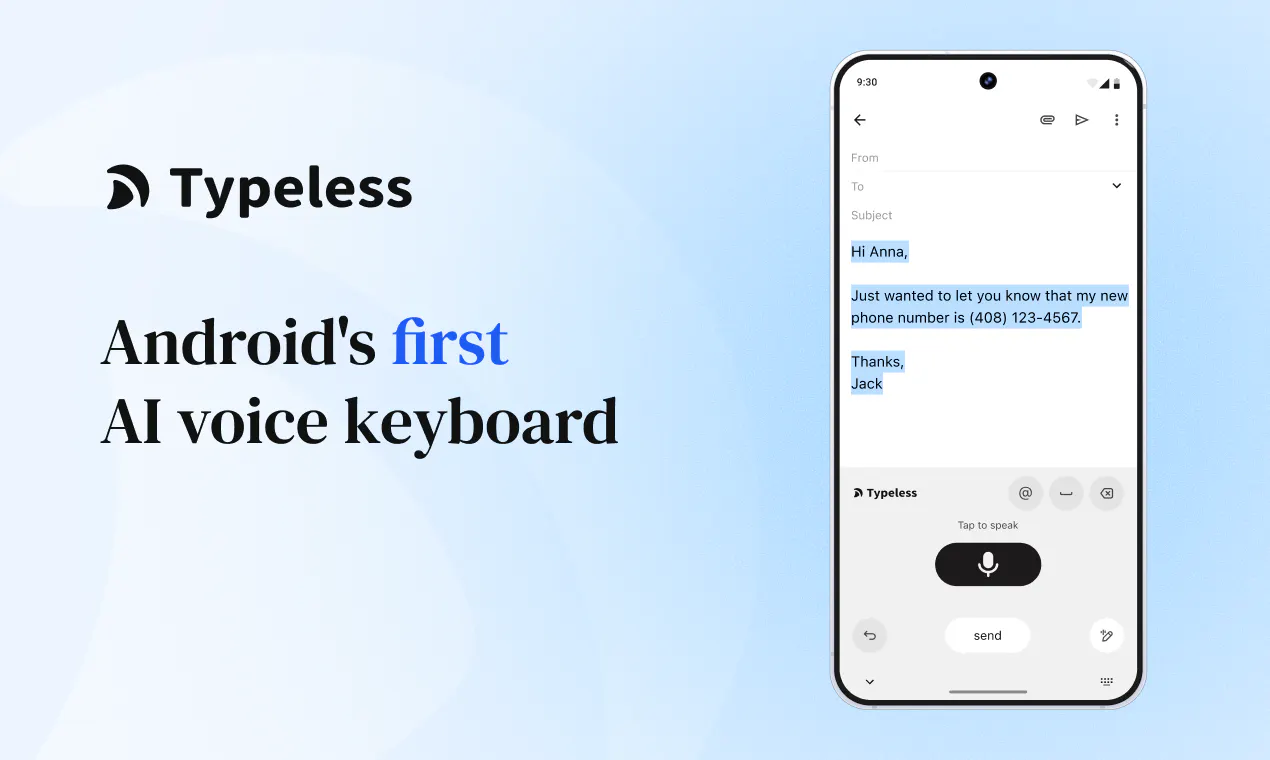
About Typeless for Android
Reviews 15
-
Reilly Thiel 7 months ago
To me, this is one of the best audio transcription apps for both Windows and Android. When it comes to English language speech-to-typing, it works very fast. It takes only one or two seconds after I finish speaking for the text to appear. On the plus side The accuracy level is almost 100%, even for a non-native speaker like me. Since my first language is not English and I don't have a very good accent, some other apps don't transcribe my speech very accurately. However, this one is great. It is one of the four or five audio transcription apps that support my mother tongue (or native language) Bengali in a fairly accurate manner. Well, there is surely room for improvement, but still, I'm highly satisfied with what I'm getting. I am also highly satisfied with the offer for working with it for one month free of cost. Most apps give you a trial version for only one or, at most, two weeks. This is one of the very few audio transcription apps that let you use for one month for free. Even after that, you can type 8,000 words per week, which is generous enough and should be enough for most users unless you are a very heavy text user. On the Minus side 1. Real-Time Editing in English First of all, don't get me wrong: I am a very big fan of this app rewriting or correcting my mistakes in real time while I am speaking. This works perfectly in English and improves my writing a lot since I am not a native speaker. 2. Issues with Bengali On the other hand, for my native language (Bengali), it creates confusion. 3. Desired Solution I wish there was a way that the app would not change anything, or at least give me the option to type as I speak without it editing or correcting anything. The Android app takes over the smartphone keyboard and I cannot type anything. If I want to type with my fingers (which is sometimes needed), I have to go back to settings and change the default keyboard. It is very boring, and sometimes I get annoyed and irritated. I wish they would make it easier. I also wish they had a referral program: if I refer someone to install the app, they would give me two weeks or one month of free usage. It should be added as an offer, as it would help them get more users. I tried to provide feedback based on my own experience. As I stated earlier, it offers a one-month free trial, so you can give it a shot; if you like it, it can be your typing solution. It is totally up to you. I am not insisting that you stick with it or leave it.
-
Johnpaul Crona 10 months ago
Typeless is a joy to use. It's really helped me accelerate capturing my streams of madness/consciousness into useful, organized, digital thoughts. So many things slip from the mind so quickly after an important conversation. The value of recording this quickly can't be understated.
-
Chelsey Gottlieb 10 months ago
Very cool addition @huang_song_ , love it so far on Android. I also run the Windows app, which also works great so far. One thing that is a bit 'off' for me is the inability to set different 'styles' (like you can in Wispr Flow). When I use Typeless to dictate Whatsapp messages to my wife, its hilariously formal :). Is this on the roadmap?
-
Roberto Smith 10 months ago
Congratulations on the launch! I really like the feature of mixing languages - when I spoke Mandarin mixed with some English, the transcribed sentences were perfectly on the spot.
-
Duncan Effertz 10 months ago
Can it be used during a meeting for recording?
-
Constantin Leuschke 10 months ago
Congrats on the launch, guys! Amazing work. Every important platform is covered now!
-
Conner Gislason 10 months ago
How accurate is the speech recognition for non-native English speakers or users with accents? Does it support mixed-language input or translation + polishing?
-
Enrico Wiza 10 months ago
curious how this specifically stacks up against the native google voice typing on pixel phones? that's pretty much the gold standard right now with the tensor chip. does typeless handle the "polishing" (rephrasing/cleanup) locally on-device, or is there a round-trip to the cloud? latency is usually the dealbreaker for me on 3rd party keyboards.
-
Chaim Schuppe 10 months ago
cool! does it handle fast speech? I talk quickly when brainstorming and most voice systems can't keep up with my pace.
-
Jaylon Deckow 10 months ago
Does it handle fast speech? I talk quickly when brainstorming and most voice systems can't keep up with my pace.
-
Al Wolf 10 months ago
Definitely looks interesting! Just curious with how it's better Wispr flow?
-
Conner Jacobs 10 months ago
Upvoted! Looking forward to try the iOS version, the apple voice dictation really sucks haha. I wonder how do you adjust the tone? like user mannually adjust it or it depends on which app you are typing on?
-
Korbin Effertz 10 months ago
Congrats on the launch! Really smart approach to voice as a true input layer, not just transcription.
-
Floyd Botsford 10 months ago
This deserves Product of the Day! Typeless solves mobile typing elegantly - intelligent voice input that actually thinks with you.
-
Buck Yundt 10 months ago
Just dictated my entire weekly status report during my morning commute. My manager was impressed by how detailed and well-organized it was.