

UXPin Forge
Generate UI from your design system, not around it
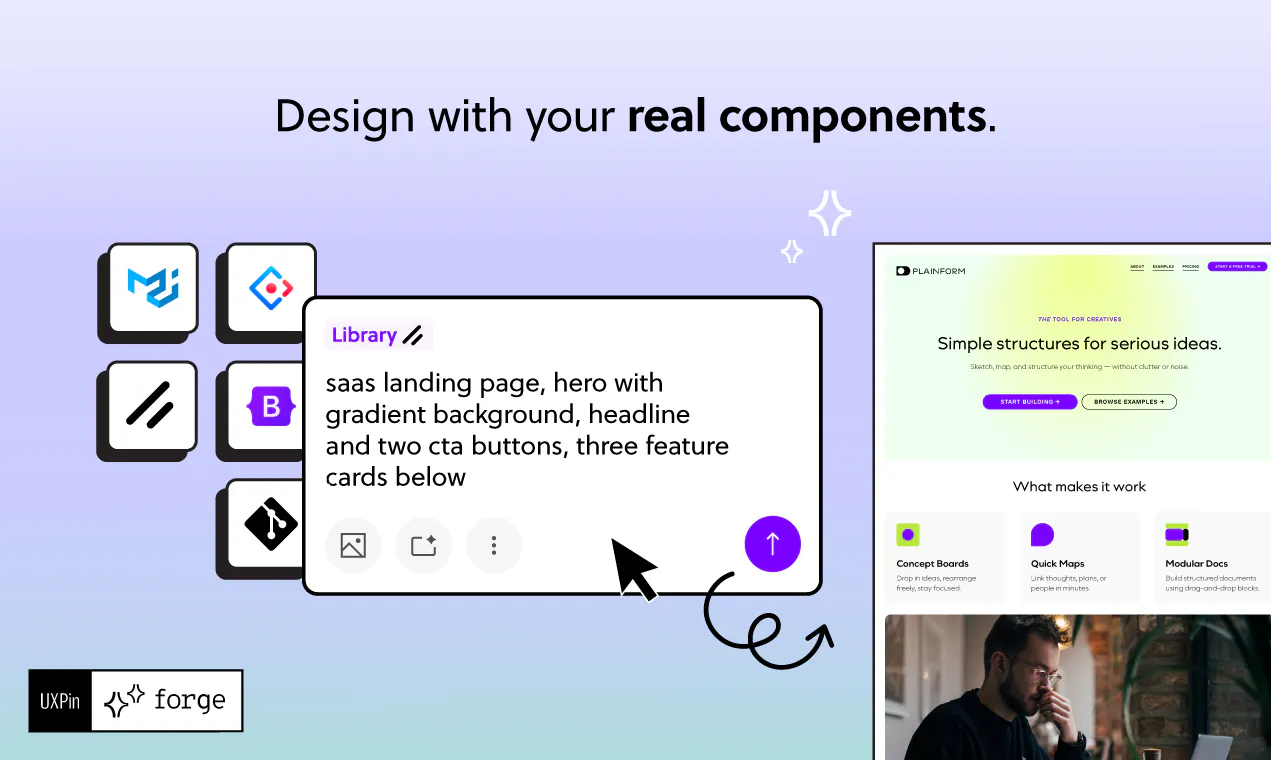
About UXPin Forge
Reviews 15
-
Rocio Cormier 6 months ago
Claude Design also creates a design system and much of the description. How is your product different / better?
-
Paul Kshlerin 6 months ago
Finally something that doesn’t just generate random UI
-
Paul Kshlerin 6 months ago
I’ve tried a bunch of AI UI tools and most of them break when you try to use them for real
-
Enrico Wiza 6 months ago
Is there a free trial? How long do we get to test it?
-
Quincy Medhurst 6 months ago
@nat_lasicaWe tried Claude Design but the output kept drifting from our brand. Does Forge have that problem?
-
Esteban Kilback 6 months ago
How does the URL-to-UI feature work? Can I paste any website?
-
Odell Bode 6 months ago
Interested in how clean the JSX is in practice, anyone got some intel for me?
-
Enrico Wiza 6 months ago
this is awesome team! Congrats on the launch
-
Hobart Glover 6 months ago
Congrats on the launch team, this looks like an unbelieve leap from the component creator.
-
Johnpaul Crona 6 months ago
Can it build out my custom library from the beginning, like before I launch and am making design decisions?
-
Santa Cassin 6 months ago
Hello PH! What makes Forge different is not just that it generates UI. Most AI tools stop at visual approximation, but Forge understands how your UI is supposed to be built. Forge goes further by grounding everything in your design system: It knows your component APIs including props, variants, and states It respects your design guidelines and patterns It operates within your governance model, not outside of it So what you generate is not just close enough. It is structurally aligned with how your team actually builds products and outputs production-ready code that references your real components. One thing I’m personally excited about is the workflow shift. You are not stuck in AI mode or design mode. With Forge, you can: Generate a layout with AI Jump into manual design to refine details Go back to AI to expand or iterate Repeat as needed That loop is where it starts to feel real. Not a one-shot generation, but an actual design process. It also opens up some interesting use cases: Generate layouts from a URL or screenshot Turn rough ideas like wireframes or hand-drawn sketches into high-fidelity UI Rapidly explore variations while staying inside your system constraints And because everything is tied to real components, you can also: Override tokens, create themes or tweak the design language Experiment without breaking system consistency Instead of AI fighting your system, it works with it and produces code you can actually ship! Let us know if you have any questions and what you think and feel free to reach out for a demo. Jack
-
Hobart Glover 6 months ago
Design tools keep getting closer to real product behavior… interesting to see how far that actually goes in practice.
-
Trenton Spencer 6 months ago
Congrats on the launch team, out of curiosity, how is your tool better than Claude Design?
-
Ayden Miller 6 months ago
I love the focus on real behavior instead of just screens. It feels like a step toward closing the design → dev gap. But I'm curious as to how teams are adopting it alongside tools like Figma?
-
Malachi Armstrong 6 months ago
Nice!