

About Velo
Reviews 15
-
Burley Collins 6 months ago
I was wondering about the avatar feature. The one where we have an avatar of our voice and face can that think for itself or is it possible to just put that in a meeting and let it do the work cause that would make everything so much better for introverts like me.
-
Roy Kris 6 months ago
async video has been 'the next thing' for years and it never quite stuck. velo feels different because the focus is on sharing not recording. that framing shift might actually matter
-
Randi Prohaska 7 months ago
I've tried this software. Not impressed at all. Very buggy. You're not able to download and send, or download to your hard drive. Customer service is lackluster.
-
Nils Auer 7 months ago
Biggest bottleneck for building in public isn't making the product — it's making the demo video. If this actually turns a rough screen recording into something I'd post without cringing, it's a no-brainer. How much control do you have over the output — can you adjust pacing, trim sections, or is it fully automatic?
-
Felipe Sanford 7 months ago
Congrats on the launch!
-
Conner Jacobs 7 months ago
@ajaykumar1018 Congratulations. And happy product launch.
-
Marcus Macejkovic 7 months ago
Cool idea. Looking forward to trying it out properly
-
Rupert Emmerich 7 months ago
This is awesome – excited to try it out! Have felt the pain of making demo videos look polished very deeply 😅
-
Korbin Effertz 7 months ago
A very cool service. I will try it for recording a video presentation of my startup.
-
Constantin Leuschke 7 months ago
Congrats on the launch, @ajaykumar1018 and @sourav_sanyal! Tried and loved it, exactly what I have been looking for to make short feature tutorials for my own product.
-
Orrin Batz 7 months ago
tried screen recording tools before but the editing part always killed the workflow. does velo handle zoom/pan automatically or do you have to set that up manually? asking becuase thats the bit that takes forever
-
Gaylord Buckridge 7 months ago
Congrats guys on this launch. I tried Velo through the early access couple of days back and loved it. Got a lot more to explore still.
-
Buck Yundt 7 months ago
Congratulations on the launch!
-
Mortimer Powlowski 7 months ago
Congratulations on the launch!!
-
Joshua Abshire 7 months ago
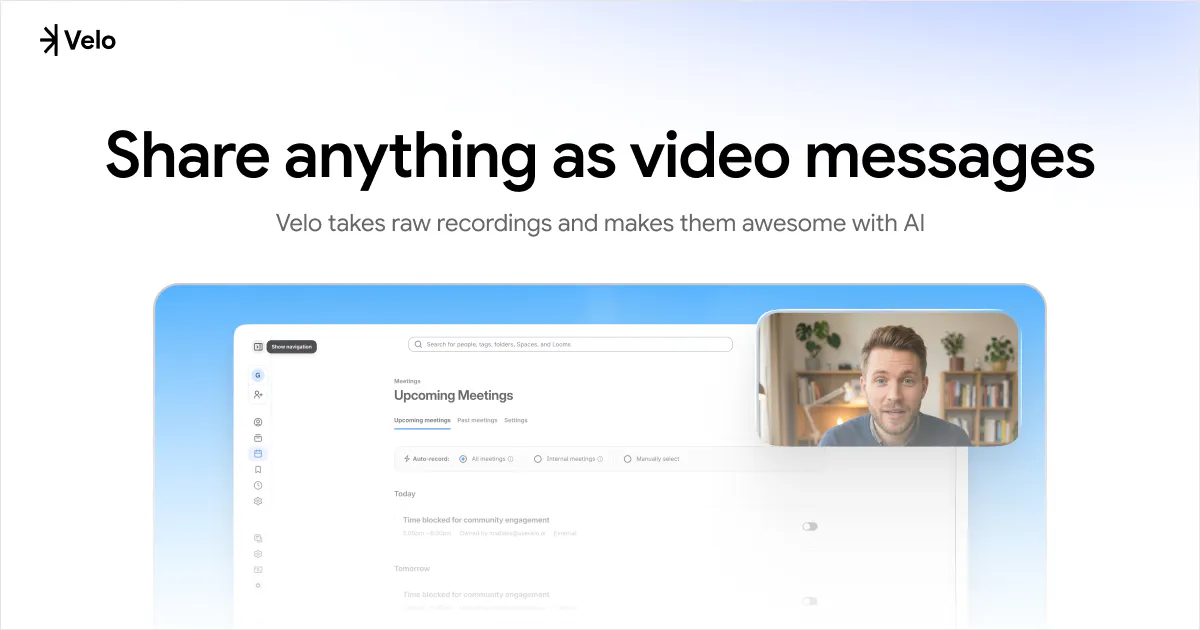
Hey Product Hunt! 👋 I'm Ajay, co-founder and CTO at Velo. Super excited to launch Velo for the first time! I've spent the last year obsessing over a weirdly stubborn problem: why is it still so hard to make a simple video message? You know exactly what you want to show. You can explain it perfectly in conversation. But the moment you try to record it, everything falls apart - the pacing and the words are off, you re-record it four times, and the result still doesn't feel right. We built Velo to close that gap. Velo is an AI-powered tool that turns raw recordings, files, and URLs into video messages worth watching - pitches, tutorials, demos, async updates, courses, anything you need to show someone. Four ways to create a video: Record your screen: Capture any app or browser, naturally. Don't worry about getting the words right. Velo rewrites your script, enhances the voiceover, syncs audio to visuals, and delivers a polished video in minutes. Upload a recording: Have a Zoom call, Loom video, or MP4 sitting in a folder? Upload it. Velo gives it a fresh script, clean audio, and synced visuals. That raw recording becomes something you'd actually want to send. Paste a link: Drop in any live URL and tell the browser agent what to show, in plain language. It understands your intent, records the flow on its own, and produces a finished video. No recording needed. Upload slides or images: Drop in a PDF or PPT. Velo converts them into a narrated video with automated zooms and cursor movements. What Velo handles for you: Script & voiceover: Transcribes your audio, rewrites it into a clean script, and generates an enhanced voiceover synced to your visuals. Adjust the tone, swap lines, or rewrite entirely. AI avatars: Add an avatar that looks and sounds like you, or pick from public avatars. Smart effects: Auto zoom-ins on key moments, plus spotlights, callouts, and cursor highlights. Brand kit: Your colours, logos, intros, and backgrounds applied across every video. Background swap, music, and intro cards: Set the tone and look without extra tools. Share instantly: Generate a link or download the final file. Who is Velo for? Founders recording demos. Teams sharing async updates. Creators building courses. Support teams writing walkthroughs. Anyone who has something to show but doesn't want video production to be the bottleneck. If you've got something to show, just Velo it. 🎁 For the PH community: Try Velo for free today, and if it clicks, get 20% off your first month on Pro or Ultra. We built this because we believe the showing part shouldn't be the hard part. We'd love for you to try it and tell us what you think. What's the first video you'd make? 💙