

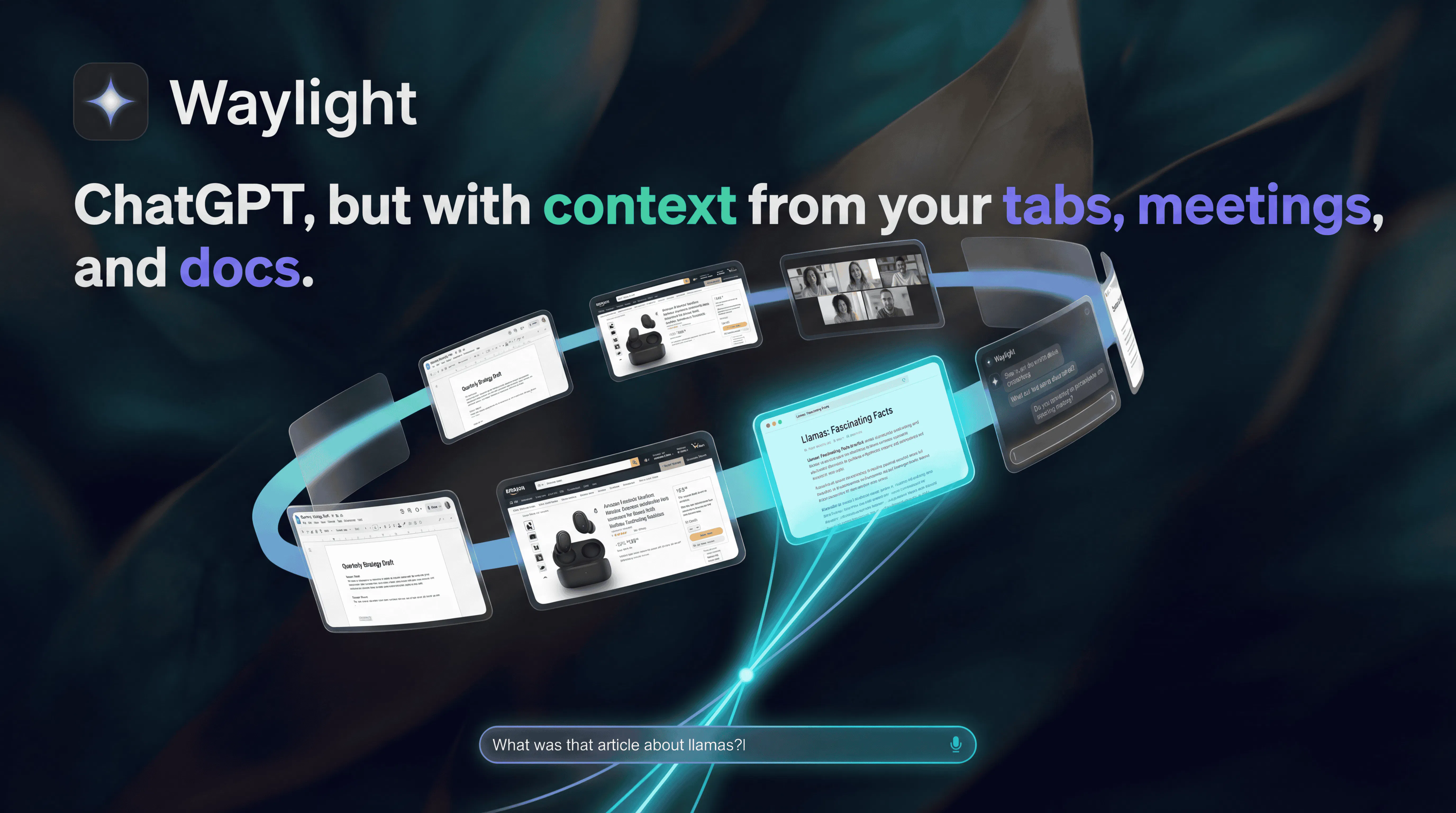
About Waylight for macOS
Reviews 12
-
Neal Jacobson 9 months ago
I get that it's a new piece of software, with a very, very compelling sell point, but it just doesn't do what it says "on the tin." Like @Anders Eilertsen, I used Waylight for a while, but I found that its helper was constantly causing my OS to crash, sometimes in the middle of important webinars or Zoom calls. When I tried out some of the tools, it seemed like it got some semblance of what I did, but very vaguely; I got more activity from apps like Timing or even macOS's built-in Screen Time. The Local Model OS was very rudimentary compared to the cloud model, but I can't speak to the accuracy or quality of the Cloud Model with its limited responses for something in beta—and no way to add existing API keys for Claude or ChatGPT—so what exactly is running behind the scenes, then? I look forward to something like this in the future, but it needs to be far more stable, transparent, and capable of understanding what it is looking at, not just "assuming" based on one or two cues (for example, not all Chromium browsers are Chrome).
-
Dorcas Parker 10 months ago
Great idea! Can you control apps by voice? That would be a really cool feature.
-
Ulises Ankunding 10 months ago
The context from tabs/meetings/docs is exactly what we need for better AI responses. How do you handle the privacy aspect of pulling in all that context?
-
Adam Zemlak 10 months ago
“Waylight is an AI assistant that understands everything you do on your computer — your meetings, documents, tabs, and messages. It builds a private, on-device memory of your activity so you can ask questions about anything you’ve seen and get instant, accurate answers.” I would paraphrase this as saying I have not been using Waylight for more than approximately 12 hours. I think that's enough to give feedback on the features and the premise put forward by Waylight and its founders. Which I find to be highly inaccurate. I wouldn’t say it understands everything I do on the MacBook. Rather, the opposite. It misunderstands a lot. It makes a lot of assumptions. It makes a lot of false claims about what I’ve been doing, but it presents them in a way that sounds like it knows what I’ve been doing with high confidence, which feels very weird. I’m not sure if it’s hallucinating, but it’s suggesting certain websites I supposedly have visited, which I have never accessed. I can verify this by reviewing the logs. When I simply ask it to summarize what I’ve been working on today and avoid focusing on websites in Chrome, because it, for some reason, has a very high focus on them, it first of all doesn’t listen. It will use Chrome as the source of truth, which I don’t understand why it would. It's claiming that I have created a new application with a name that is a title on our website, which I just visited. It is also claiming that I have been using YouTube actively. Yes, I visited YouTube, scrolled down, and didn't watch any videos, but it says that I've been promoting access to my YouTube builds via a membership offering a 30-day money-back guarantee and providing free resources. I have no idea what sources were used to synthesize this information, because it’s entirely incorrect. My experience with Waylight has been disappointing. The app’s features—such as the daily journal, to-do list, and chat—are unpredictable and unreliable. None of the information provided is accurate, not even to a small extent. I find no useful data in this app, as it is only about 5% correct, with the rest being false or misleading. That’s the truth. The harsh truth.
-
Mortimer Powlowski 10 months ago
Wow, Waylight looks amazing! The on-device memory is a game-changer for privacy. How does it handle sensitive info like banking details to ensure theyre not accidentally included in the memory?
-
Eino Klein 10 months ago
When someone compares Waylight to “record-everything” memory tools or meeting-note apps, what are the 2–3 concrete differences you’d bet on (e.g., coverage, accuracy, privacy model, daily outputs)—and which user should *not* switch to Waylight?
-
Murray Kuhlman 10 months ago
Pricing should not be hidden.
-
Blaze Koepp 10 months ago
Do yall have a repo?
-
Jarrell Homenick 10 months ago
This looks like a great idea - like what Microsoft aimed to do with their Recall feature but in a privacy-conscious way. Are you planning to open source the code so it can be properly vetted for security? What local AI models are you using?
-
Mortimer Powlowski 10 months ago
Why would you hide the pricing until after you've downloaded the app?
-
Rylan Hyatt 10 months ago
@laithrw Congrats on the launch! Is it safe?
-
Roberto Smith 10 months ago
Congrats on the launch! Love the private, on-device memory for real context.