

Willow for Developers
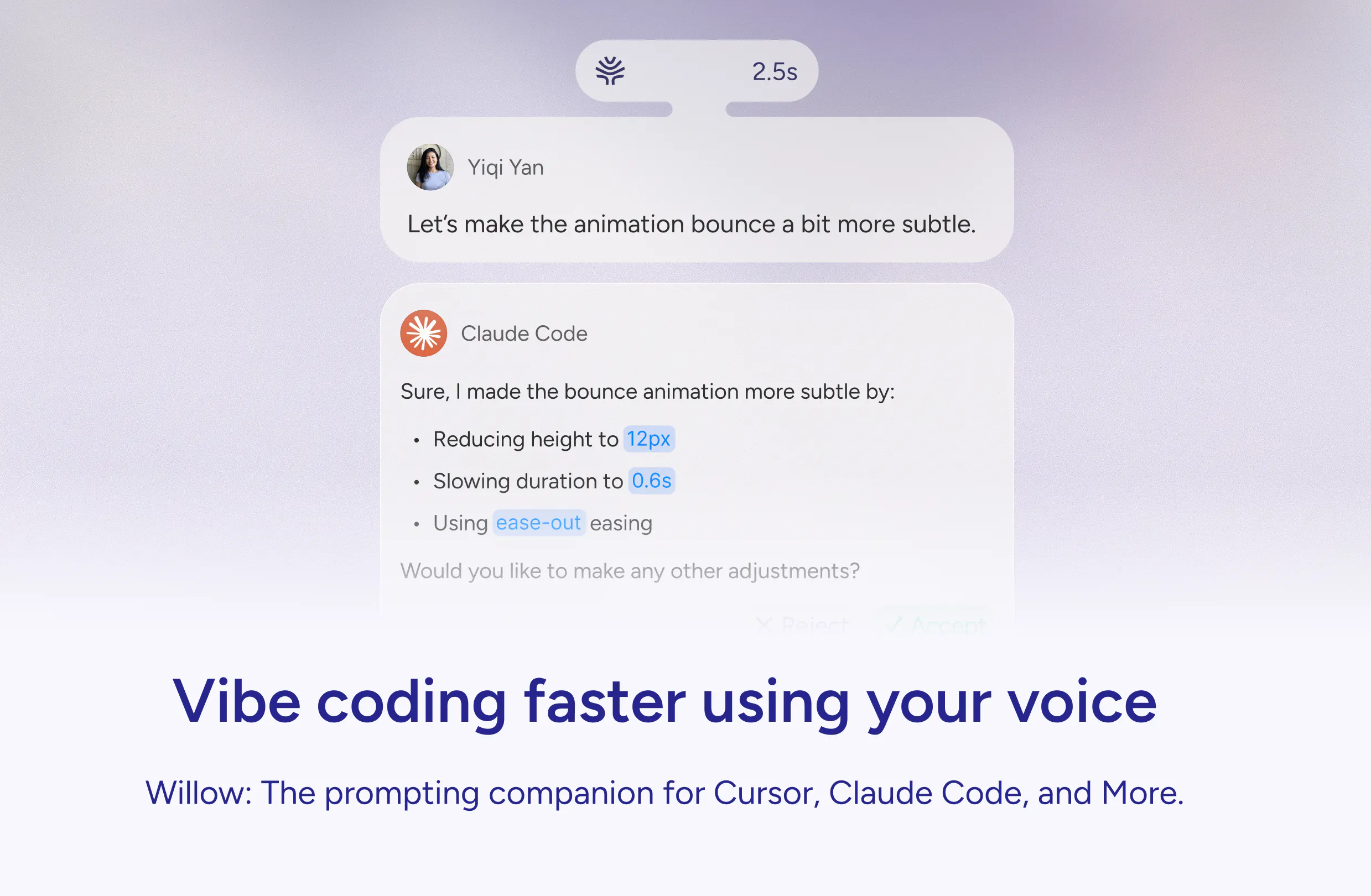
Dictation for Cursor & AI IDEs, the fastest way to vibe code
About Willow for Developers
Reviews 6
-
Franz Bauch 9 months ago
Congratulations on the new launch! In our startup, we use ChatGPT’s voice model, but ours is a travel AI, so there are no special terms)
-
Charley Swift 9 months ago
Honestly, typing huge prompts is exhausting. Being able to just talk and have it understand your files and code feels like a much more natural way to work.
-
Neal Jacobson 9 months ago
The developer-focused features look promising. I use Claude Code in a terminal environment rather than a GUI-based IDE. Does Willow work with terminal-based coding workflows, or is the file/variable recognition specifically optimized for visual IDEs like Cursor?
-
Chaim Schuppe 9 months ago
When a developer compares Willow to built-in OS dictation or tools like Superwhisper/Wispr Flow, what’s the single “switching moment” you see most often—and what’s the one thing those alternatives still do better today?
-
Santa Cassin 9 months ago
The file auto-tagging is the killer feature here. Having to manually type @filename in Cursor prompts always felt like unnecessary friction — if Willow can recognize my project context and handle that automatically, that's a legit workflow upgrade.
-
Hobart Glover 9 months ago
If it truly reduces correction cycles, that’s where the value is. Speed gains only matter if accuracy stays high.