

About Willow Knowledge
Reviews 7
-
Dorcas Parker 1 month ago
A friction-removal product with a friction-maximal front door I had to fight to find the download, then fight through 10+ onboarding screens before I could touch the actual product. For a dictation tool. Let that sink in. The fight to find it: no pricing anywhere on the site, a "Download for Free" button that redirects to this Product Hunt page instead of downloading, and an email-gated download that stalled — I ended up on a third-party mirror. The fight to try it: screen after screen of onboarding theater, ending at "2 ways to use Willow" where the Dictation card is dead on click. The only way through was the Scribe path. Of course — Scribe is the metered feature (20 uses/week on free) and dictation is the unlimited one. The working button is the one that rations you. I dictate all day and came here rooting for a native Windows alternative to Wispr Flow's wheezing Electron build. I never got to judge the transcription, because the company wouldn't let me reach it. A friction-removal product with a friction-maximal front door. I'll try again when the door opens.
-
Joany Hansen 1 month ago
banger launch 🫡
-
Daren Bruen 1 month ago
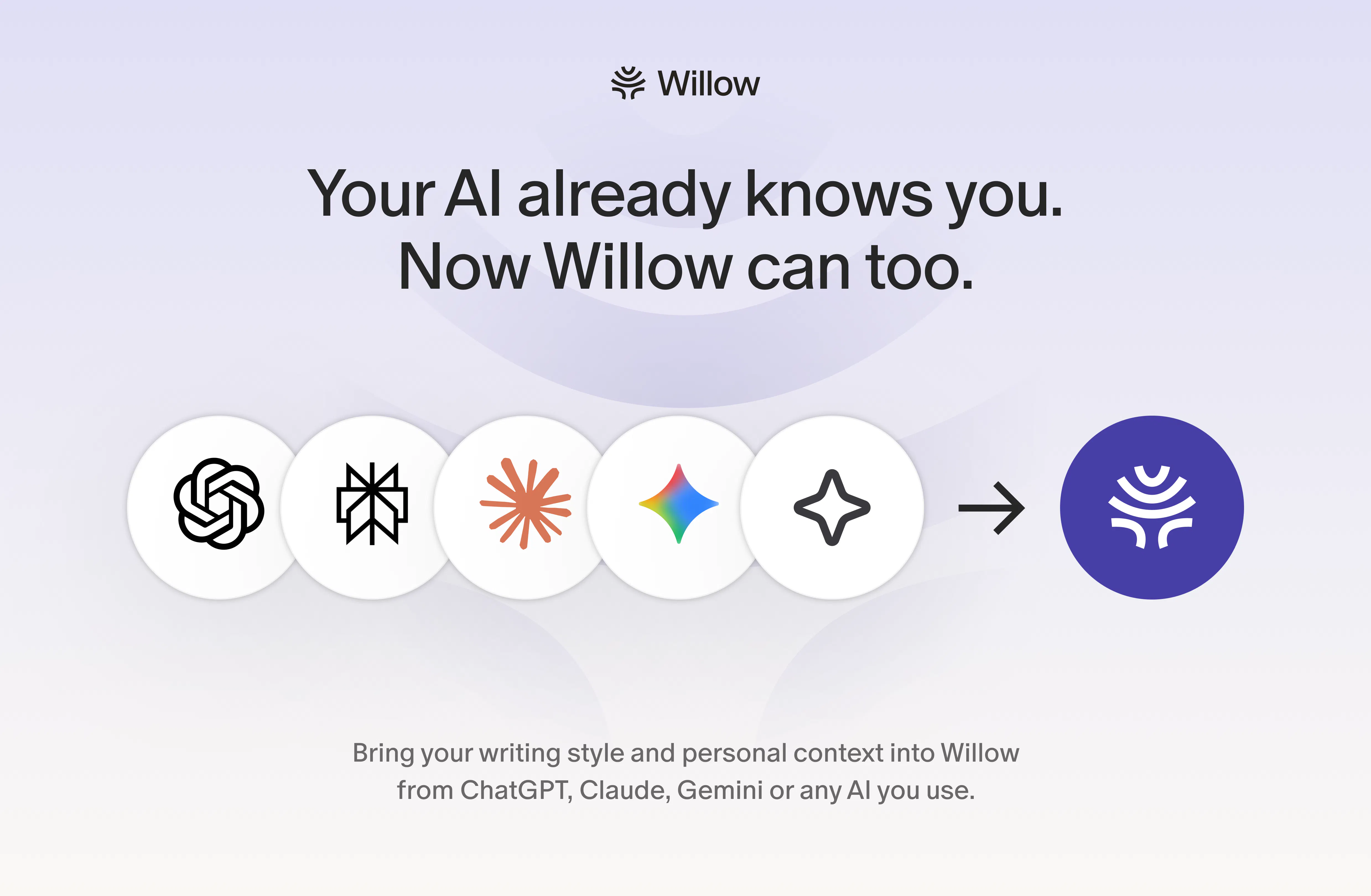
bringing writing style in from ChatGPT/Claude/Gemini is a smart move, that's context people already built up instead of starting from zero. one thing I'm curious about: I write differently in a Slack message than in a client email, does Willow pick up on that and adjust per context, or does it blend everything into one averaged "you" voice? that distinction mattered a lot when we built something similar for customer-facing text at Dial, a single blended voice ended up sounding a bit off in the more formal contexts
-
Eino Klein 1 month ago
I really like the separate preferences per platform. Because the way I want to write in Slack is different than in email, which is different than in WhatsApp. One thing I'm finding frustrating with other AI tools is that it's not easy to switch between work and personal accounts, where I want to maintain separate context. Curious if you all are thinking about that. Some longstanding tools, like Linear and Superhuman, handle this well.
-
Sedrick Hirthe 1 month ago
Hi all, congrats on the launch! This is my first time learning about Willow. It sounds like your launch today is a plug-in or new feature to Willow called Willow Knowledge, where you can "export" (or copy & paste) your preferences from your everyday AI agent into Willow. Could I think of Willow Knowledge as agent skills for Willow?
-
Jaylon Deckow 1 month ago
I’ve actually used Willow Scribe before and one issue I noticed was that sometimes the context I had in mind was different from what it picked up So Willow Knowledge feels like a really useful upgrade Curious how it handles personal context across different AI tools Really excited to try this one and congrats on the launch!
-
Johnpaul Crona 1 month ago
We’re launching Knowledge Base for Willow! One of the biggest challenges with AI writing assistants is that they can write well, but they don’t always write like you. Over time, Knowledge Base helps Willow understand your writing style, preferences, and the facts and context that matter to you. This is especially useful with Scribe, our AI writing assistant. You can tell Scribe what you want to say, and it can use that context to write something that sounds much more like you without needing as much editing. Give it a try and let us know what you think. We’d love the feedback 🙌