

About Willow Scribe
Reviews 10
-
Blaze Koepp 5 months ago
Such a huge time-saver when trying to give personalized feedback to over 80 university students. It would have taken days if i had to type it all out.
-
Murray Kuhlman 5 months ago
I've tried so many softwares for dictation but this is the best one I’ve ever used.
-
Charley Swift 5 months ago
The "removes filler words" line is the actual unlock here — most dictation tools dump a raw transcript that still takes 30 seconds to clean up, which defeats the whole point. Quick question: can I toggle the cleanup off for casual Slack messages where I want my real voice? Sometimes "um, actually" is the message.
-
Fidel Davis 5 months ago
The highlight-anything-and-rewrite-in-place feature is the one I'd use most, and also the one I'd poke at first — does that work through the macOS accessibility layer in any text field, or only inside the named apps (email, Slack, iMessage, Docs)? The "in place" part is what separates this from copy-pasting into a chatbot, so how far the surface actually reaches matters.
-
Lamont Strosin 5 months ago
I’ve been a heavy user of Claude and GPT for a long time, especially for writing emails and posts. They’ve been a core part of my workflow. Recently, I started using Willow Scribe (Ive used regular Willow dictation for about a year), and I absolutely love it. I’m using it to draft emails, create LinkedIn posts, refine prompts, and even support a white paper I’m currently writing. It feels much more natural and fluid, especially compared to traditional dictation tools that capture every false start and half-formed thought. Willow has genuinely improved how I think and write in real time. I couldn’t recommend it more.
-
Gaylord Buckridge 5 months ago
Congrats on the launch!
-
Rylan Cremin 5 months ago
Great work on this launch! Running inside the apps people already use instead of asking them to change their workflow is exactly the right call
-
Joaquin Wisozk 5 months ago
The interesting bit here is the gap between “how I talk while thinking” and “how I want the final message to read.” A lot of voice tools preserve the first too literally, which makes the output fast but still not quite sendable. I’d be curious how Willow separates transient spoken scaffolding — false starts, caveats, messy ordering — from durable voice traits like sentence rhythm, level of warmth, and how direct someone tends to be. That feels especially important inside Slack/email, where the same person may want a very different register depending on recipient and risk.
-
Haleigh Bartoletti 5 months ago
honest question after 6 launches: what's the retention curve actually look like for scribe specifically versus the base dictation product. dictation has obvious daily utility because it replaces typing. scribe feels more like something people try for a week and then forget exists unless it's deeply in the habit loop. how are you solving for that
-
Jackson Fisher 5 months ago
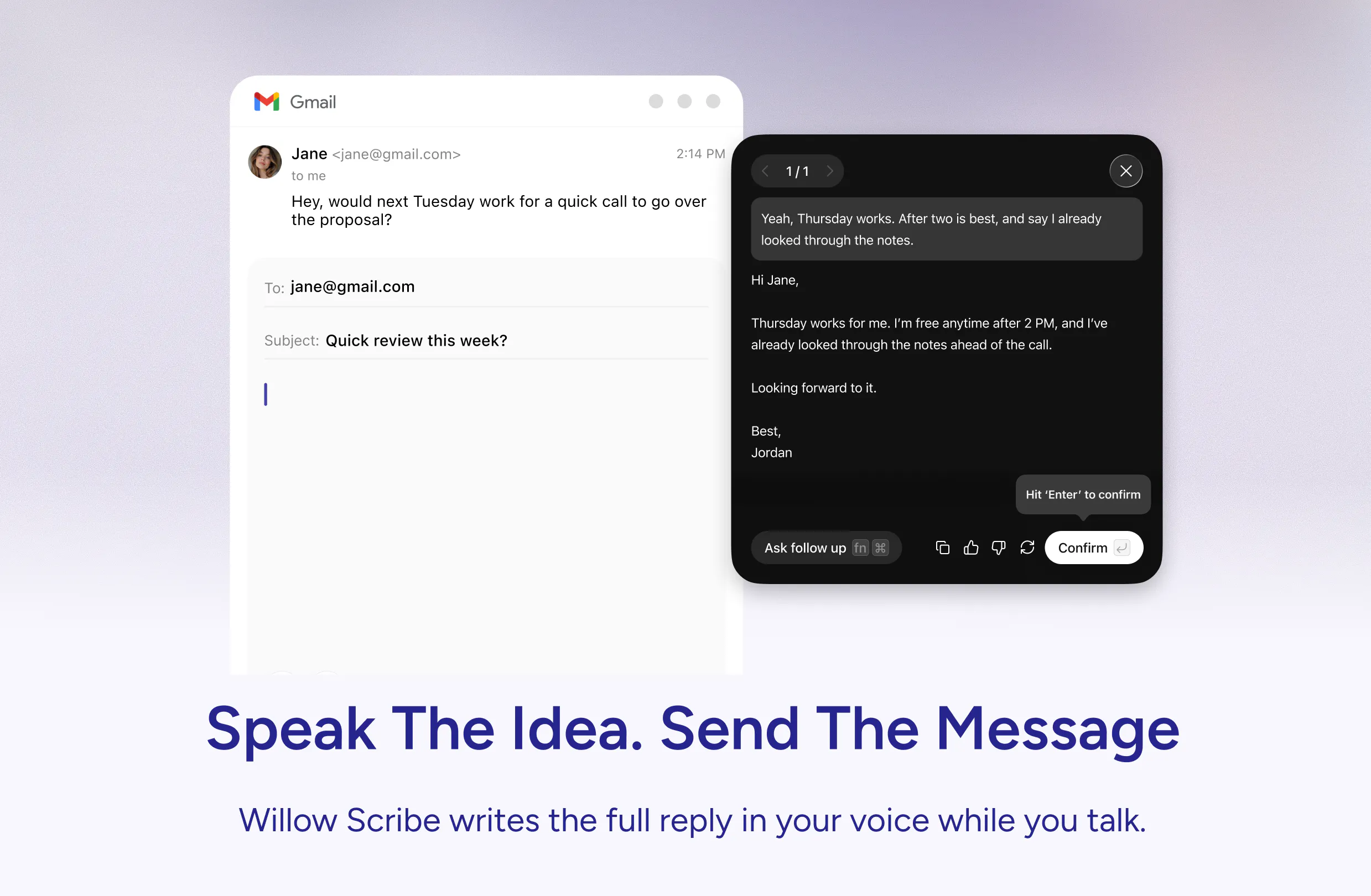
The biggest issue for me has always been that I don’t speak in perfectly structured sentences, especially when writing emails, messages, or prompts. So the idea of turning a rough spoken thought into a clean message in your own voice feels much more useful than traditional dictation. The context-aware replies are especially interesting. If it can understand the thread and draft something that actually fits the situation, that could save a lot of time. A few questions: how much does Willow learn from someone’s writing style over time, and can users control or reset that personalization? Also, how does pricing work after the Product Hunt discount? Really curious to see where this goes. Good luck with the launch!