

About AI Sandboxes by Buddy
Reviews 11
-
Curt Nienow 1 month ago
Why should I use a sandbox instead of running an agent locally?
-
Derick Koelpin 1 month ago
How is this different from running an agent in a Docker container?
-
Curt Nienow 1 month ago
Which coding agents do you support?
-
Johnpaul Crona 1 month ago
This is very cool! Which regions do you guys support?
-
Jaiden Runolfsson 1 month ago
I’ve seen a bunch of “sandboxes for agents” on PH lately but the persistency is what makes this one interesting. Will try it out!
-
Wiley Lubowitz 1 month ago
I like that it’s a full machine and not just another short lived container we've seen a bunch of recently. How fast they spin up in practise?
-
Hobart Glover 1 month ago
Can we use Buddy Sandboxes as a standalone tool e.g. spinning them up directly from GitHub Actions or do we need to migrate our whole CI/CD pipeline to Buddy?
-
Demetrius Gulgowski 1 month ago
Had a chance to try sandboxes and must say that they are super-fast. Ready in like few seconds, with all those preinstalled tools must be a masterclass in caching or sth. EC2 instances launching can't even compare.
-
Curt Nienow 1 month ago
What's the cost?
-
Rocio Cormier 1 month ago
Pawel's point about snapshotting dependencies and warmed caches makes a lot of sense. Rebuilding the same environment for every agent task would eat into the time you're trying to save.
-
Scotty Feest 1 month ago
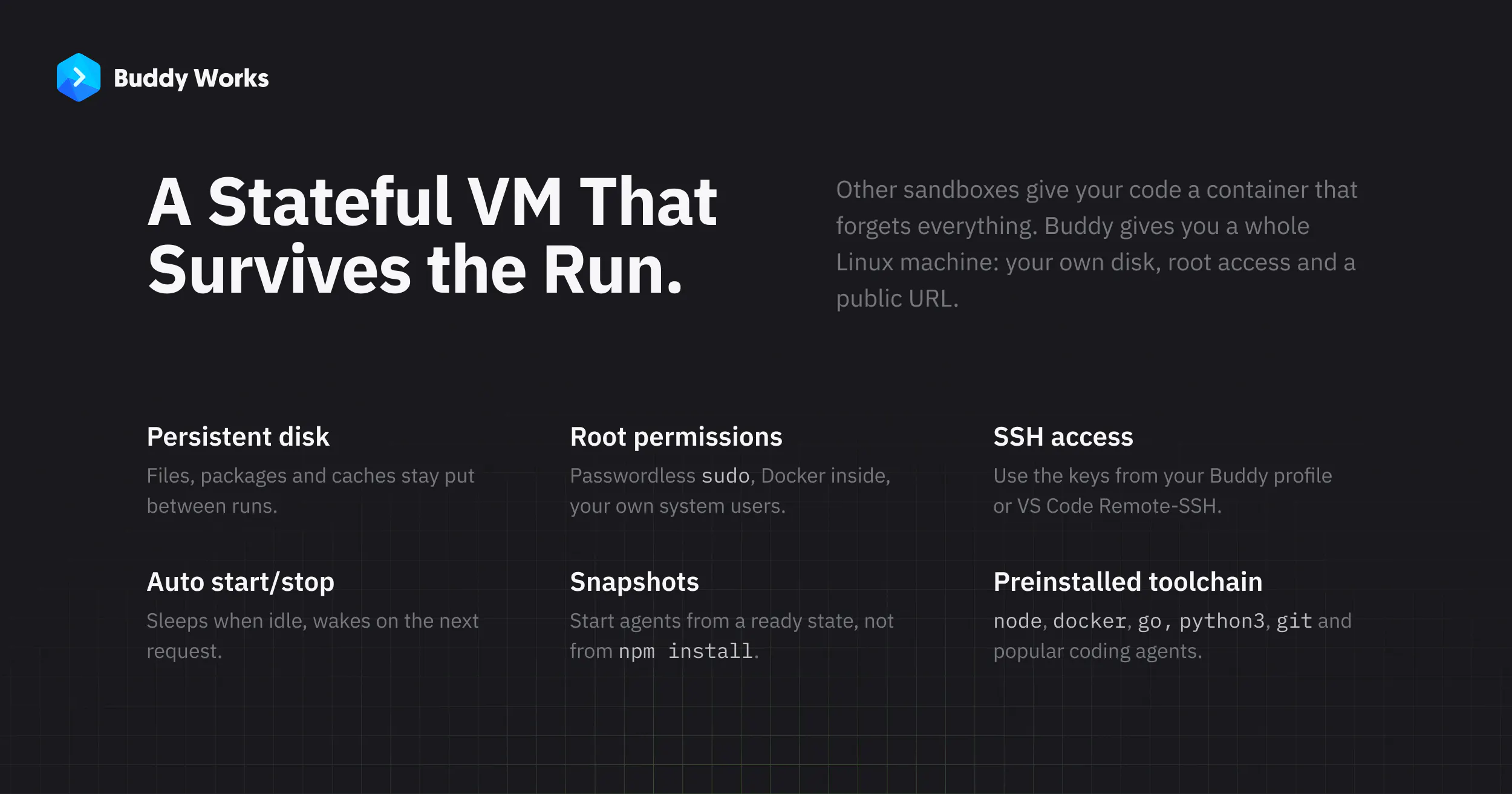
Hey PH, I work on Sandboxes. Some details from the engineering side: You can set up a Sandbox in the UI, or write the config in YAML and keep it in your repo like any other IaC. Setup commands, apps, env, all in one file. If a Sandbox gets messy, recreate it and it runs the setup again from zero Snapshots are probably my favorite part. Install deps, seed the DB, warm the caches once, snapshot it, and start new Sandboxes from there. The agent doesn’t spend the first 5 minutes of every task watching npm install Long-running stuff (dev server, worker, DB) runs as an app with its own status and logs, separate from one-off commands. So the agent can actually check if the server is up, not just hope it is Same goes for debugging. Logs, command output and status are all available through CLI and MCP. Give your agent access and it can run the app, read the error, fix it, and run again without you copy-pasting stack traces into the chat Once an app is running you get a URL right away. Send it to teammates who have access to the Sandbox and they can check the result without pulling the branch or setting anything up locally Plus the usual: SSH, root, Docker, and an SDK/API if you want to build your own tooling on top. If you have questions about how it works, ask here, I'll be around all day.