

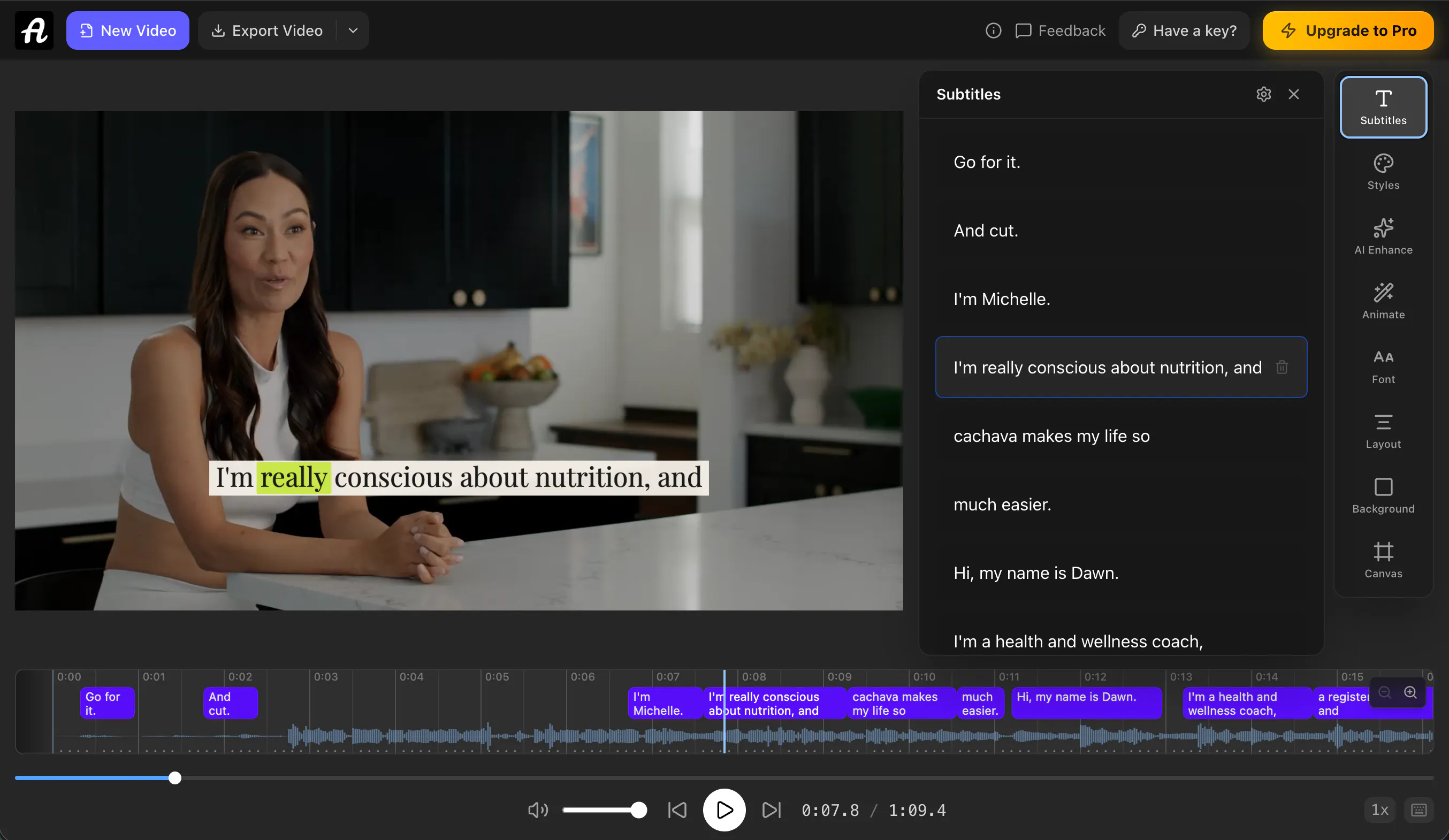
About AutoSubtitles 2.0
Reviews 5
-
Joshua Abshire 6 months ago
Congrats on the launch! Super clean concept! Subtitles are practically mandatory for short-form content now, so automation like this is incredibly useful. How does the AI handle audio with heavy background noise or multiple speakers overlapping?
-
Ruben McClure 6 months ago
The animated captions and viral preset styles are such a time saver — usually you'd spend hours getting this right in Premiere or CapCut. Really like that it's all browser based so there's no software to download. Would love to see it handle auto-placement too so captions don't cover faces or subtitles.
-
Fidel Davis 6 months ago
Portrait captions — do any presets keep text above the TikTok bottom UI, or is it manual every time?
-
Marcelo Prohaska 6 months ago
Are we able to also edit the videos from it's transcript like @Descript or this product specialises in subtitles and captioning only?
-
Tyrique Lind 6 months ago
First of all congratulations to the Autosubtitles team. I just went through your landing page and the feature breakdown looks incredibly clean. I noticed in your FAQ that the video processing stays entirely local on the device and only the audio track goes to the server for transcription. Like this fantastic approach to keep data private. A question came to my mind about the export process. Do you handle the local video burning directly in the browser using WebAssembly or FFmpeg.wasm.... or does the browser canvas handle the video stitching during export? And definitely dropping an upvote for this. Wishing you the best on the launch today, @davidee.